








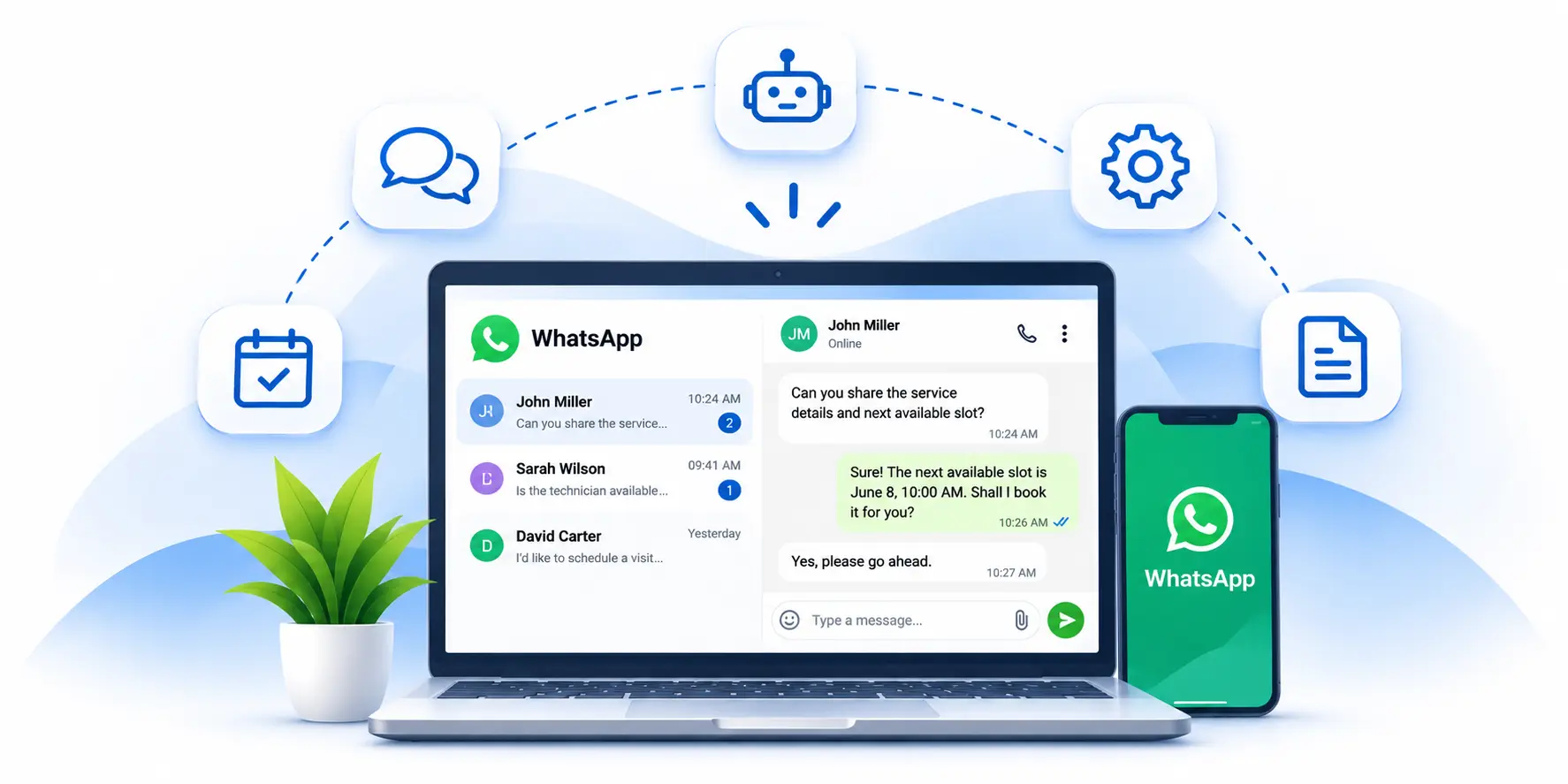
WhatsApp – Chat with Customers
From customer engagement to automation, integrate WhatsApp in your business flows and talk to customers where they already are.
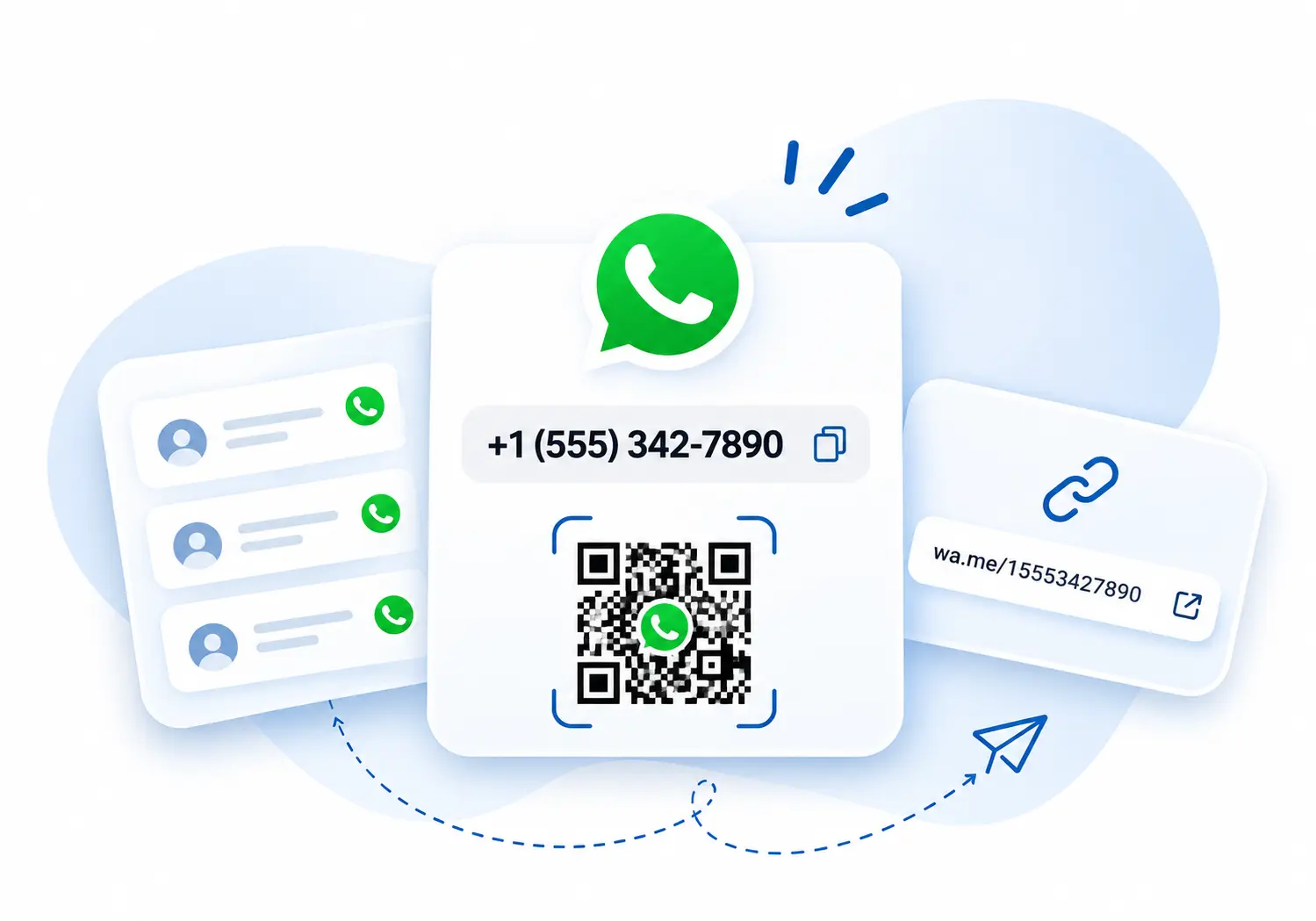
Publish your number for customer chats
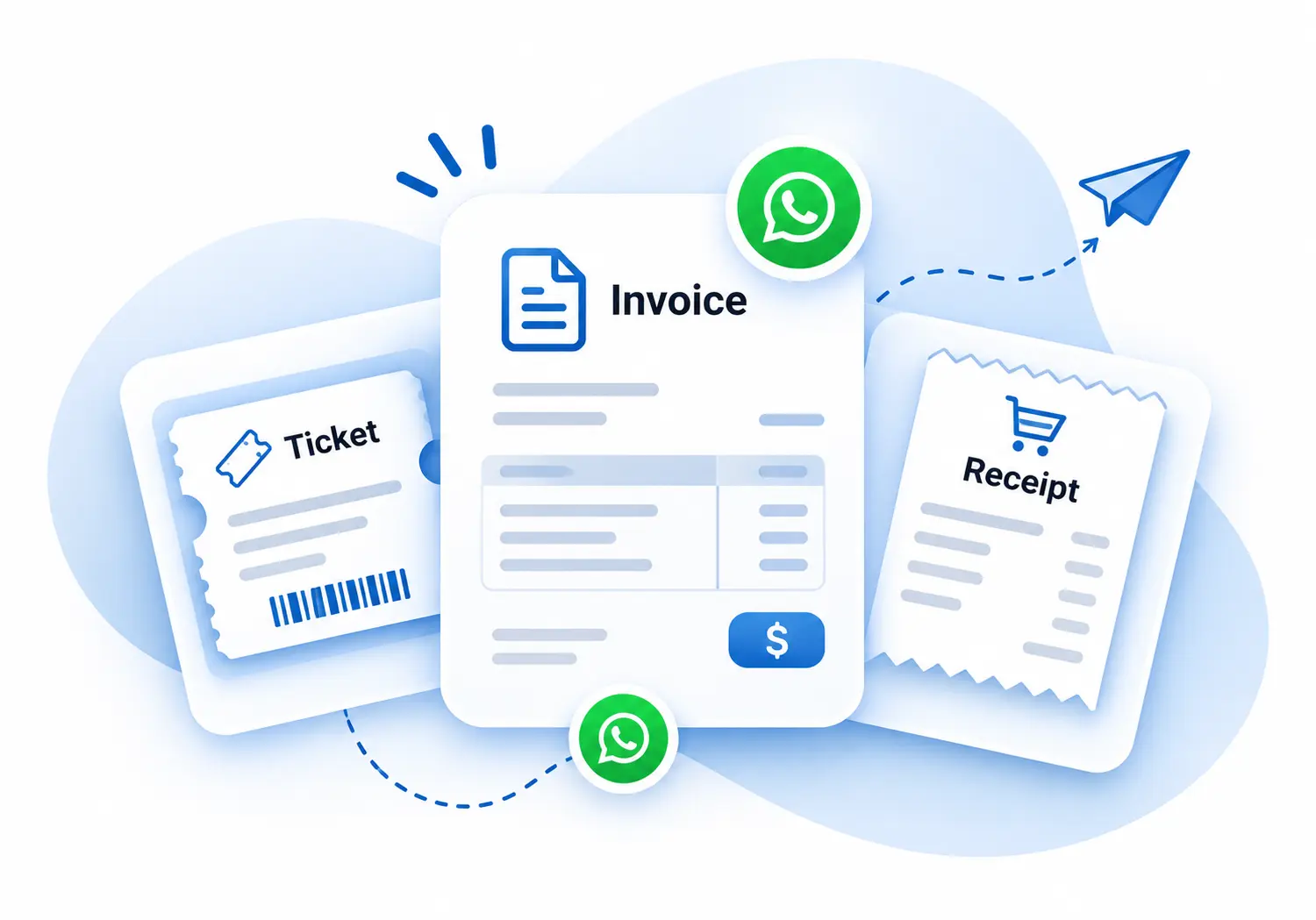
Send invoices, tickets and receipts
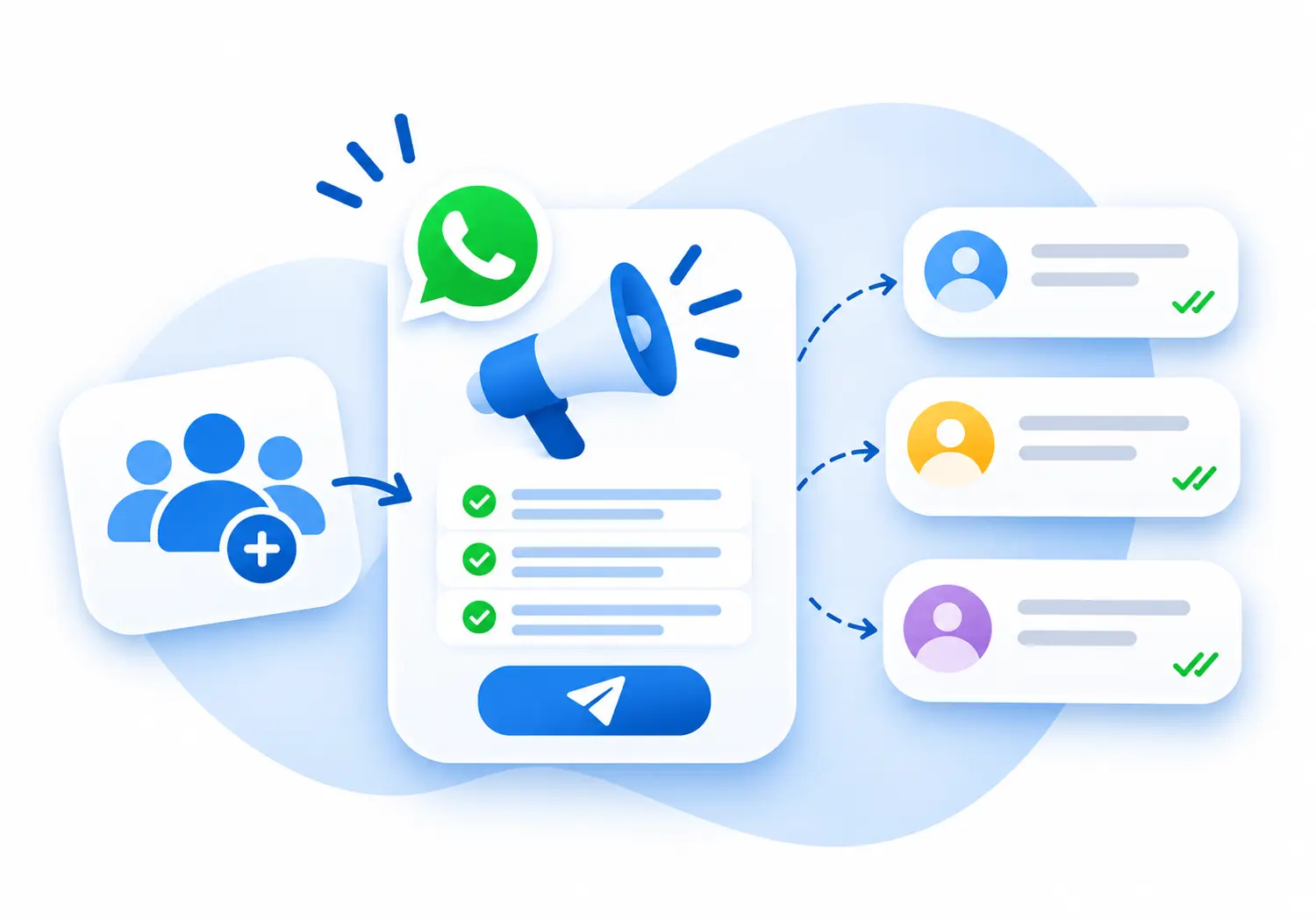
Message many customers in a few clicks
Coming soon · AI Assistant
Reach customers where they already chat.
Tell the Assistant who to message and what to say. It drafts the message from your approved templates, and files replies on the customer’s record.
Just ask. Tap one to try it:
Your call. It only messages people who opted in, and every message waits for your approval.
AI Assistant
MessagingFrom one request to a message sent
1
Say itType who to message and what about, the way you’d say it to a colleague.
2
See itThe Assistant drafts it from your approved templates, before anything is sent.
3
Approve itOne click and it’s sent. Replies are filed on the customer’s record.
The Assistant works as you, with your permissions. It only messages customers who opted in, and never sends a message without your approval.
WhatsApp, Built into Your Business Flows
One conversation, many business flows
Customers already use WhatsApp every day. Bring those conversations into your business apps, so your team can reply, send documents and follow up from one place.
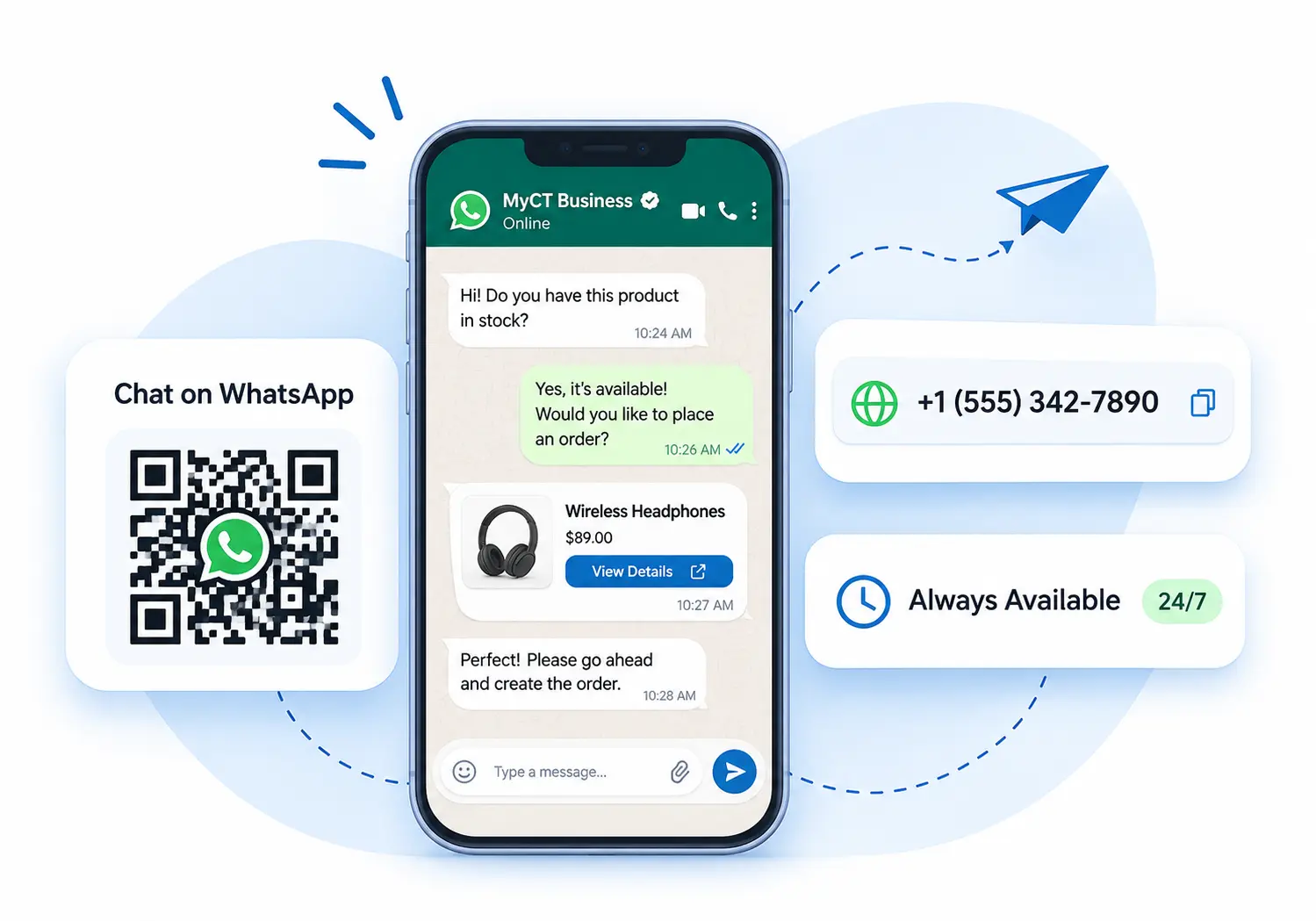
Publish your WhatsApp number
Boost customer-initiated conversations
Always available to your customers
Don’t take the risk of forwarding customers to a phone number that isn’t available at any time, or of engaging in a one-shot conversation only.
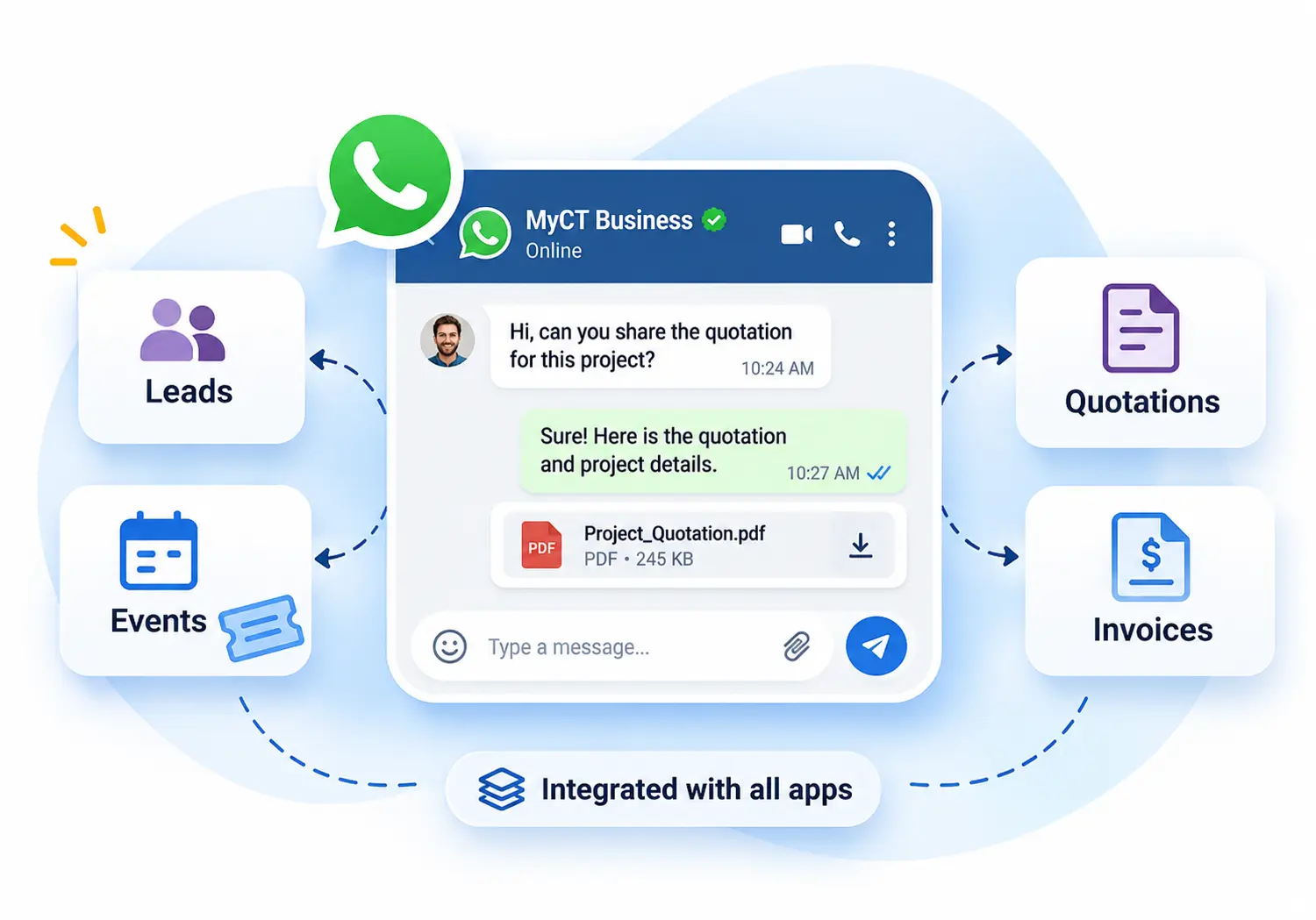
Fully integrated with all apps
Turn conversations into business
- Convert conversations into leads
- Send PDF quotations
- Send event badges and reminders
- Send invoices
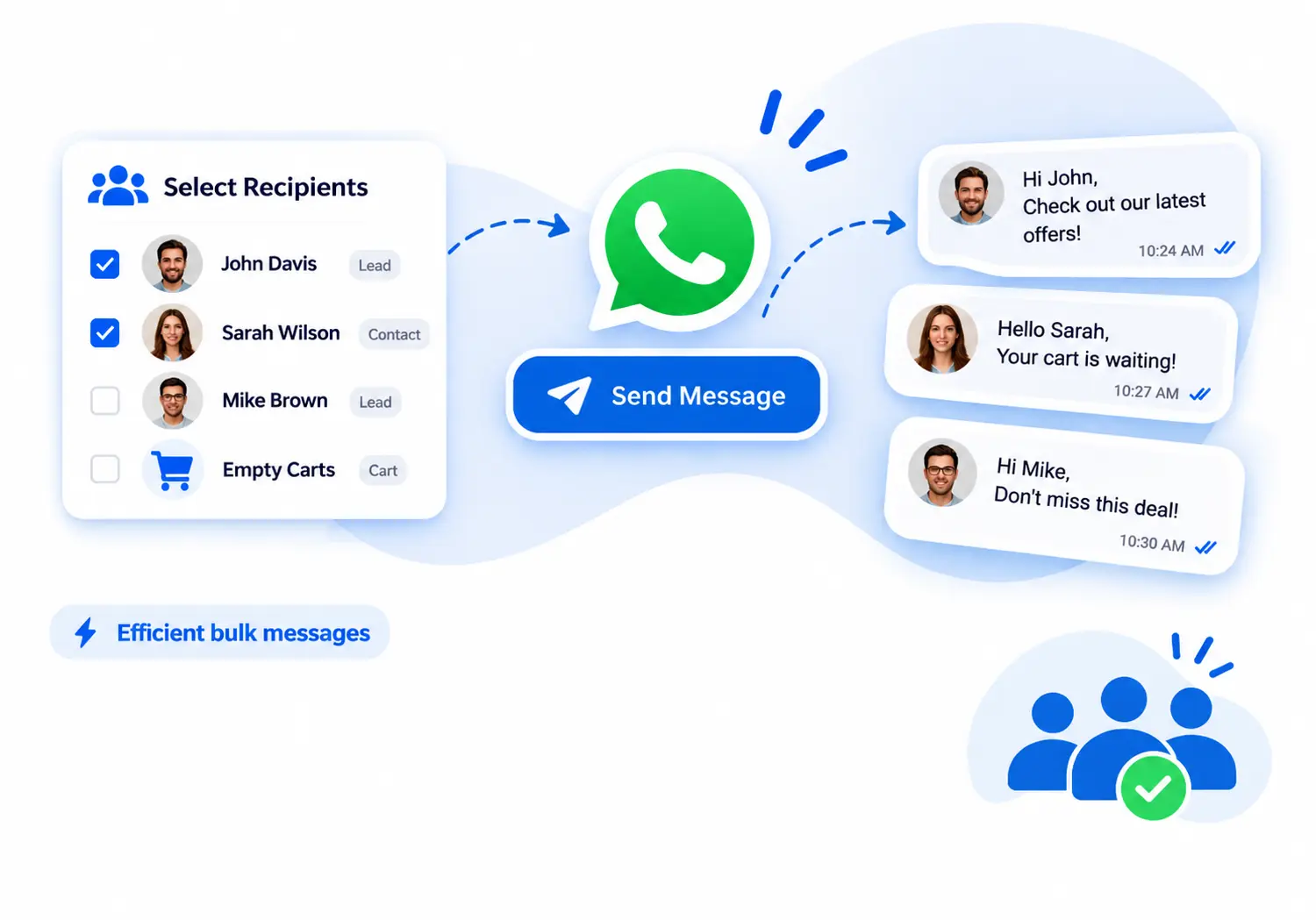
Efficient bulk messages
Reach many customers in a few clicks
Leads, contacts and empty carts
Select leads, contacts or empty carts and send your WhatsApp messages in just a few clicks. Complete business transactions all via a WhatsApp message.
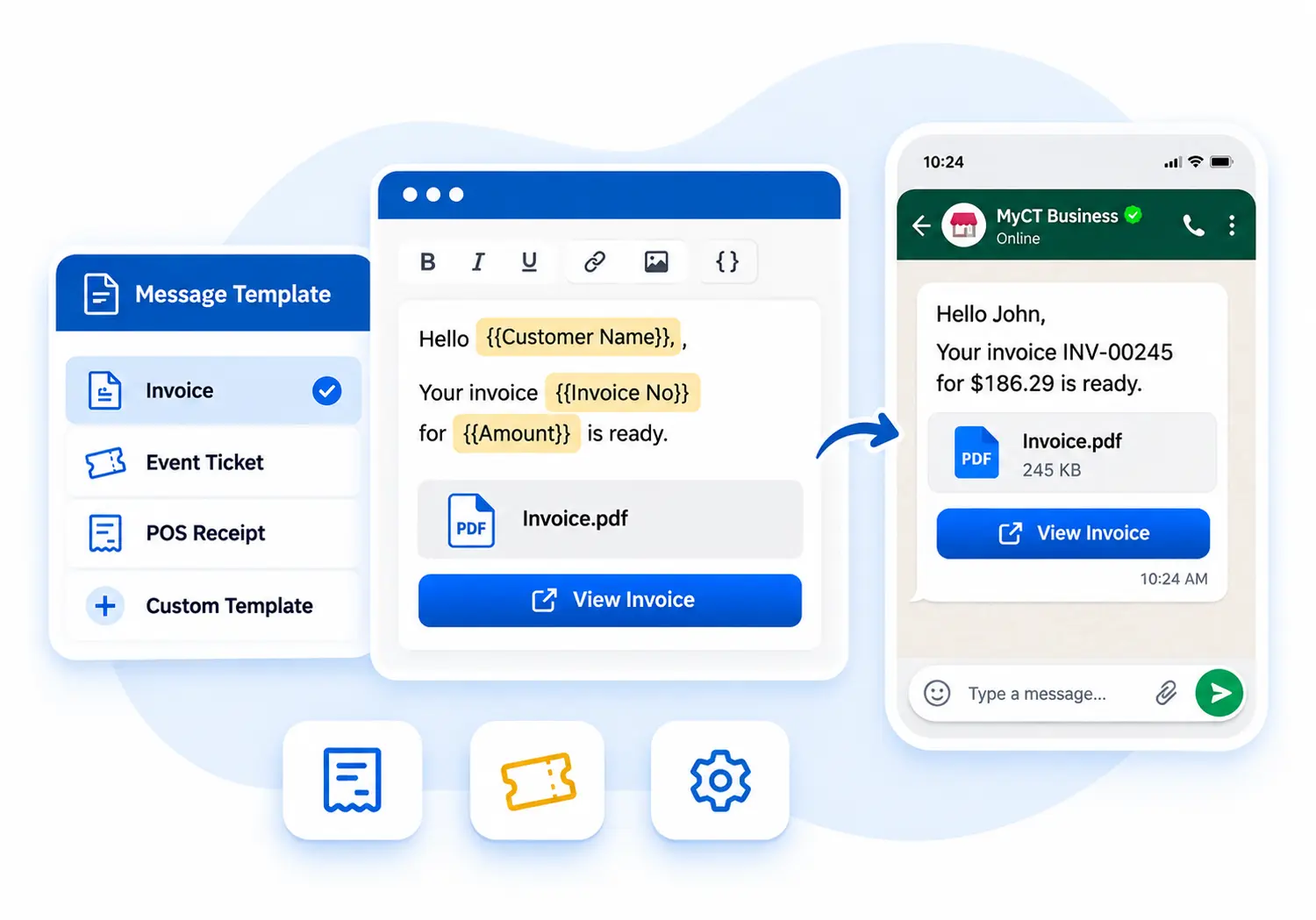
Templates, templates, templates
Use ready-made or custom templates
- Use pre-configured templates for invoices, event tickets and POS receipts
- Make your own custom templates
- Add buttons and dynamic placeholders to insert unique data
Unified Multi-Channel Communication
Just chat in Discuss, and messages are sent to the right channel automatically. WhatsApp works side by side with:
Alongside your WhatsApp chats
SMS
Text messages in the same place
Chats
Live conversations with customers
Conferences
Video calls from the same thread
Works Side by Side with Your Apps
Messages live on the business documents your team already uses.
Send from your apps
- Sales: send invoices to customers instantly
- Events: send event tickets and reminders
- Point of Sale: send receipts right to customers
- Manufacturing: send shipping notifications
Manage in one place
- Discuss: access conversations quick and easy
- Send and receive messages from your database
- Use WhatsApp from any app, one click away
- Keep conversations on quotations, invoices and events
Highlights of Our WhatsApp App
Everything you need to talk to customers, built into one platform.
Published number
Boost customer-initiated conversations.
Bulk messages
Message leads, contacts or empty carts in a few clicks.
Templates
Use pre-configured or custom templates.
Dynamic placeholders
Insert unique data into each message.
One click away
Use WhatsApp from any app in your database.
Integrated communication
Works with Discuss and the message widget.
Simple set-up
Clear steps for API integration with Meta.
Messages in one place
Send and receive from your own database.
Built for Every Kind of Team
Start with the conversations you already have, then change anything.
Sales Teams
Send quotations and invoices
Event Teams
Send tickets and reminders
Point of Sale
Send receipts to customers
Operations
Send shipping notifications
Benefits of Working with MYCT | WhatsApp Services
- Customer conversations in one place
- Templates for invoices, tickets and receipts
- Bulk messages to leads and contacts
- Integration with your business apps
- Setup help and long-term support
Our Approach to WhatsApp Setup
We start with how customers contact you today and which documents you send by hand. Then we connect your account through the Meta API, set up your templates and show your team how to chat from their apps, so your first month runs smoothly.
WhatsApp Questions, Answered
Yes. Send invoices, PDF quotations, event badges and reminders straight from your business apps.
Yes. Select leads, contacts or empty carts and send your message in just a few clicks.
Yes. Use the pre-configured templates or make custom ones with buttons and dynamic placeholders.
Set-up is made simple, with complete instructions for the API integration with Meta. MYCT can handle it with you.
Yes. We connect your account, set up your templates and support your team after launch.