






Appointments – Book Meetings Easily
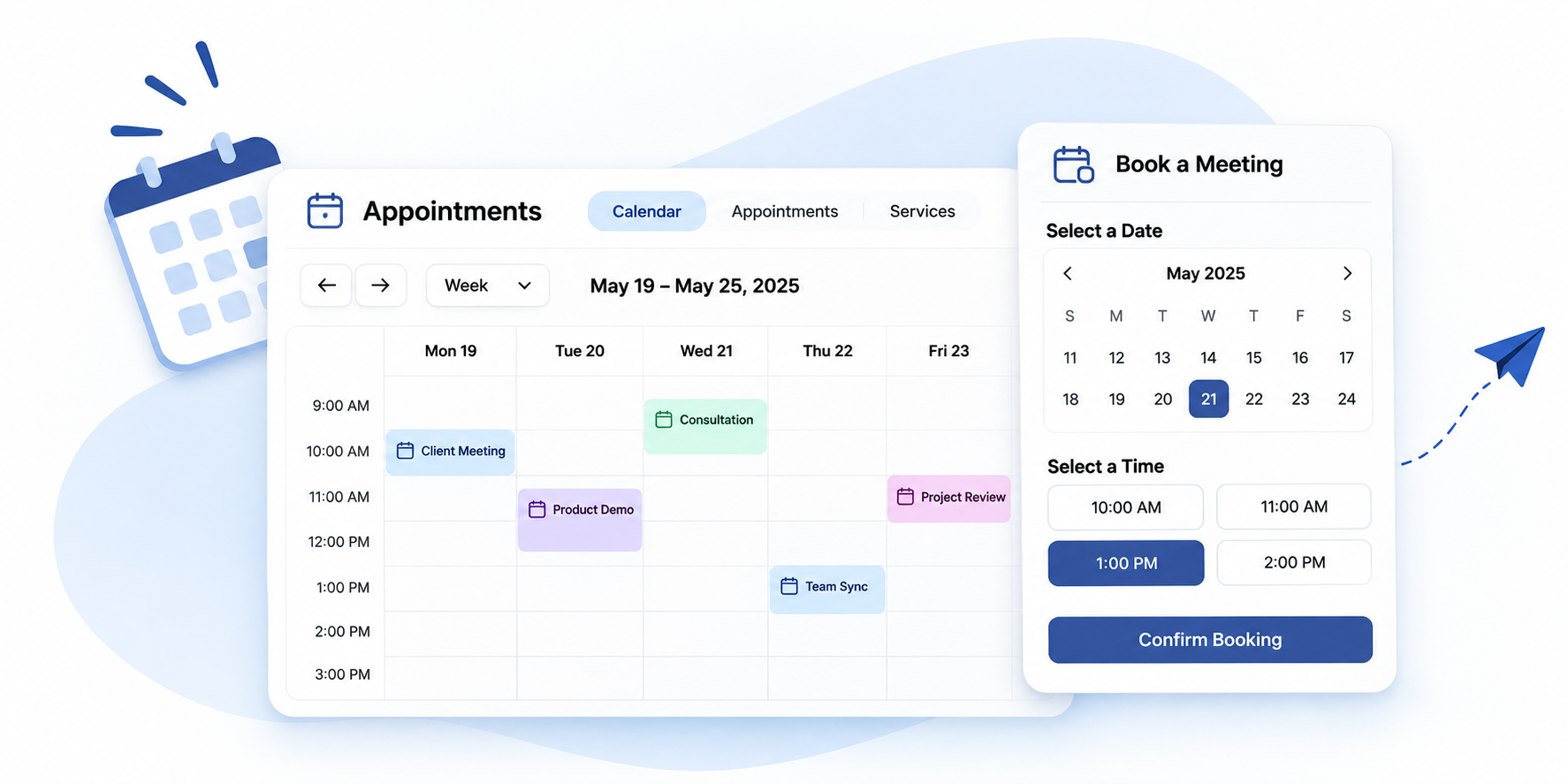
Let clients and teams book meetings from your real availability, with no back-and-forth messages.
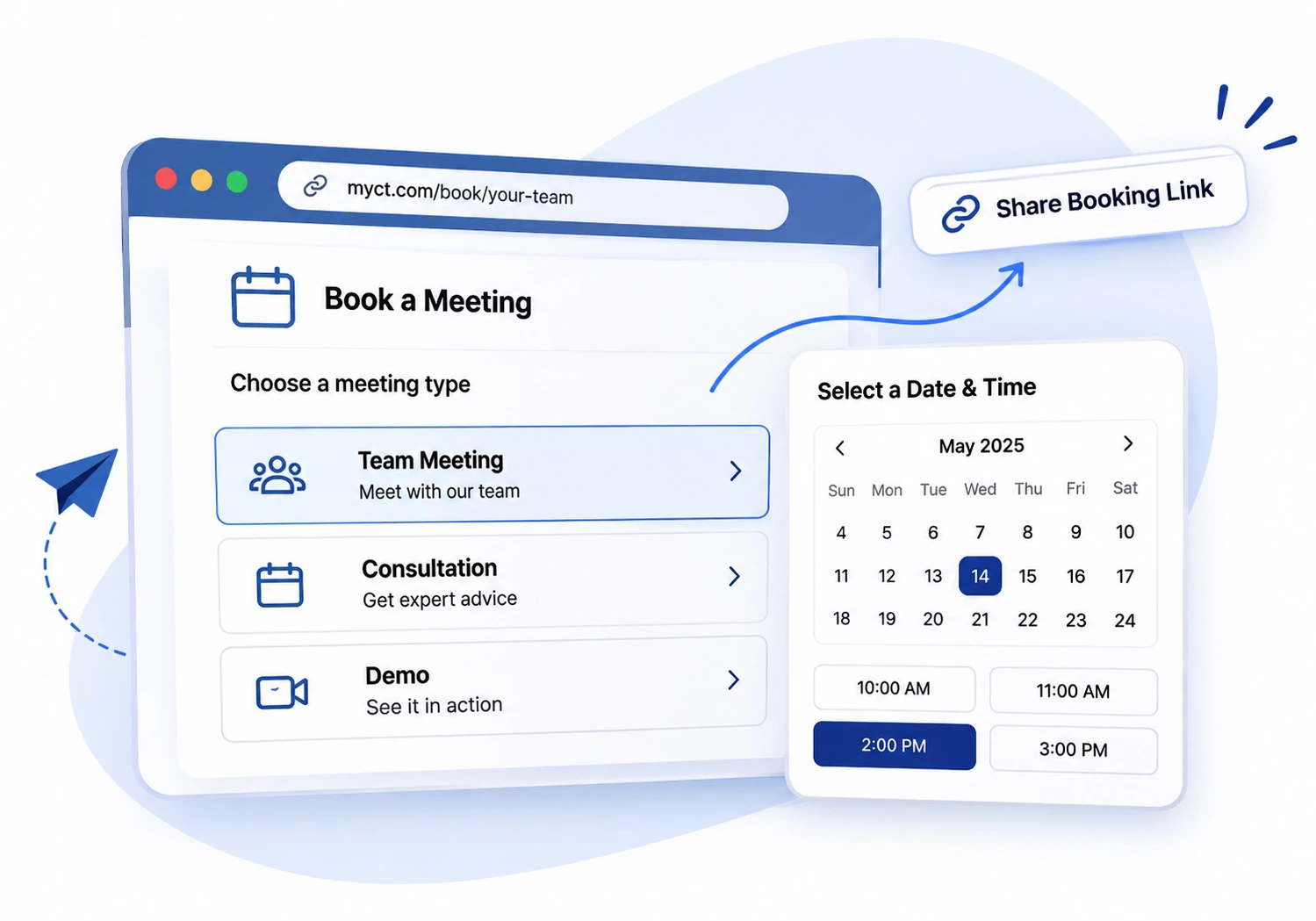
Share one link to book you or your team
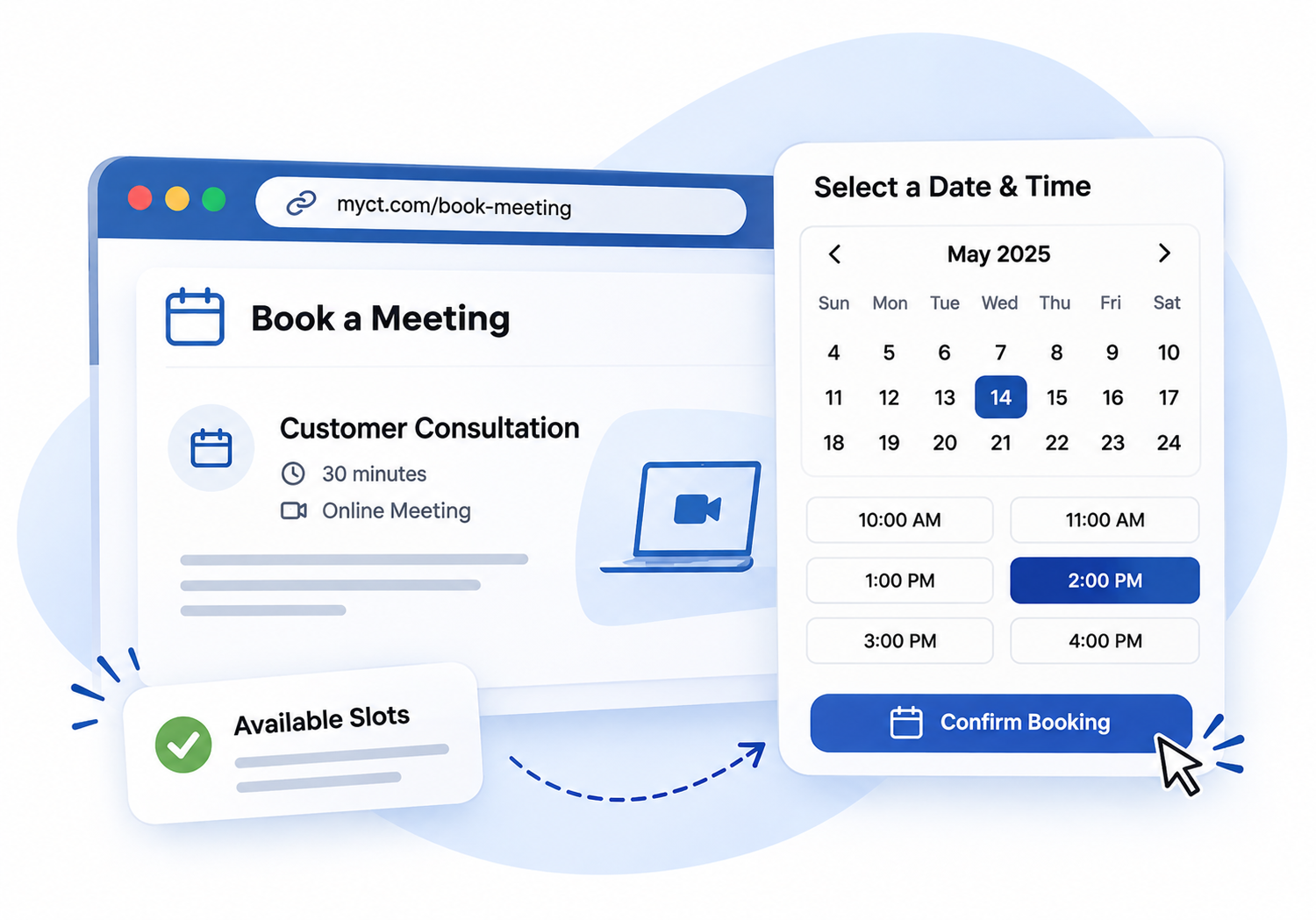
Clients pick an open slot that suits them
Reminders go out automatically
AI Assistant included
Open your diary to customers in one line.
Describe the appointment you offer. The Assistant creates the appointment type with its length, and puts it online for booking when you say so.
Just ask. Tap one to try it:
Always your call. A new type stays offline until you approve publishing it.
AI Assistant
AppointmentsFrom one sentence to a bookable slot
1
Say itType what you need, the way you’d say it to a colleague.
2
See itThe Assistant shows exactly what will change, before anything is saved.
3
Approve itOne click and it’s done. Changed your mind? Undo.
The Assistant works as you, with your permissions. It never sends an email, posts, pays or publishes without your approval.
Scheduling That Runs Itself
More than a booking form
Appointments turns your calendar into a booking page. Set your availability once, share a link, and let people book the time that works for them.
Booking pages and availability
Open the right slots, only once
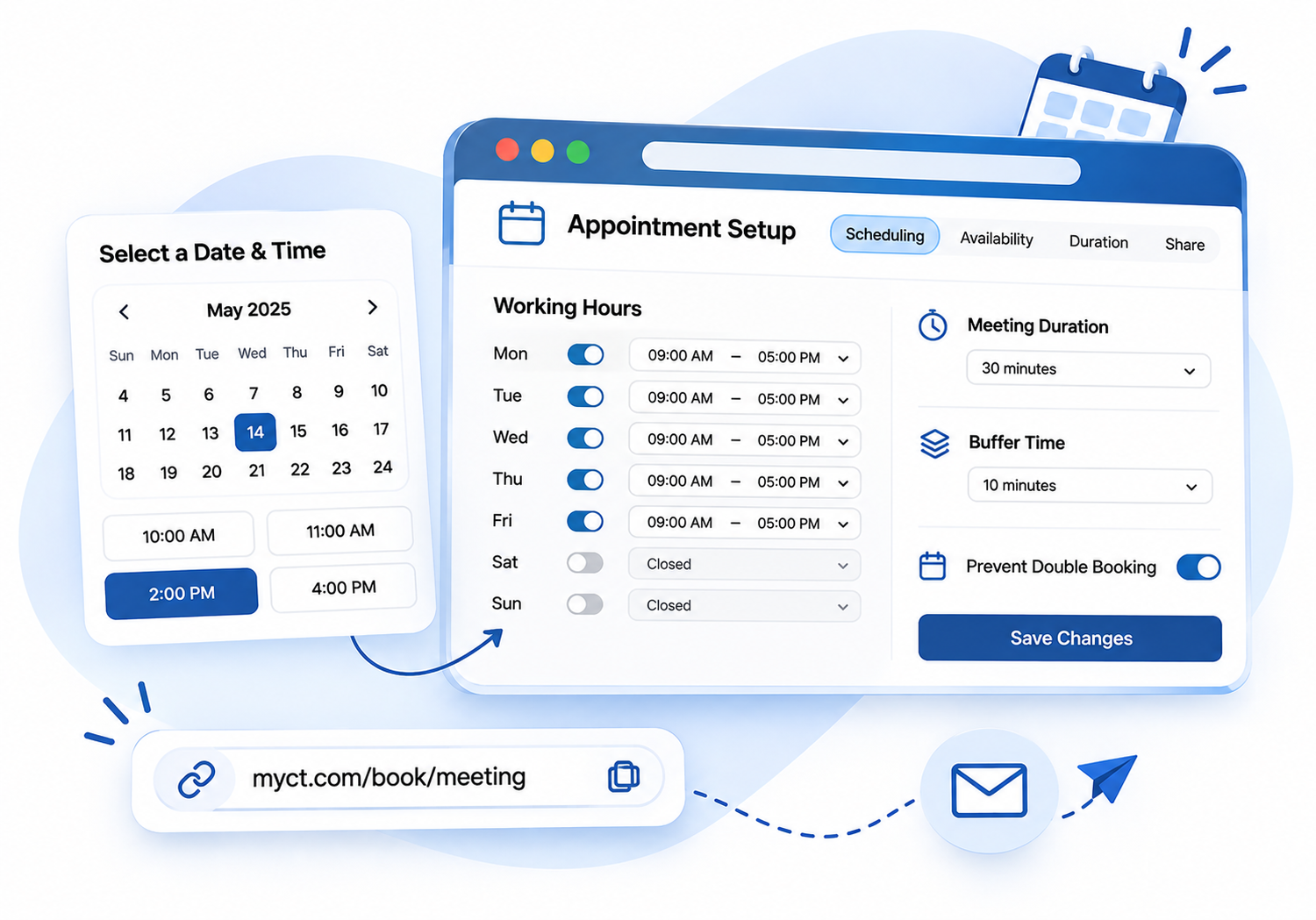
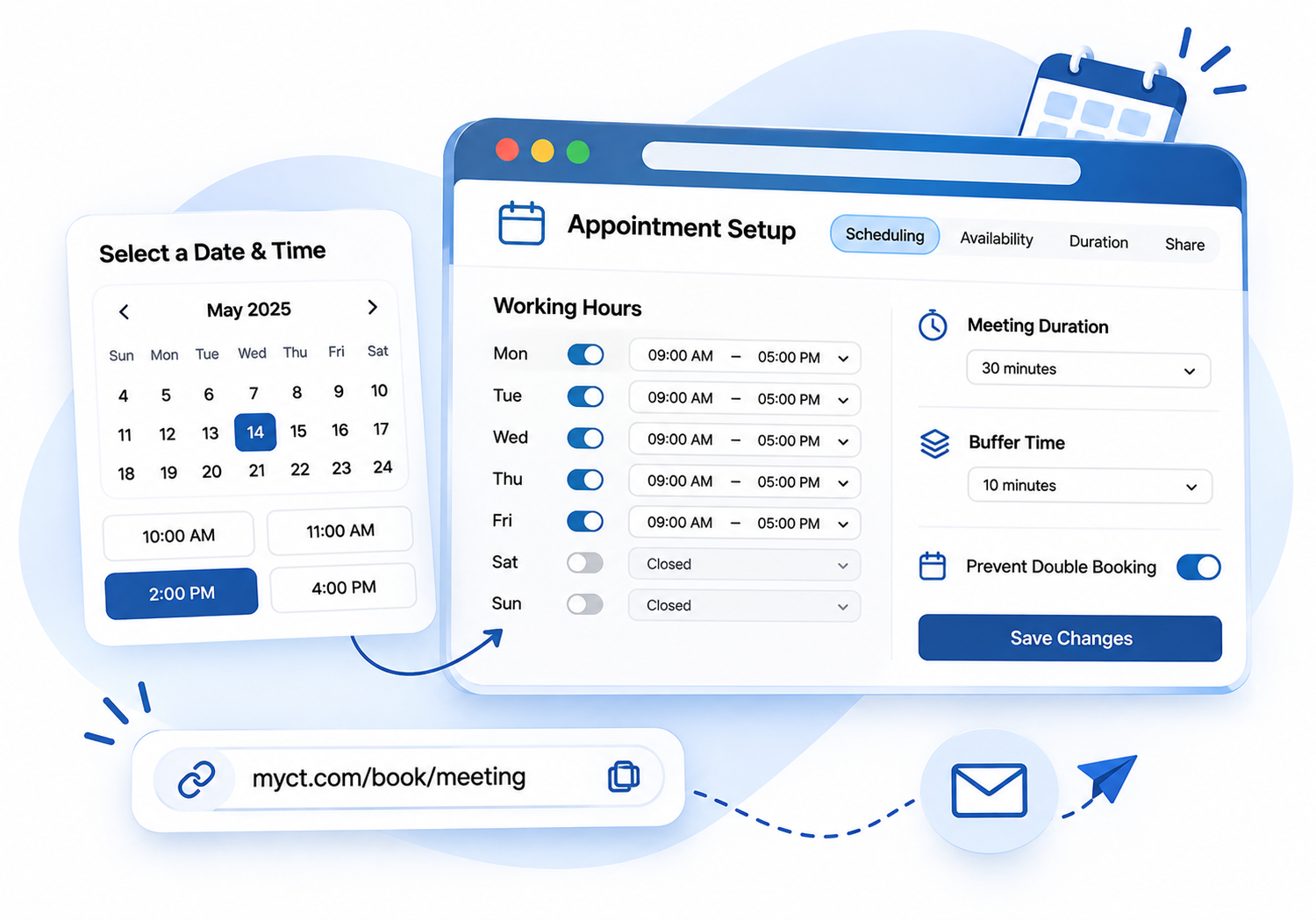
- Set working hours and availability
- Choose meeting duration and buffer time
- Remove booked slots to prevent double bookings
- Share one link by email or on your website
Why Manual Scheduling Falls Short
Endless emails and missed calendar invites cost time and clients. Here is what changes when booking runs itself.
Without online booking
- Double bookings
- No reminders, so meetings are missed
- Lower productivity
- A poor client experience
With MYCT Appointments
- Online scheduling
- Calendar sync
- Automated reminders
- Easy rescheduling
From Link to Confirmed Meeting in Four Steps
Every booking follows the same simple path.
STEP 1
Share
Send a booking link or add it to your website.
STEP 2
Choose
Clients pick an open slot, shown in their time zone.
STEP 3
Confirm
The booking is confirmed and the slot is removed.
STEP 4
Remind
Email or SMS reminders go out before the meeting.
Team and resource booking
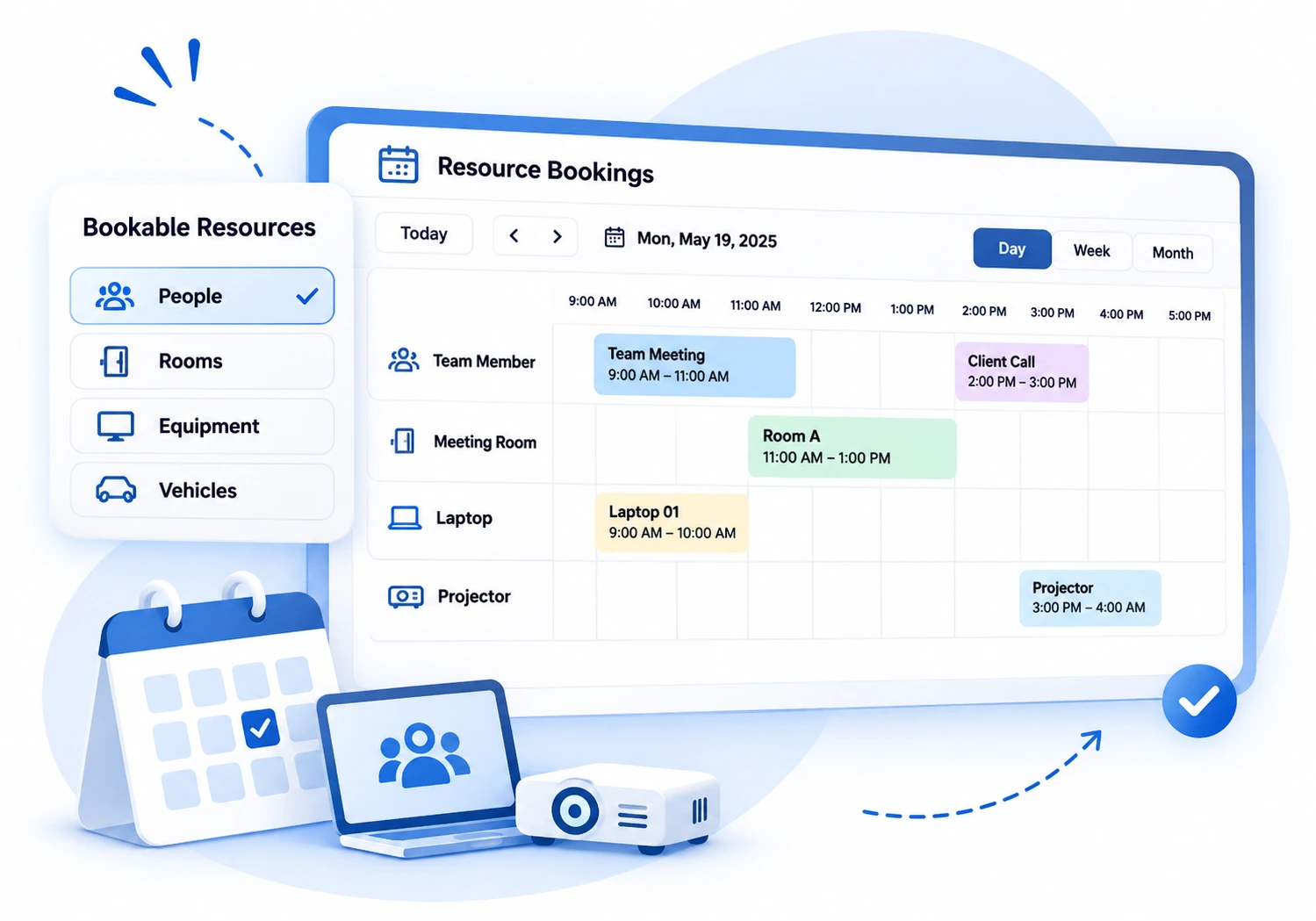
Book people, rooms and equipment
One link for you, your team or a resource
Create individual or team appointment types, so clients book with whoever is free. Manage bookable resources such as rooms, tables and equipment, with checks that avoid double bookings.
Booking Made Easy for Clients
The details that make clients finish the booking.
Payment-enabled bookings
Confirm a booking only after payment.
Time zone conversion
Meetings convert across time zones automatically.
Custom questions
Ask what you need to know during booking.
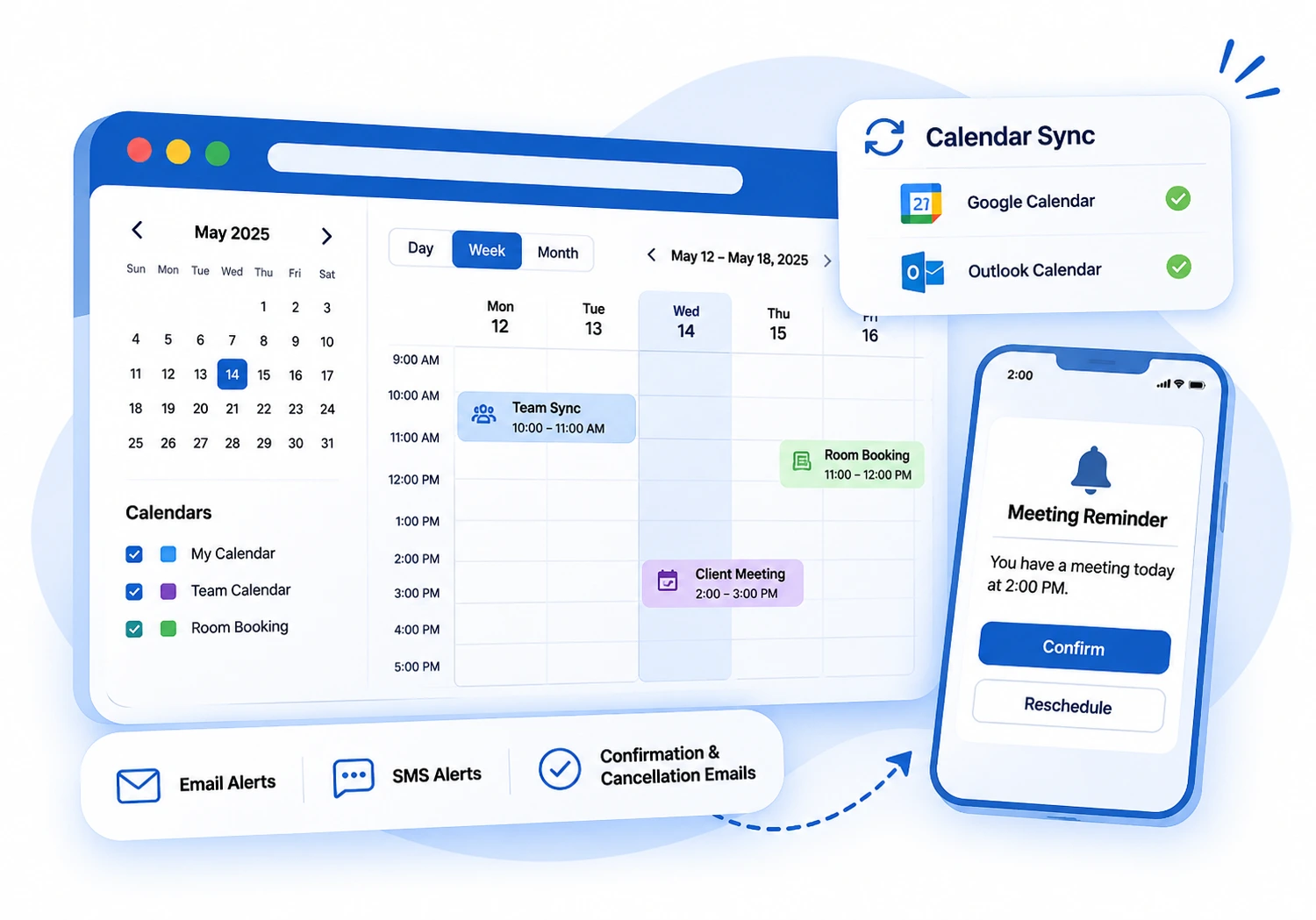
Calendar sync and reminders
Stay in sync, skip the no-shows
Works with the calendars you already use
Sync with Google and Outlook, and let reminders do the chasing. Clients can reschedule or cancel under your rules.
- Google and Outlook calendar sync
- Email and SMS alerts
- Confirmation and cancellation emails
Highlights of Our Appointments App
Everything a booking team needs, built into one platform.
Custom booking pages
Shareable pages for people, teams or resources.
Availability rules
Working hours, notice and buffer time.
Team scheduling
Clients book with whoever is free.
Resource booking
Rooms, tables and equipment.
Calendar sync
Google and Outlook stay up to date.
Reminders
Email and SMS alerts cut no-shows.
Payments
Take payment when clients book.
Booking analytics
See demand and adjust your resources.
Built for Every Kind of Booking
From sales calls to shared rooms, set it up once and let people book.
Sales teams
Book demos and calls
Service providers
Fill your schedule
Rooms and equipment
Share without clashes
Clients
Book in their own language
Benefits of Working with MYCT | Appointments Services
- Online booking without message ping-pong
- Fewer double bookings and no-shows
- Calendar sync with Google and Outlook
- Reminders by email and SMS
- Setup help and long-term support
Our Approach to Appointments Setup
We start with how you schedule today: your services, team availability and resources. Then we configure appointment types, connect your calendars and set up reminders, so your booking page is ready to share.
Appointments Questions, Answered
It defines the meeting: who is available, how long it lasts and any questions to ask when booking.
Yes. Team appointment types let clients book with whoever is free.
Yes. Once a slot is booked it is removed from your availability.
Yes. Email and SMS reminders help reduce no-shows.
Yes. We configure your appointment types and calendars, and support your team after launch.