Community Hub Tool | MyCT

Community Hubs - Find, Track & Manage Every Local Business

Search, Filter & Manage Every Hub in One Place

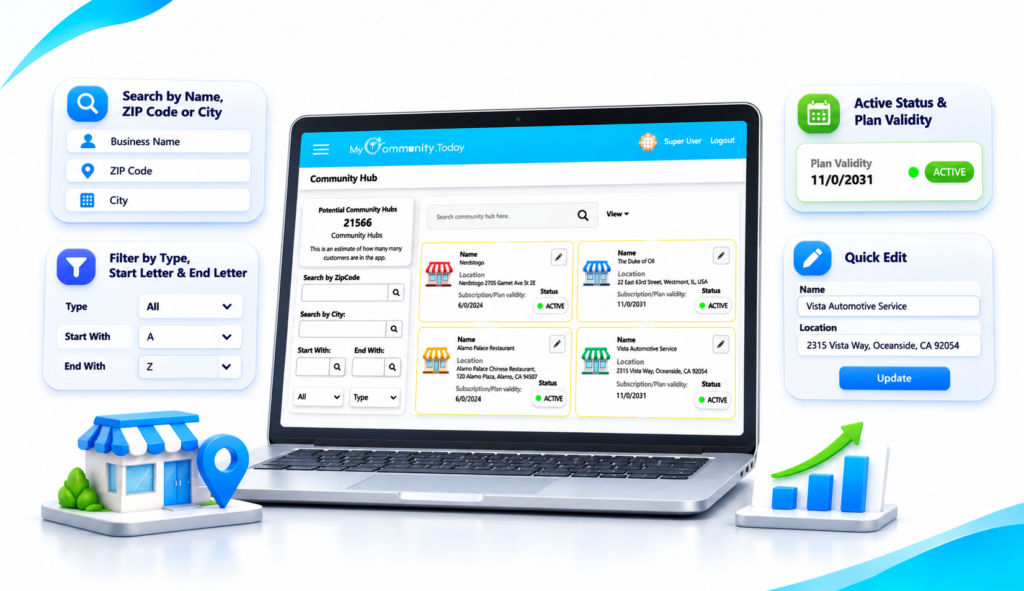
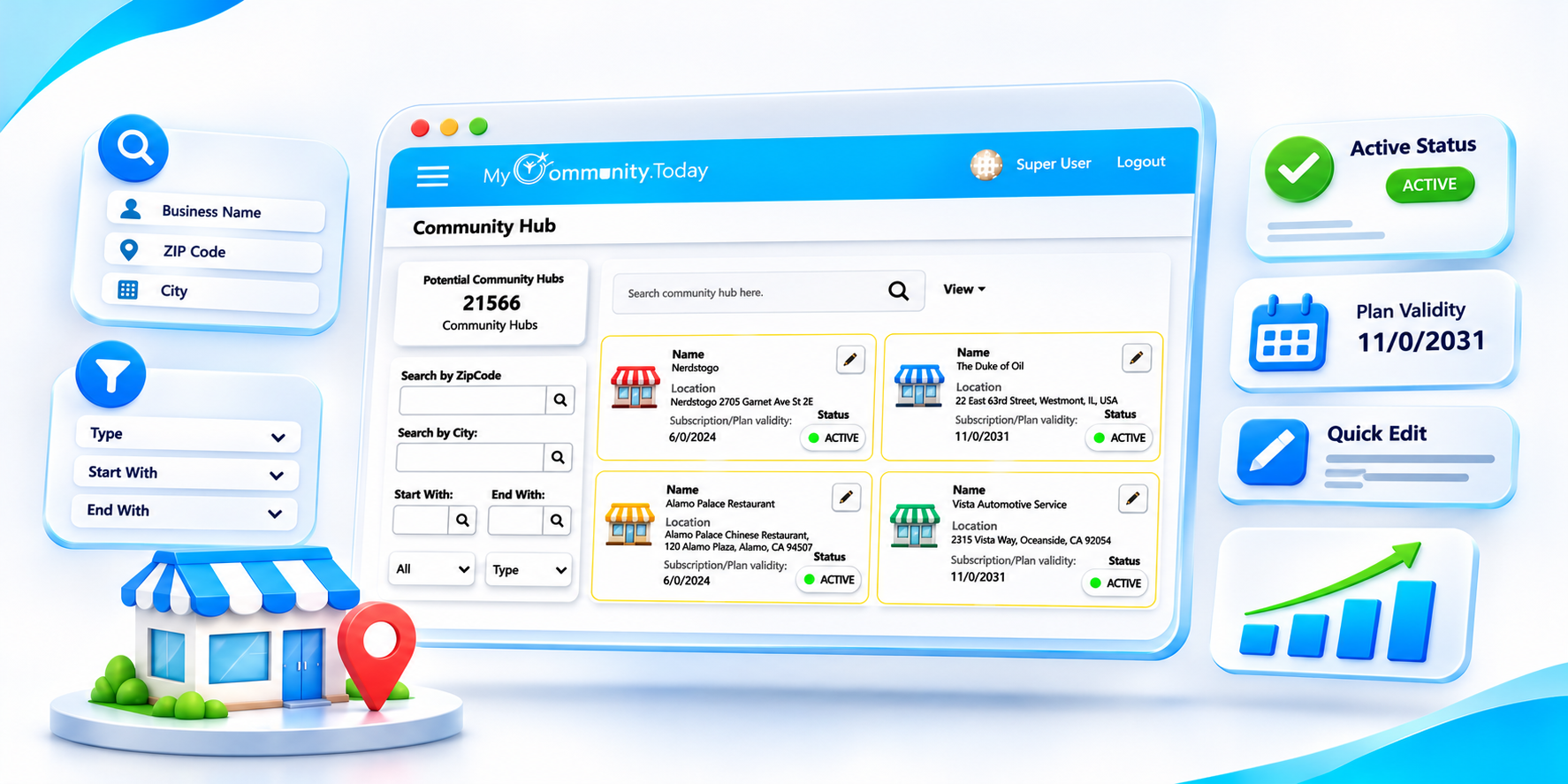
Stay in control of every business in your community with a searchable directory, live status and plan validity – built for teams that want to grow their network without the admin.

Searchable

Find any hub by name, ZIP or city

Organised

Filter by type and A–Z letters

Live status

Active status and plan validity at a glance

One view

Every hub, location and plan together

AI Assistant included · Community Hub

See your business the way the community does.

Check how your Community Hub profile looks, find other local businesses, and see which category fits you.

Just ask. Tap one to try it:
Your call: it reads only. Your profile is edited in the Hub.
AI Assistant
Community Hub
The Challenges

Managing Hubs by Hand Costs You Reach

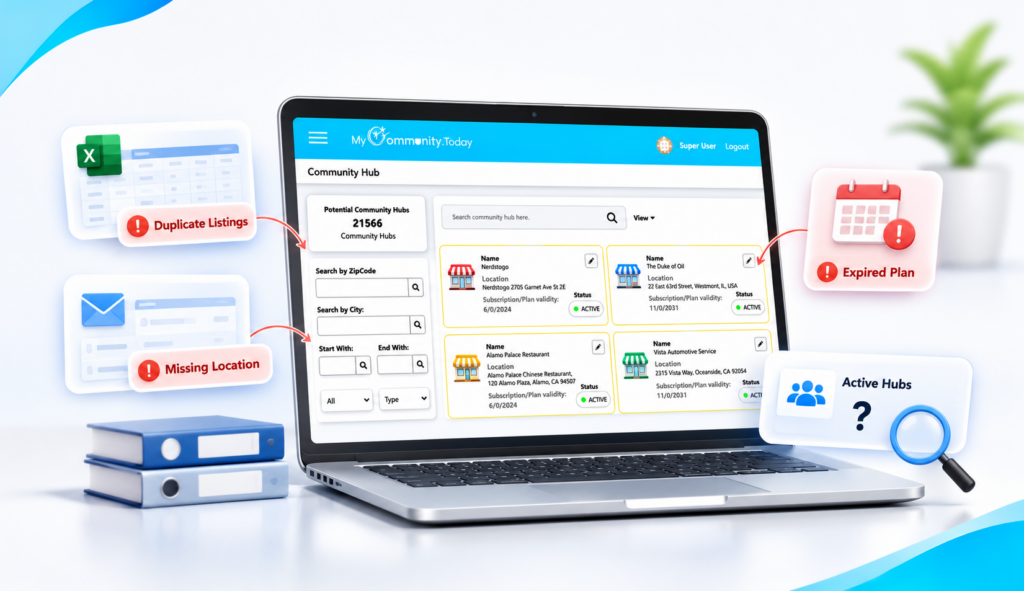
Business lists spread across spreadsheets and inboxes lead to duplicates, missing locations and expired plans nobody notices. Without one clear directory, finding and updating a single hub takes far too long.

Our Solution

One Directory. Every Community Hub.

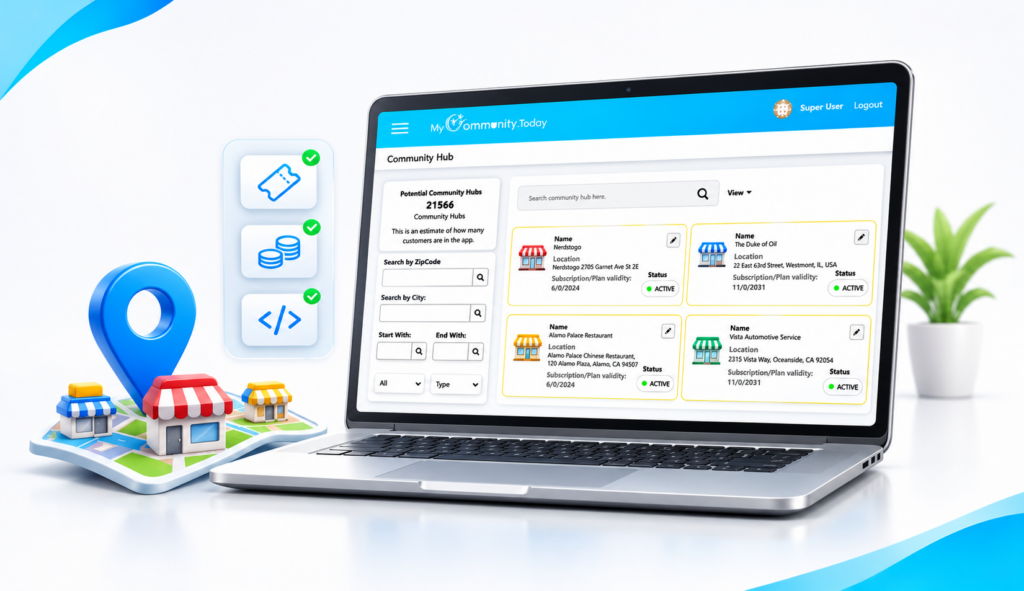
Our community hub tool brings every business, location, plan and status into one searchable directory, so your whole team works from the same up-to-date list. Save hours, avoid errors and keep every hub current.

See It In Action

Watch How the Community Hub Tool Works

Take a quick walkthrough of the tool and see how search, filters, plans and status work together in one directory.

Key Features

Everything You Need to Manage Your Hubs

Powerful tools that work together, so you spend less time on admin and more time growing your community.

Smart Search

Find any community hub instantly by name, with live results as you type.

ZIP & City Search

Narrow the directory to a local area using ZIP code or city search.

Start / End Filters

Browse alphabetically by the first or last letters of a hub name.

Type Filtering

Filter hubs by business type to focus on the segment you need.

Plan Validity

See each hub’s subscription and plan validity date on its card.

Status & Quick Edit

Check Active status at a glance and edit any hub in one click.

How It Works

From First Hub to Thriving Network

01

Add Your Hubs

Import or create community hubs with name, logo and location.

02

Set Plan & Status

Assign plan validity and keep each hub’s status up to date.

03

Search & Filter

Find any hub by ZIP, city, type or starting letters.

04

Manage & Grow

Edit details quickly and track how your network expands.

Your Network At A Glance

Clear Directory. Confident Decisions.

Search, filter and review every hub, plan and status in one live directory, then act on what you see.

Let’s Work Together

Success is not just about adopting technology - it’s about leveraging it to create meaningful change. At MyCommunity.Today, we are committed to shaping a more connected, efficient, and innovative future for businesses across all industries. Whether you’re looking to modernize operations, enhance customer experiences, or drive sustainable growth, we are here to help.