









Discuss – Team Chat, Channels & Calls
Keep every conversation in one place, from channels and direct messages to video meetings. All in one platform.
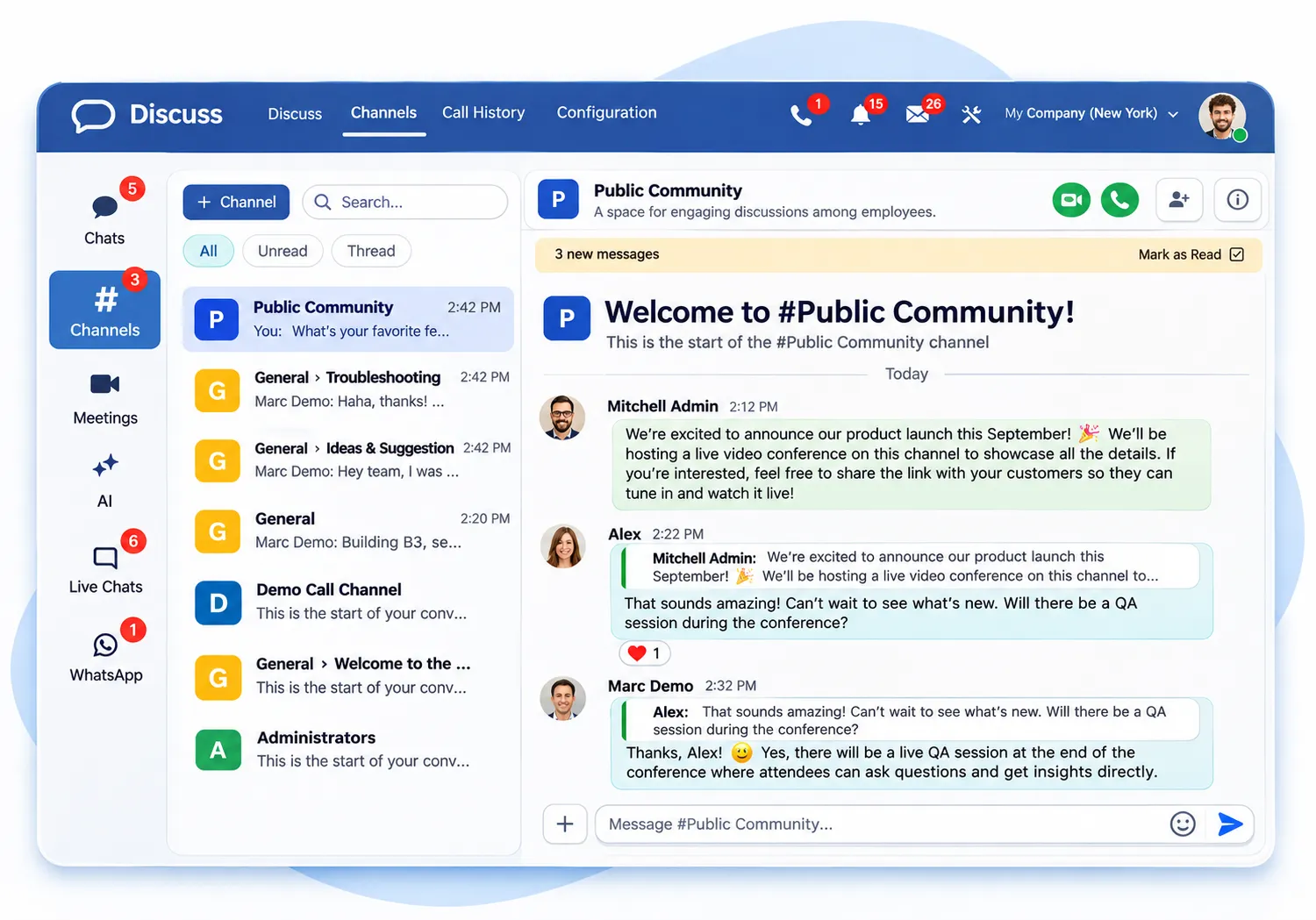
Organize conversations in channels for any team or topic
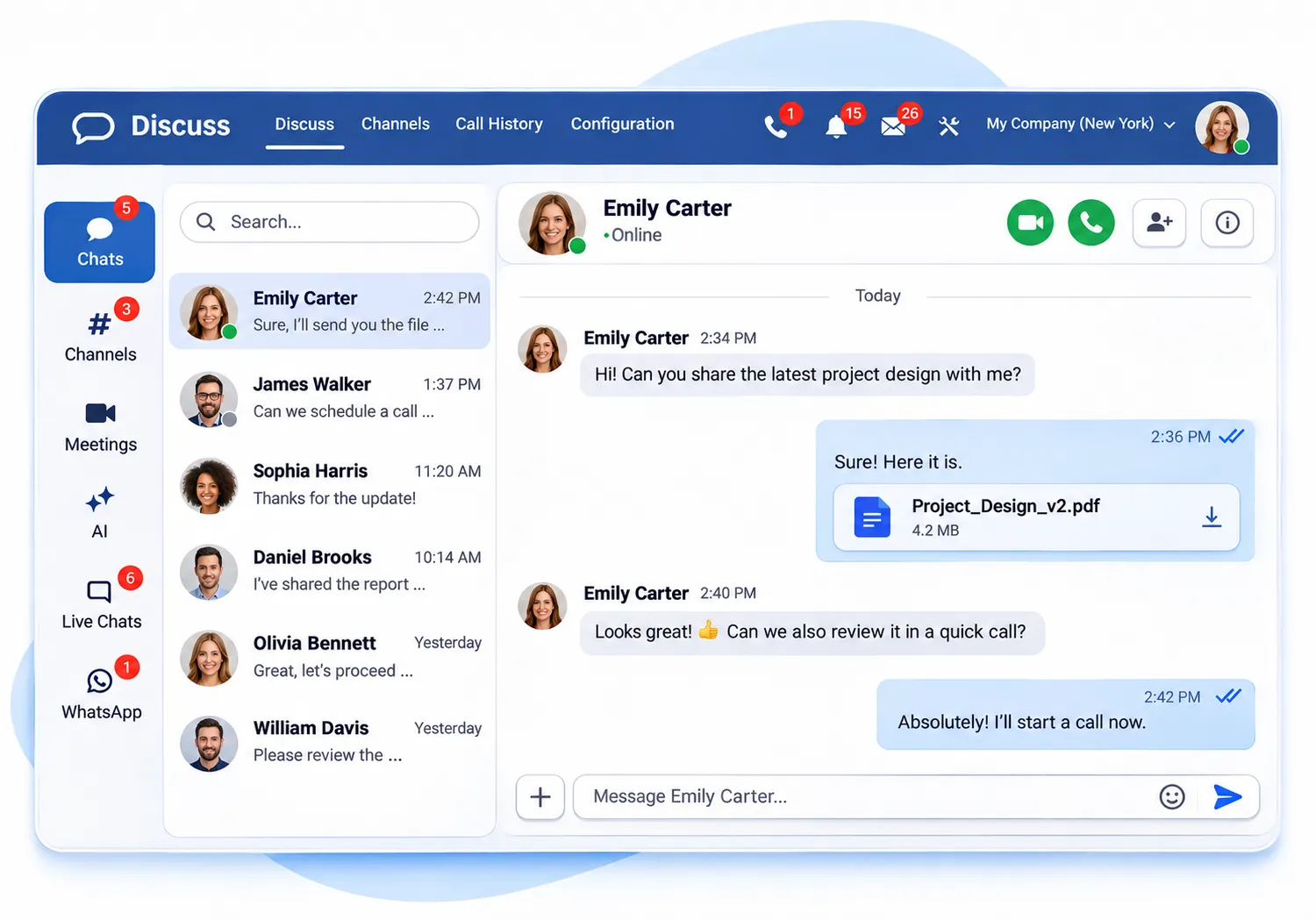
Message anyone privately with direct messages
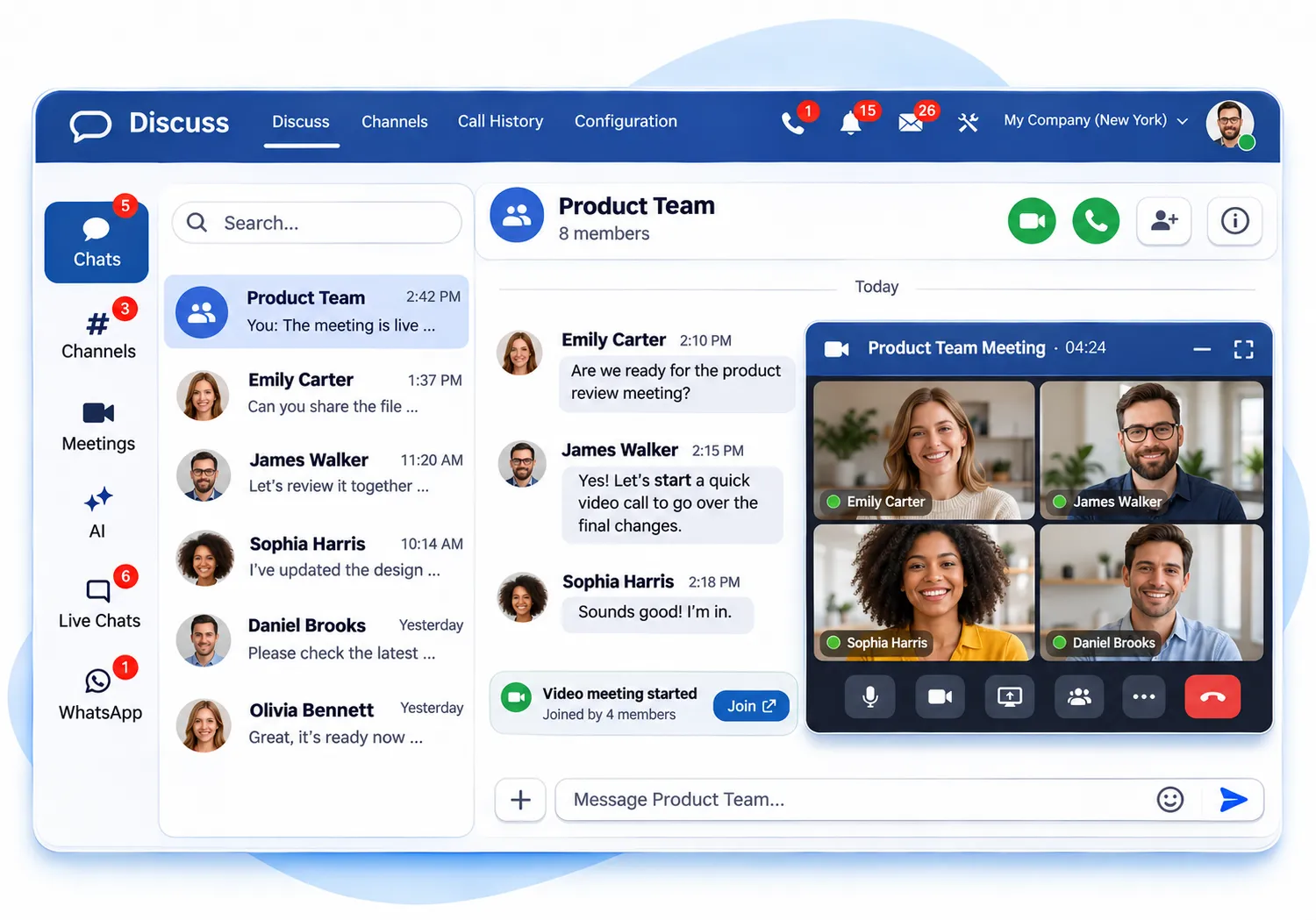
Start a video meeting without leaving the chat
AI Assistant included
Start the right conversation with the right people.
Name the channel and who belongs in it. The Assistant sets it up, adds colleagues and can post your first message.
Just ask. Tap one to try it:
Always your call. Messages are posted under your name only after you approve them.
AI Assistant
Team ChatFrom one sentence to a live channel
1
Say itType what you need, the way you’d say it to a colleague.
2
See itThe Assistant shows exactly what will change, before anything is saved.
3
Approve itOne click and it’s done. Changed your mind? Undo.
The Assistant works as you, with your permissions. It never sends an email, posts, pays or publishes without your approval.
One Hub for Every Conversation
More than a chat app
Discuss brings your team’s messages, calls and notifications together, so people stop switching between separate tools to stay in touch.
Channels
Talk to the right people, in the right place
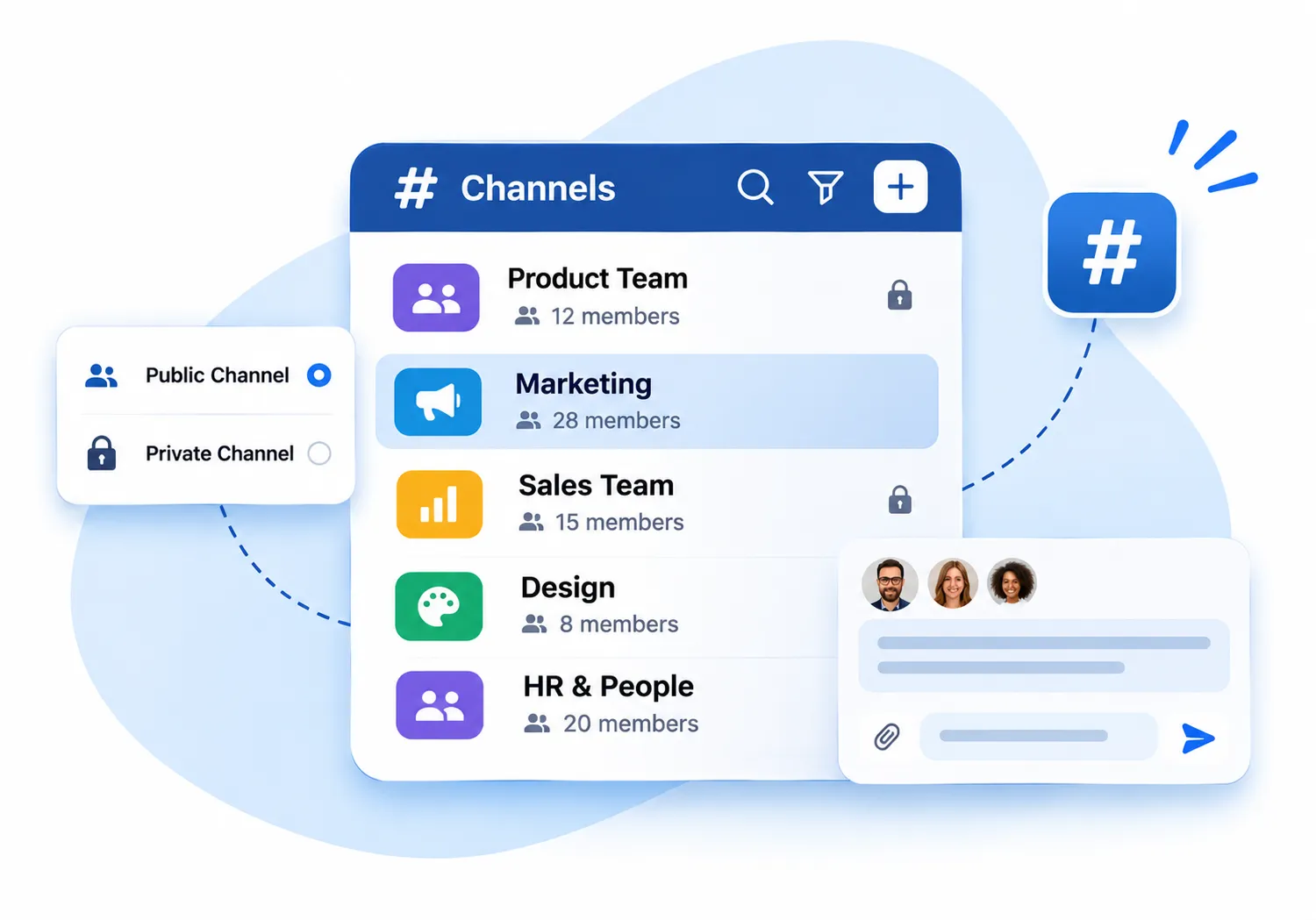
- Create public or private channels for any team or topic
- Keep one thread of discussion per subject
- Reach many people at once, or a small focused group
- Find past messages in one place

Video and voice
Switch from typing to talking in one click
Start a video chat with two or more people, or use a voice line for quick spoken conversations with colleagues.
- Video conferencing for teams of any size
- Voice lines for internal users
- No extra app to install
Notifications
Never miss what needs your attention
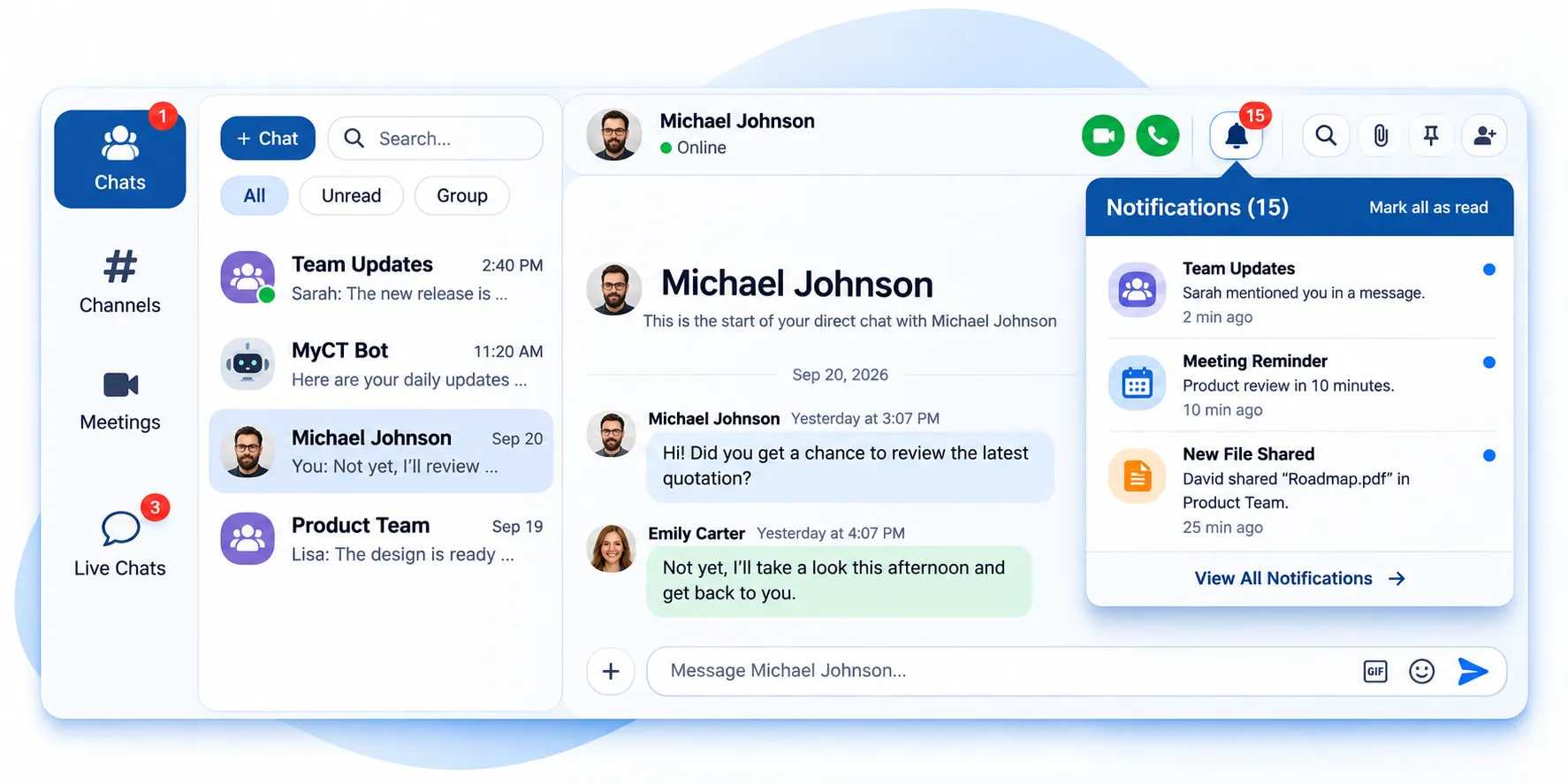
Mentions
See every message where a colleague has asked for you.
Direct messages
Answer private one-to-one chats from the same inbox.
Followed activity
Keep up with the items you follow, as they change.
From Scattered Chats to One Workspace
Where teams struggle, and how Discuss helps.
The challenge
Conversations spread across too many tools
- Messages lost in long email chains
- Calls arranged in a separate app
- Updates buried or missed
- No single place to look back
Our solution
Discuss keeps it together
- Channels and direct messages side by side
- Video meetings from the same screen
- One inbox for notifications
- Everything searchable in one app
Benefits of Working with MYCT | Discuss Services
- Fewer tools to switch between
- Faster answers from your team
- Meetings that start from the chat
- Notifications gathered in one place
- Setup help and long-term support
Our Approach to Discuss Setup
We start with how your team communicates today: the channels you need, who talks to whom, and which tools you want to replace. Then we configure the workspace and show your team how to use it, so your first week runs smoothly.
Highlights of Our Discuss App
Everything your team needs to communicate, built into one app.
Channels
Broad or focused channels, public or private.
Direct messages
Private one-to-one chats with any colleague.
Video meetings
Video chats with two or more people.
Voice lines
Voice channels for internal users.
Message customers from the same screen, like a direct message.
Notifications
An inbox for the activity you follow.
Mentions
Call a colleague into any conversation.
Attachments
Share files right inside the chat.
Built for Every Kind of Team
Start with the channels you need, then change anything.
Sales Teams
Share quotes and updates fast
Support Teams
Answer questions as a group
Project Teams
Keep every update in one thread
Remote Teams
See every job at a glanceTalk face to face, from anywhere
Discuss Questions, Answered
Yes. Channels can be open to everyone or limited to the people you invite.
Yes. Start a video chat with two or more people from within Discuss.
Yes. Voice lines are available as voice channels for internal users.
Yes. WhatsApp messaging works like a direct message inside Discuss.
Yes. We configure the workspace, set up your channels and support your team after launch.