








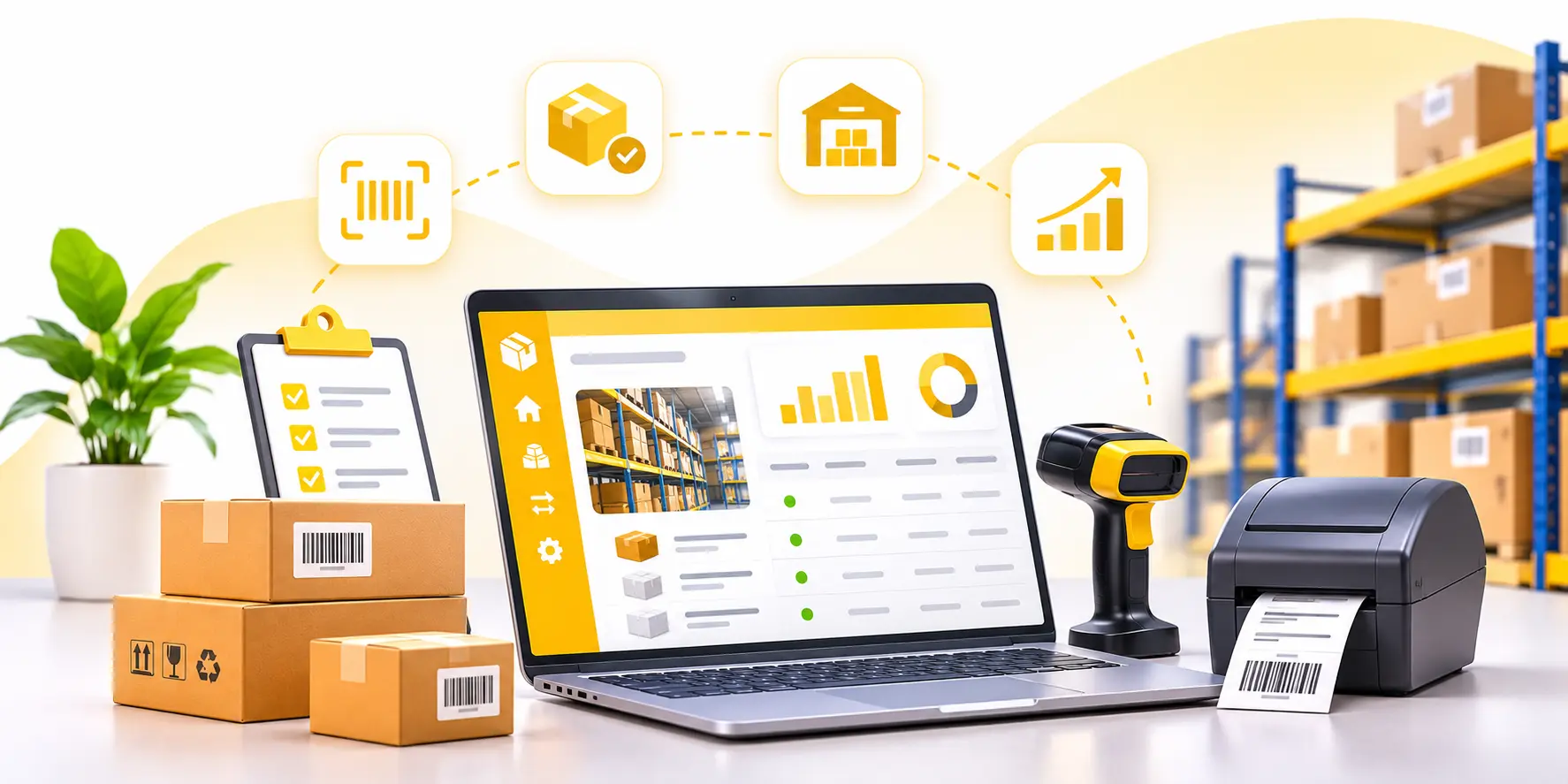
Inventory – Manage Stock Flow
Optimize your stock, maximize your profits. Stay in control of inventory with real-time tracking and smarter forecasting.
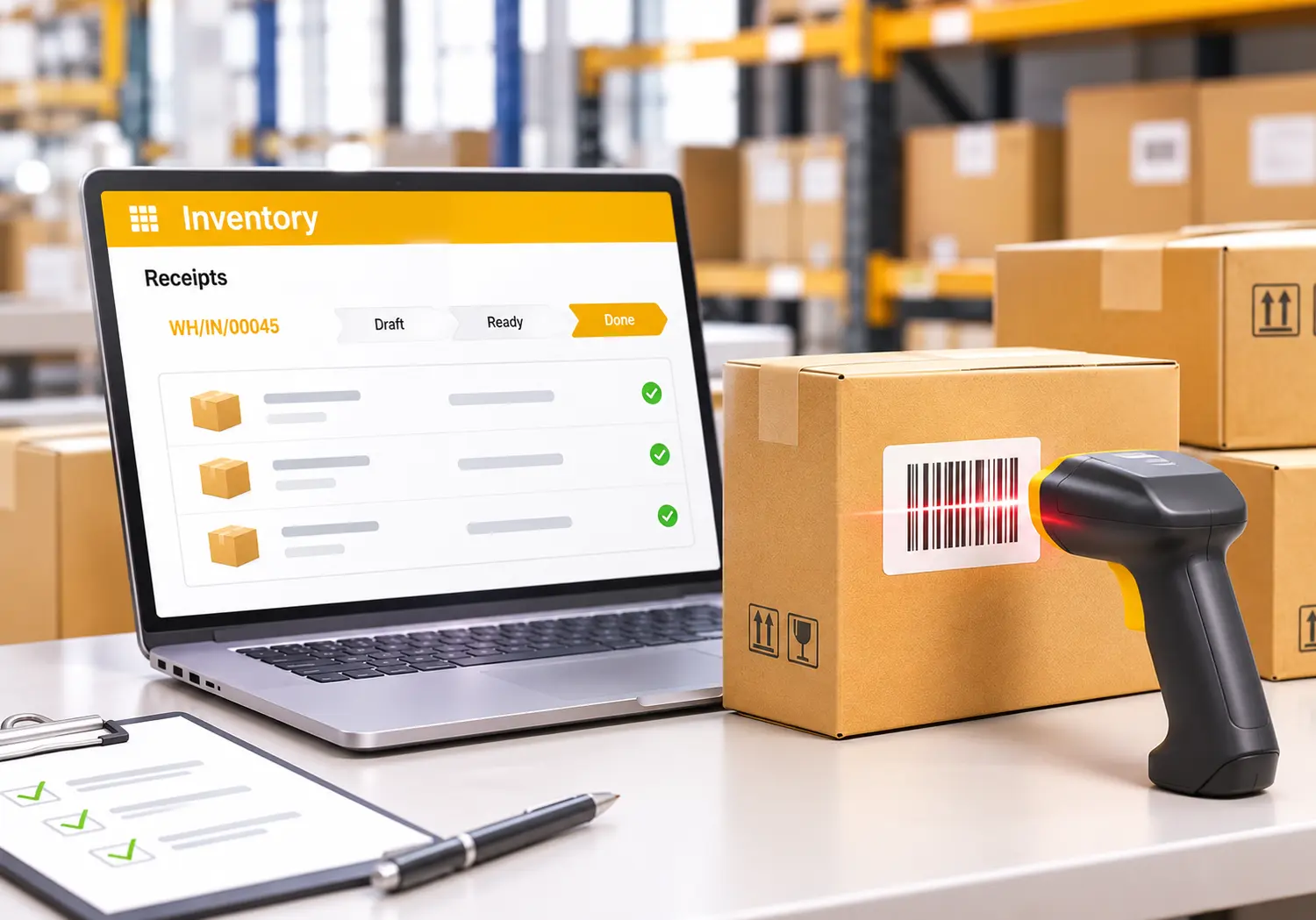
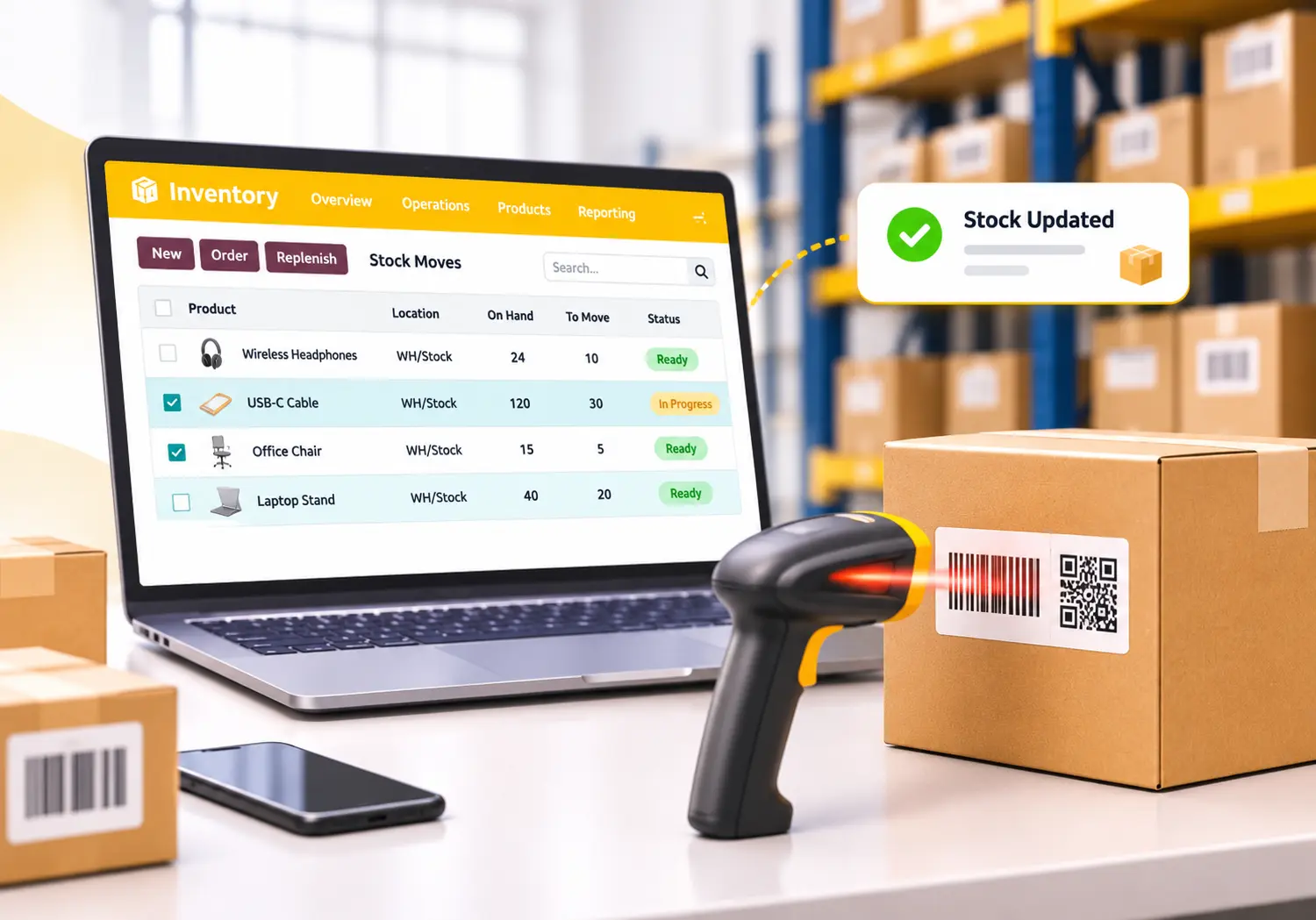
Scan barcodes to receive and move stock
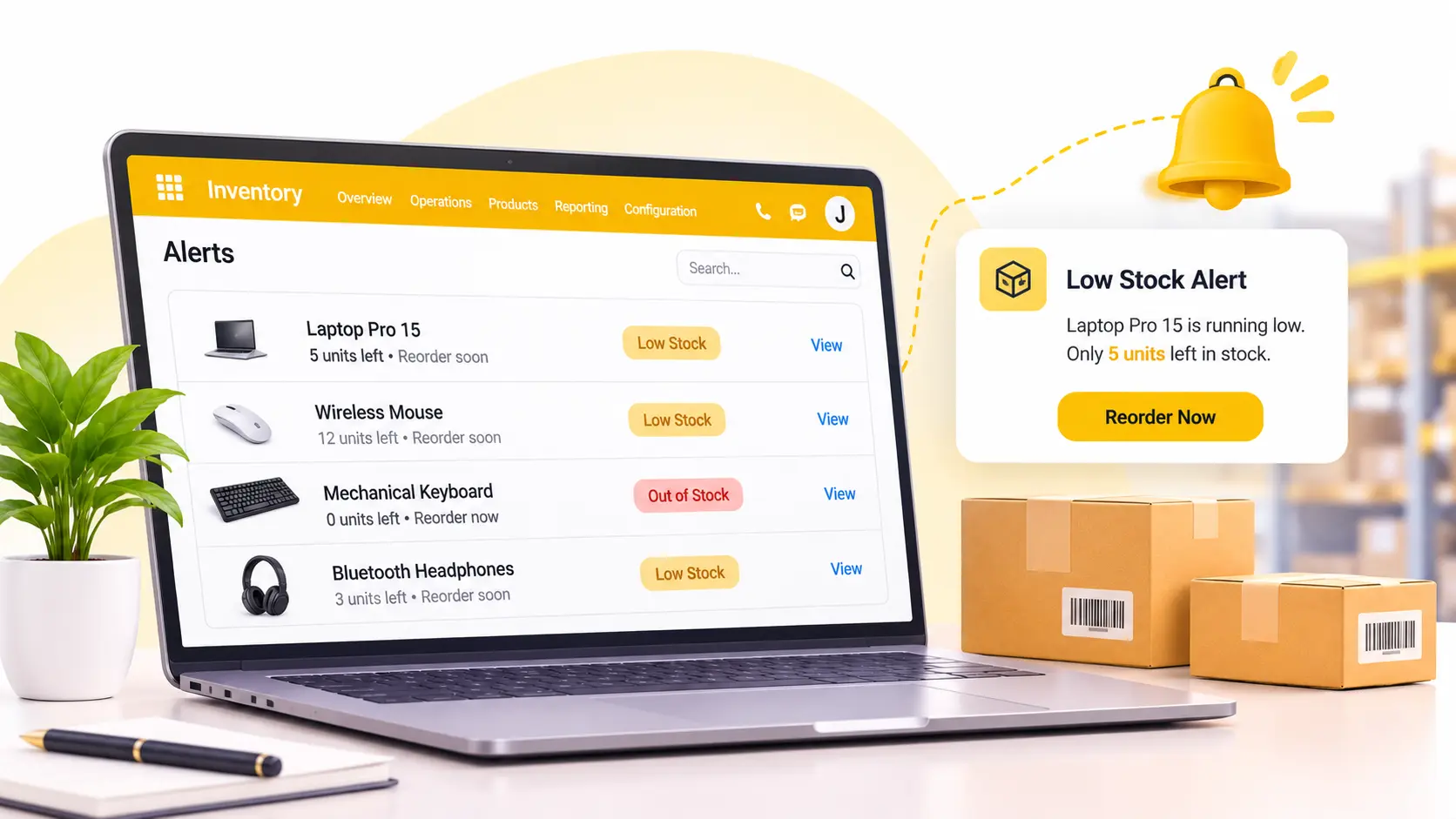
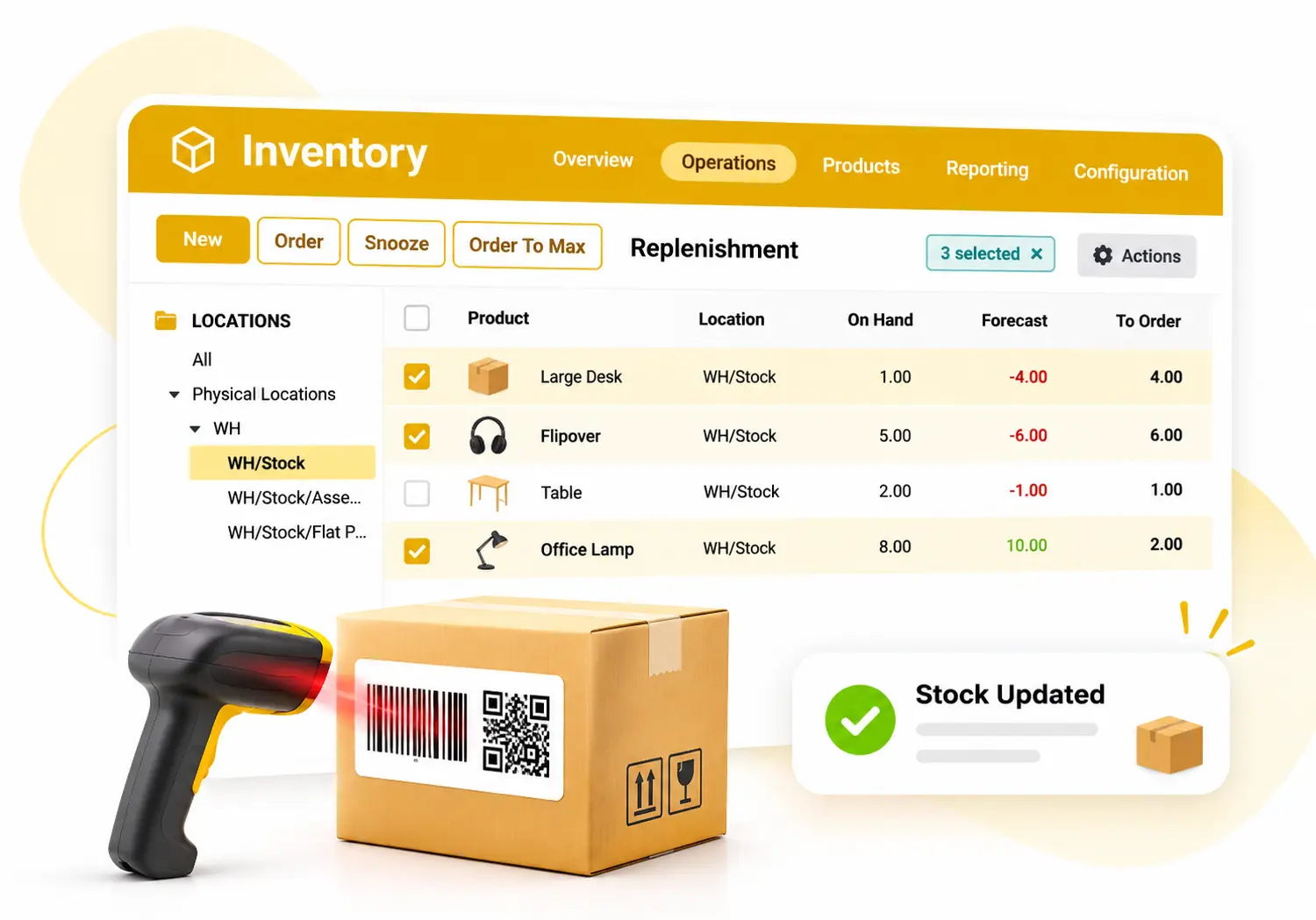
Get alerts and reorder before you run out
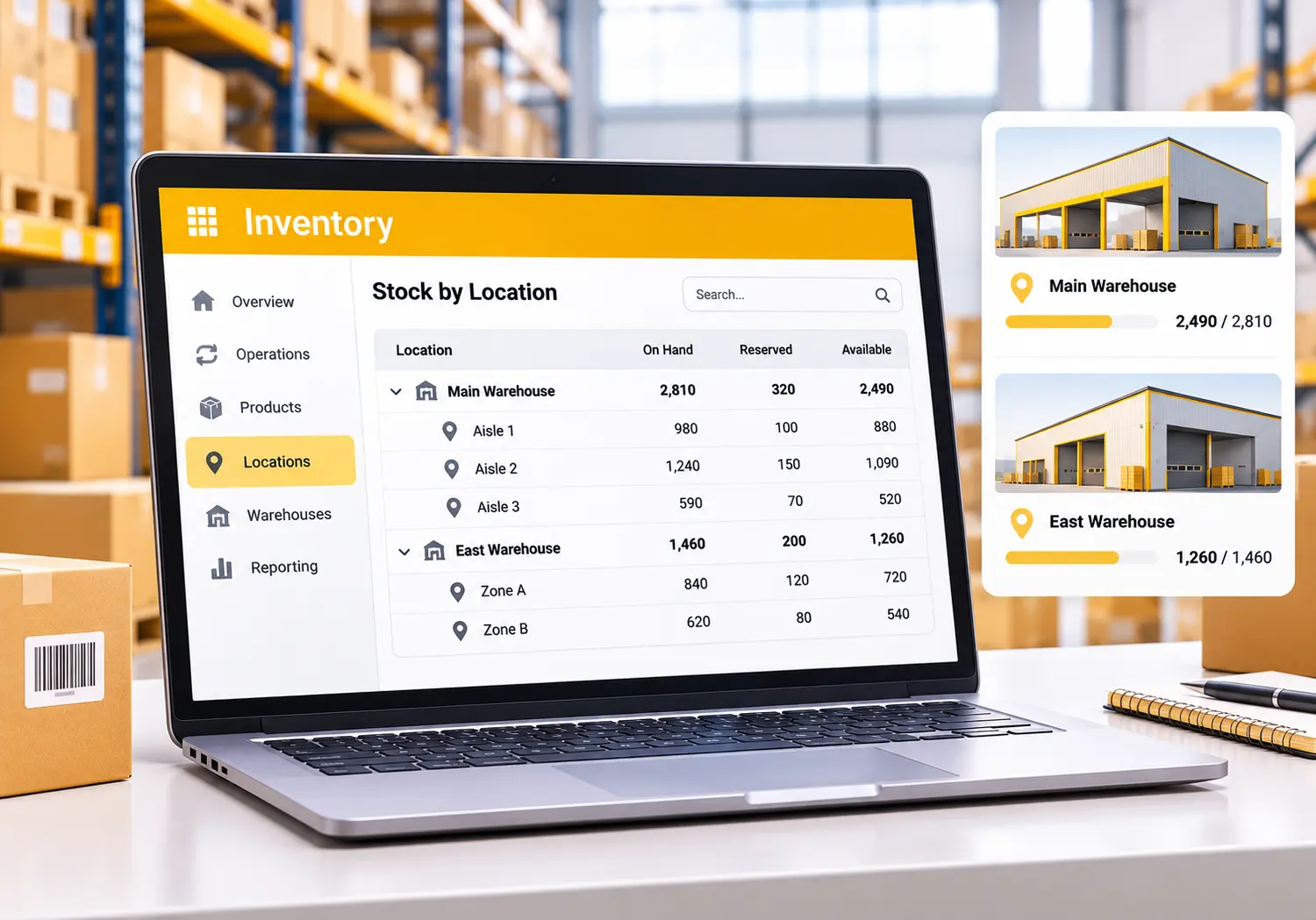
See stock by warehouse and location
AI Assistant
Inventory
Your catalogue and stock moves, in plain words.
Add products with prices, barcodes and categories in one line, and move stock between locations without the paperwork.
Just ask. Tap one to try it:
Your call: transfers are validated only with your approval, and it never decides backorders for you.
AI Assistant
InventoryAll Your Stock, One Real-Time View
More than a stock list
Inventory is the hub for every product you hold. Record each product once, then locations, scanning, reordering and sales all work from the same live quantities.
From Stock Headaches to Stock Control
Managing stock by hand causes errors, overstocking and missed sales. Real-time tracking and automation keep supply and demand in balance.
The Challenges
Businesses often lose money due to poor visibility, outdated systems and a lack of integration across sales and warehouses.
- Overstock or stockouts reduce profits
- Manual errors in stock counts
- Lack of real-time visibility
- Inefficient warehouse tracking
Our Solution
Real-time stock updates, demand forecasting and smart reporting help you gain efficiency, reduce waste and keep the right balance of stock.
- Real-time inventory tracking
- Automated reordering
- Multi-location management
- Smart analytics for forecasting
Barcode & QR scanning
Scan it, don’t type it
Faster, more accurate stock moves
- Scan barcodes and QR codes to receive and move stock
- Update stock levels as items are scanned
- Cut manual entry and counting errors
- Count stock quickly with a scan
Alerts & reordering
Never run out, never overstock
Stock alerts and automated reordering
Set minimum and maximum stock levels for each product. When stock drops below the minimum you are alerted, and a replenishment order can be created automatically, so supply keeps up with demand.
From Receipt to Delivery
See every product move through your warehouse
Follow stock from the moment it arrives until it ships. Every step updates your quantities in real time, across every location.
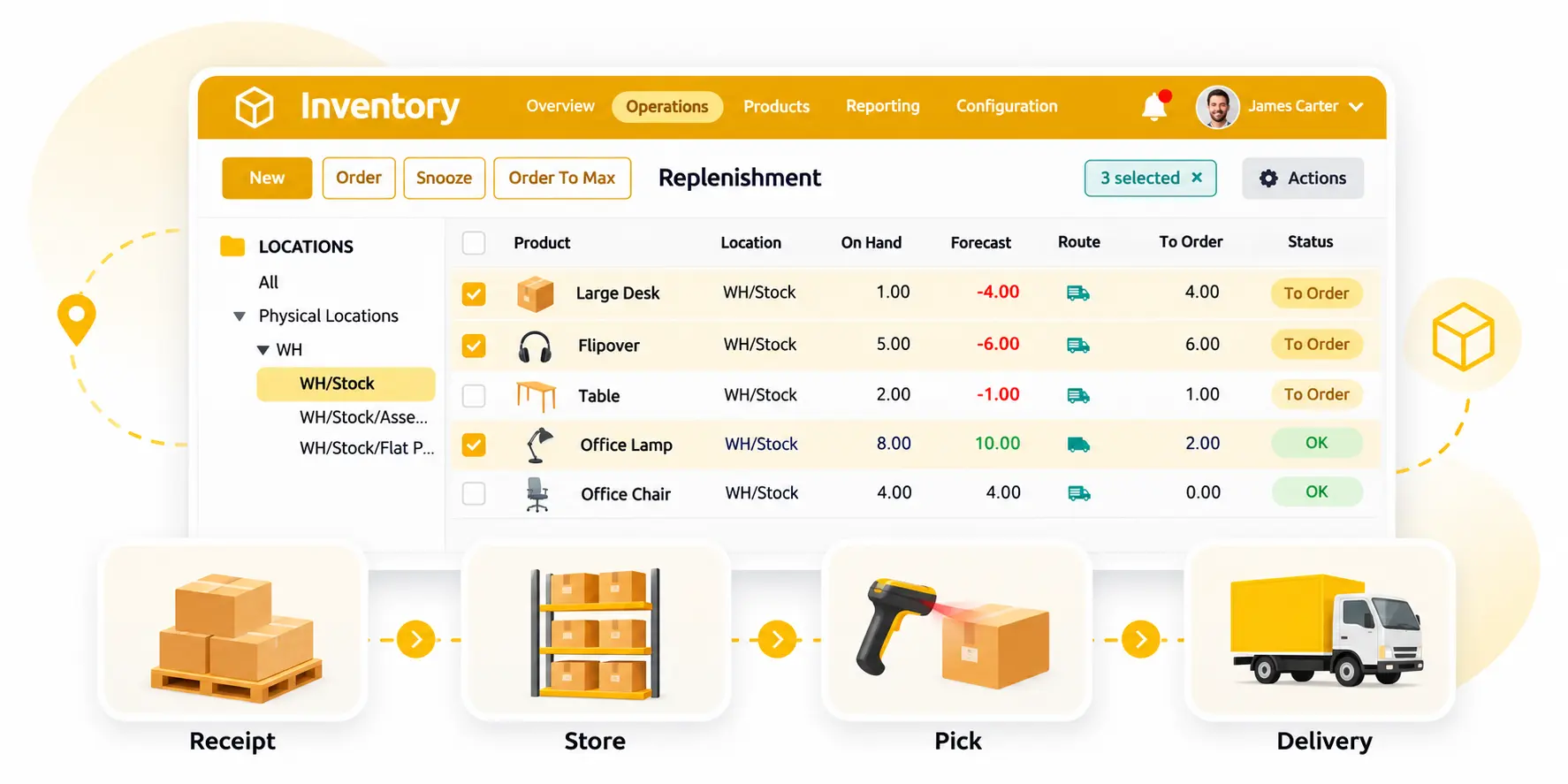
Receive
Check in incoming stock against your orders.
Store
Put products away in the right location.
Pick
Collect the items for each order.
Ship
Send products out and update stock.
Key Features of Our Inventory App
Everything your stock needs, built into one platform.
Centralized inventory dashboard
See stock levels, movements and locations in one place.
Barcode & QR scanning
Receive, move and count stock with a quick scan.
Stock alerts & notifications
Get told when products run low, before sales are missed.
Warehouse & location tracking
Know where every product is across all your locations.
Batch & serial number tracking
Trace products by batch or serial number.
Integration with sales & POS
Keep stock in step with every sale and POS order.
Benefits of Working with MYCT | Inventory Services
- Real-time stock levels across locations
- Fewer stockouts and less overstock
- Faster counts with barcode scanning
- Stock that stays in step with sales and POS
- Setup help and long-term support
Our Approach to Inventory Setup
We start with how you manage stock today: your products, warehouses and counting routines. Then we configure locations, reordering rules and barcode scanning, and show your team how to keep quantities accurate, so your first stock count runs smoothly.
Built for Every Kind of Team
Start with your stock, then change anything.
Warehouse Teams
Receive, pick and ship faster
Purchasing
Reorder at the right time
Sales & Retail
Sell what is in stock
Business Owners
Know what you have at a glance
Inventory Questions, Answered
Yes. Manage multiple warehouses and locations and see stock for each one.
Yes. Scan barcodes and QR codes to receive, move and count stock.
Yes. Set minimum levels and get alerts and reordering when products fall below them.
Yes. Track products by batch or serial number.
Yes. Inventory works with sales and point of sale so quantities follow every order.
Yes. We configure your locations, reordering and scanning, and support your team after launch.