







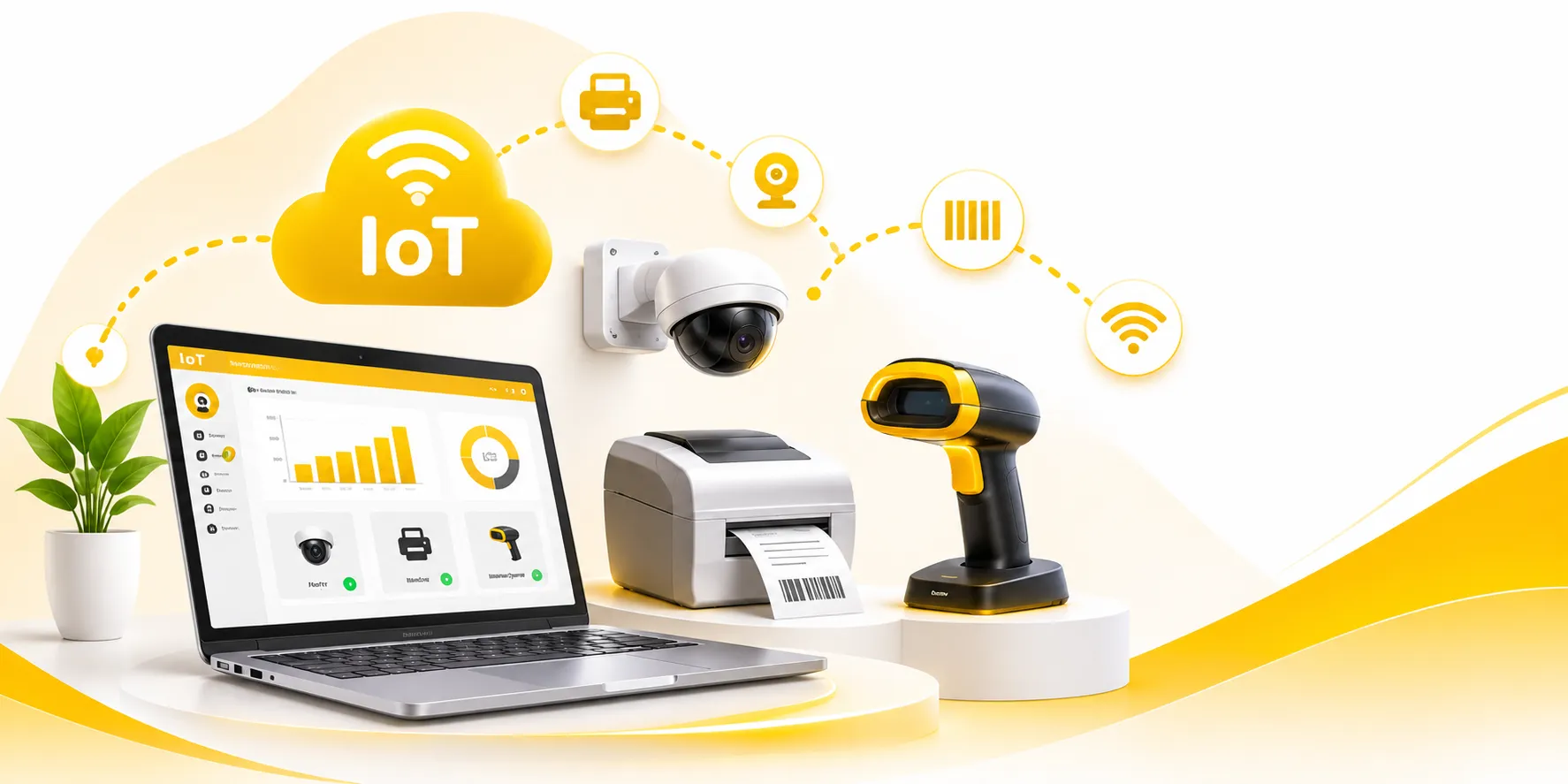
Internet of Things – Connect Smart Devices
Connect printers, cameras, scales and scanners to your business software, so every device works as part of one system.
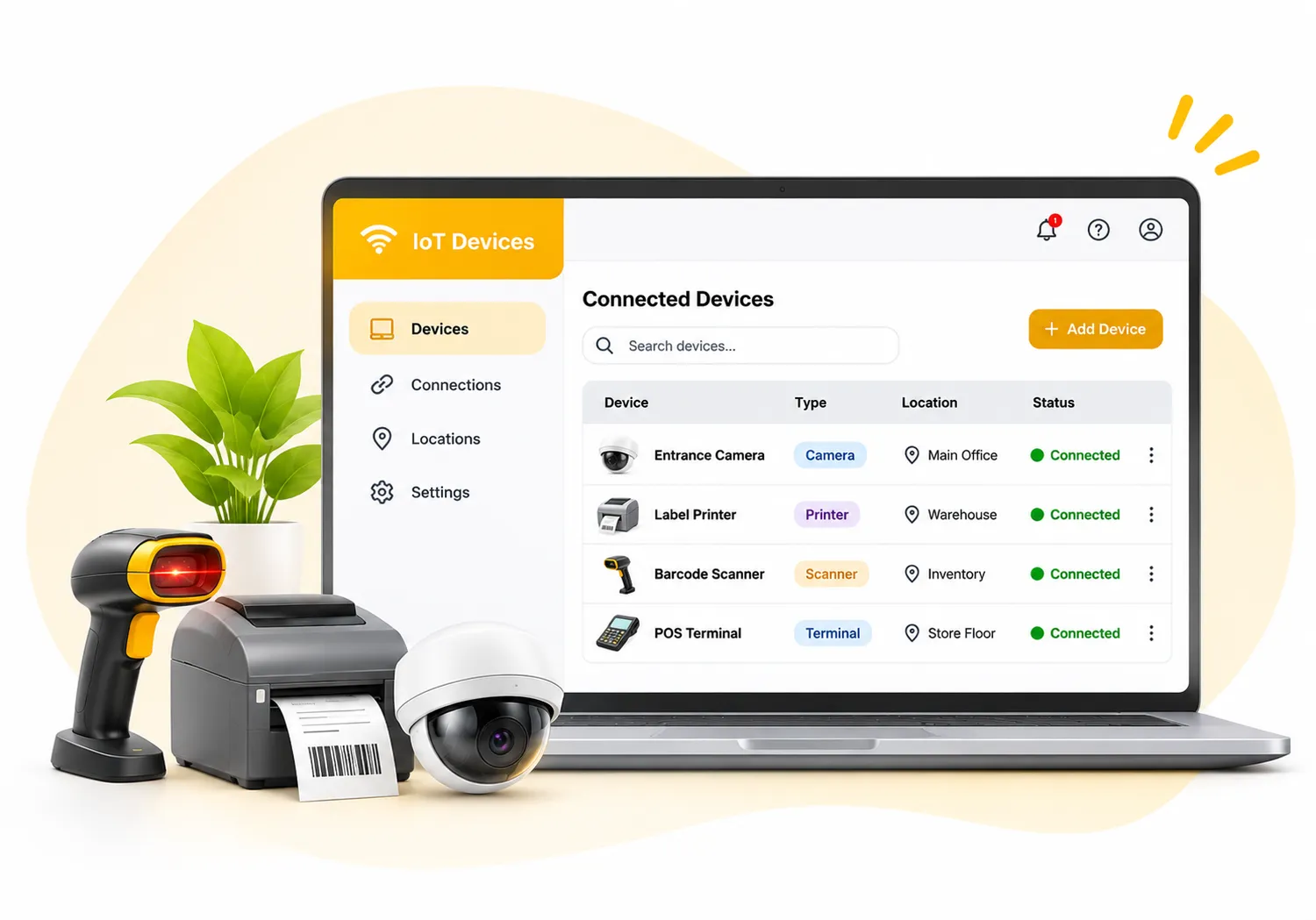
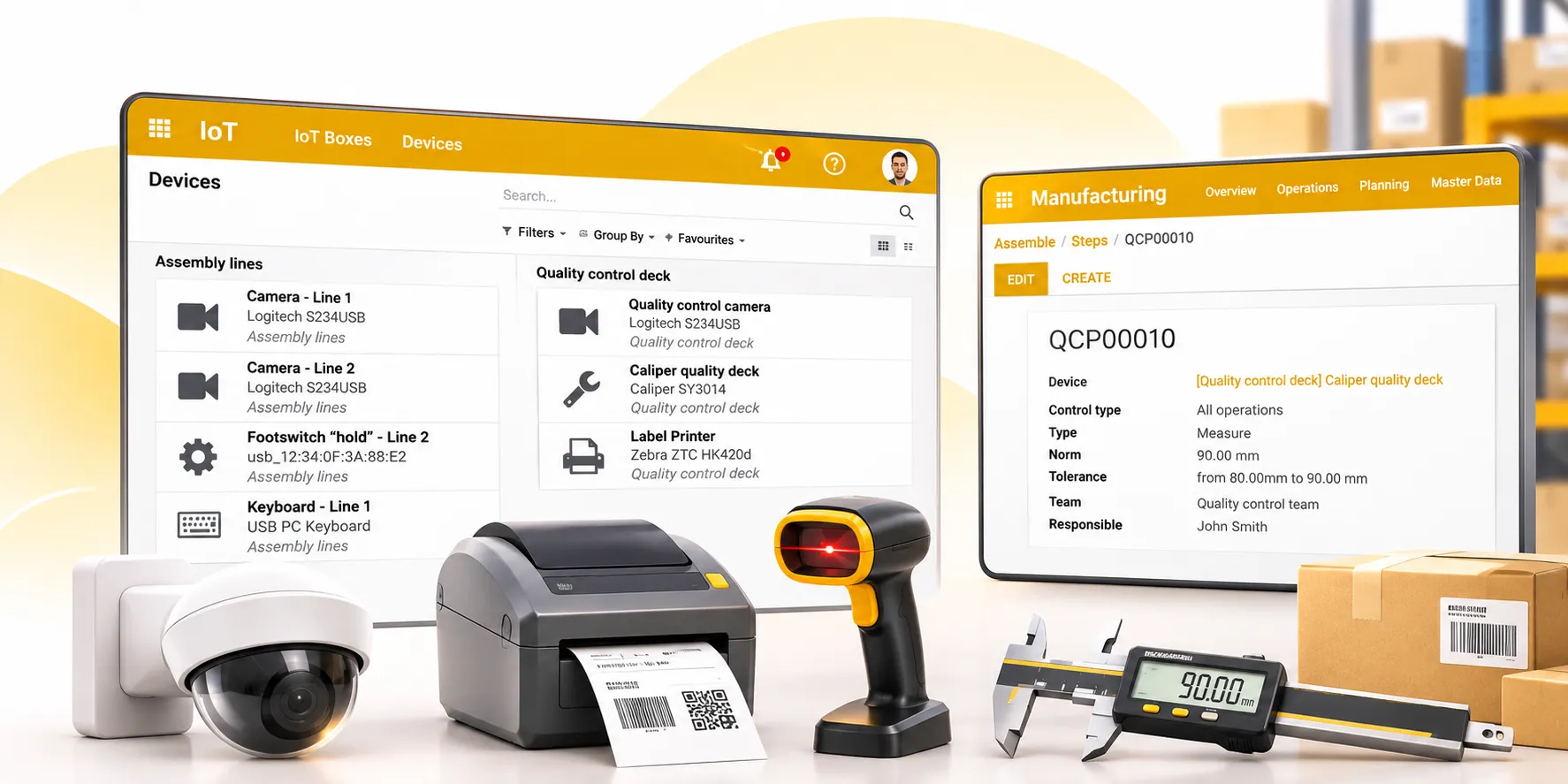
See every connected device in one list
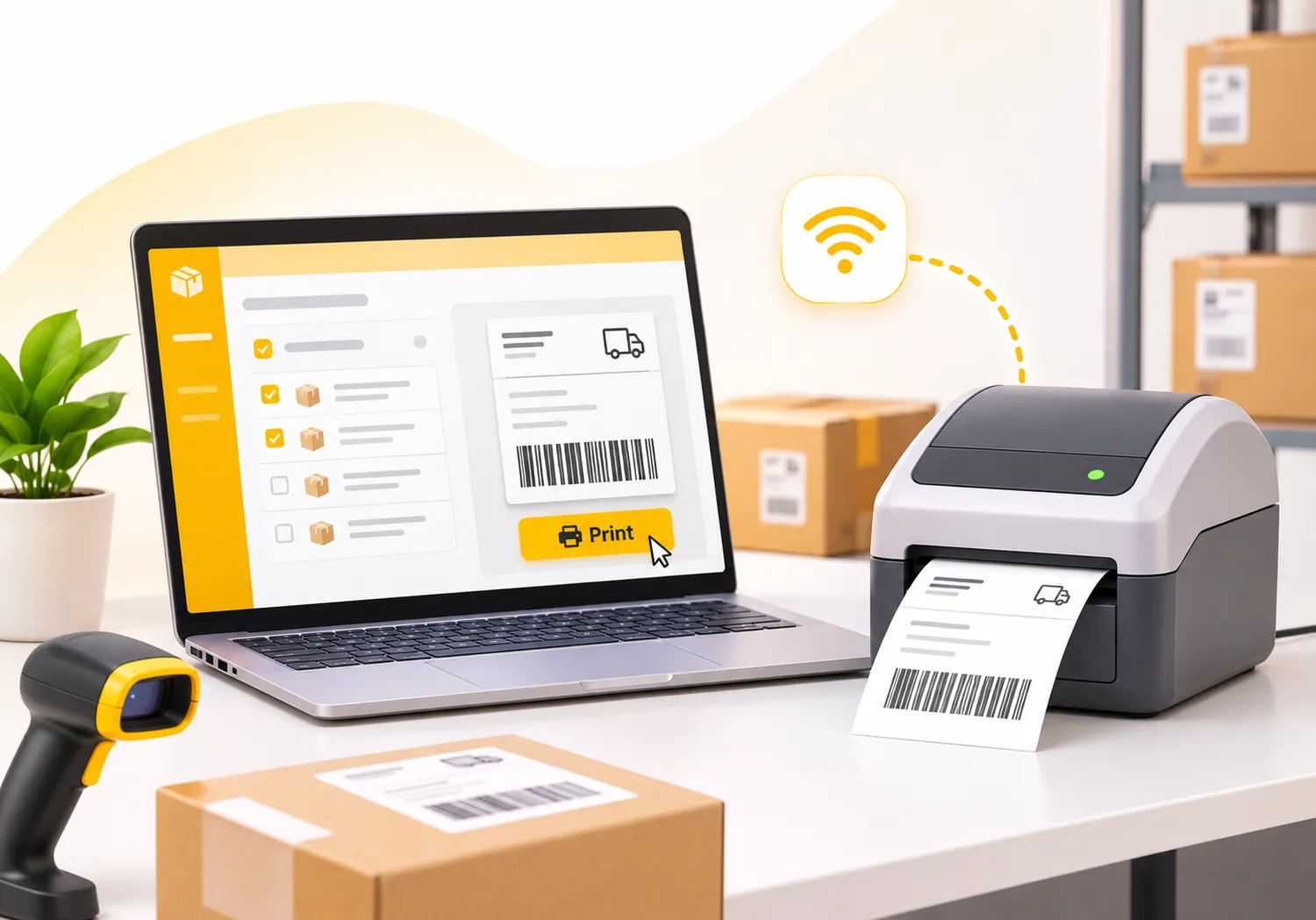
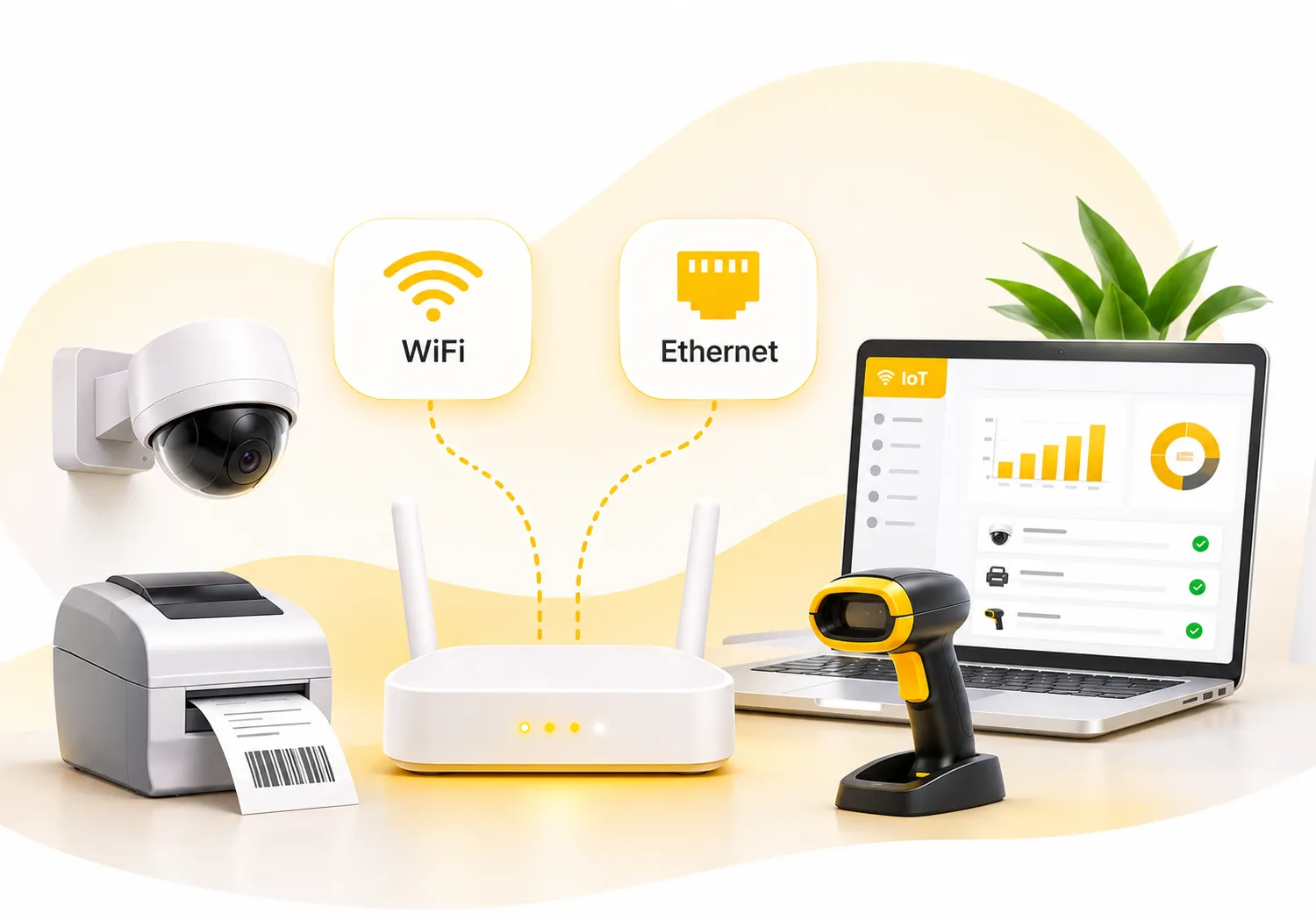
Connect over WiFi or Ethernet and start working
Print shipping labels from a connected printer
IoT · AI Assistant included
Connect your devices to your business.
Connect supported hardware to your business workflows. The Assistant can identify connected devices, link them to operations, and help monitor or trigger supported actions.
Just ask. Tap one to try it:
Your call. Device connections and operational changes are shown before they are applied.
AI Assistant
IoTFrom one sentence to a connected device
1
Say itType what you need, the way you’d say it to a colleague.
2
See itThe Assistant shows exactly what will change, before anything is applied.
3
Approve itOne click and it’s done. Changed your mind? Undo.
The Assistant works as you, with your permissions. It never connects a device, changes an operation, sends an email or publishes without your approval.
Your Devices, Linked to Your Work
More than a hardware box
The IoT Box connects external devices to your database, so measurements, photos, labels and barcodes flow straight into your daily operations.
Easy connection
Plug in a device and it is ready to use
- Connect over WiFi or Ethernet
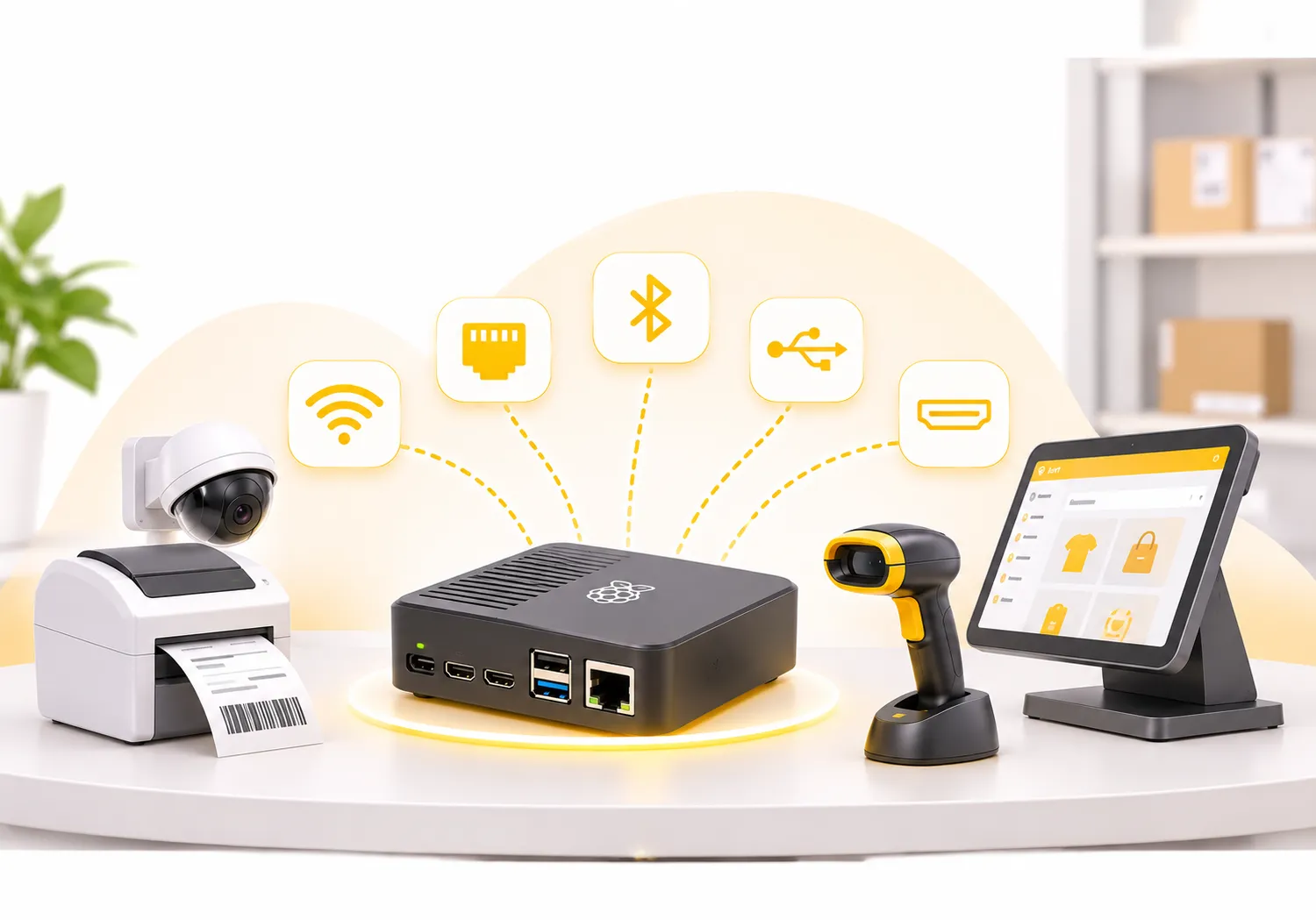
- Devices join by WiFi, Bluetooth, USB or HDMI
- Drivers come pre-loaded, no technical expertise needed
- Runs on Raspberry Pi 3 and 4 IoT boxes
Quality checks
Measure on the shop floor, decide on the spot
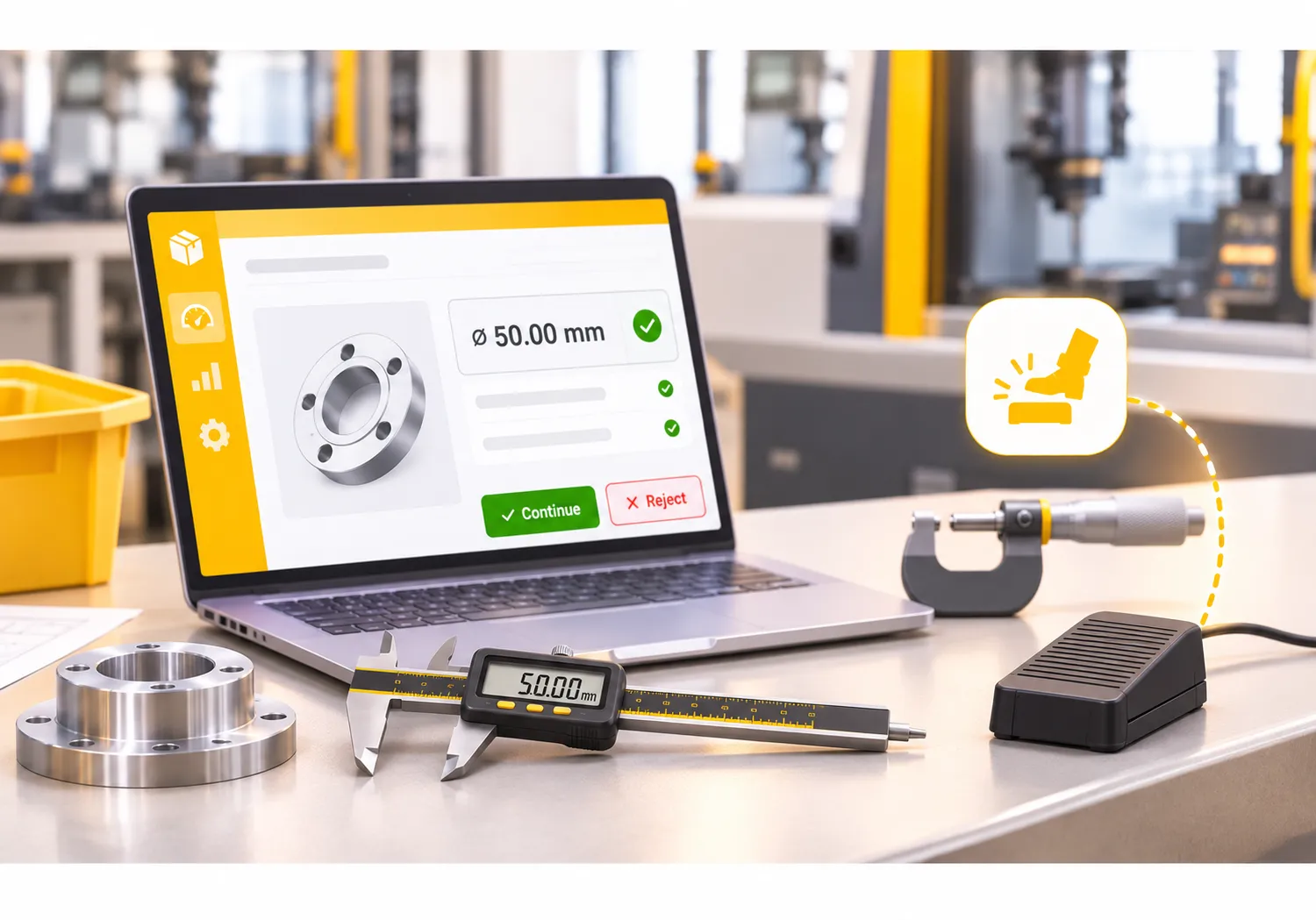
Measuring tools such as digital calipers and micrometers attach to quality control points and quality alerts, with the option to continue or reject at each step.
- Measurements linked to the product being processed
- Continue or reject at each step
- Hands-free steps with a USB footswitch
Cameras, labels and barcodes
Proof, traceability and speed in every step
Photos for proof
Take pictures for quality verification, issue documentation and audits.
Lot and serial labels
Link lot and serial numbers and print product labels as numbers are generated.
Barcodes for warehouse work
Scan barcodes to automate warehouse tasks.
From Plugged In to Up and Running in Four Steps
No complex setup. Connect, discover, link and go.
01
Connect
Plug the device into the IoT Box.
02
Discover
Devices become available in the app automatically.
03
Link
Attach each device to the business operation it serves.
04
Use
Start measuring, printing, scanning and photographing.
Benefits of Working with MYCT | IoT Services
- One place for all connected devices
- Fewer manual entries and mistakes
- Faster quality checks and labelling
- Devices that work out of the box
- Setup help and long-term support
Our Approach to IoT Setup
We start with the devices you use today and the operations they support: quality control, warehouse, point of sale or production. Then we set up the IoT Box, connect and link your devices, and show your team how to use them, so your first week runs smoothly.
Highlights of Our IoT App
Everything you need to connect your devices, built into one app.
Wide device support
Quality tools, cameras, printers, scales and more.
Pre-loaded drivers
Devices work out of the box.
WiFi or Ethernet
Connect the IoT Box the way your site allows.
Cameras
Capture photos for checks, issues and audits.
Printers
Print receipts, labels and shipping labels.
Barcode scanners
Speed up warehouse work with scans.
Measuring tools
Attach calipers and micrometers to quality checks.
Footswitch
Move through steps hands-free.
Built for Every Kind of Team
Works with Manufacturing, Inventory, Point of Sale and Quality.
Manufacturing
Measure and photograph at each step
Warehouse
Scan, weigh and label faster
Retail
Receipts, drawers and payments
Quality Teams
Checks with proof attached
IoT Questions, Answered
Quality measurement tools, cameras, printers, footswitches, scales, barcode scanners, cash drawers, displays, payment terminals and other peripherals.
The IoT Box connects over WiFi or Ethernet, and devices connect by WiFi, Bluetooth, USB or HDMI.
No. Drivers are pre-loaded, so devices work out of the box.
Yes. Shipping labels can be printed through an IoT-connected printer.
Yes. We set up the IoT Box, connect your devices and support your team after launch.