List Management - Organise Every Category Smarter
Manage Categories, Subcategories & Lists in One Place
Create categories, add subcategories and keep every list structured with simple forms, quick edits and clear tables – built for teams that want a tidy structure without any coding.
- Quick edits
- Subcategories
- No coding needed
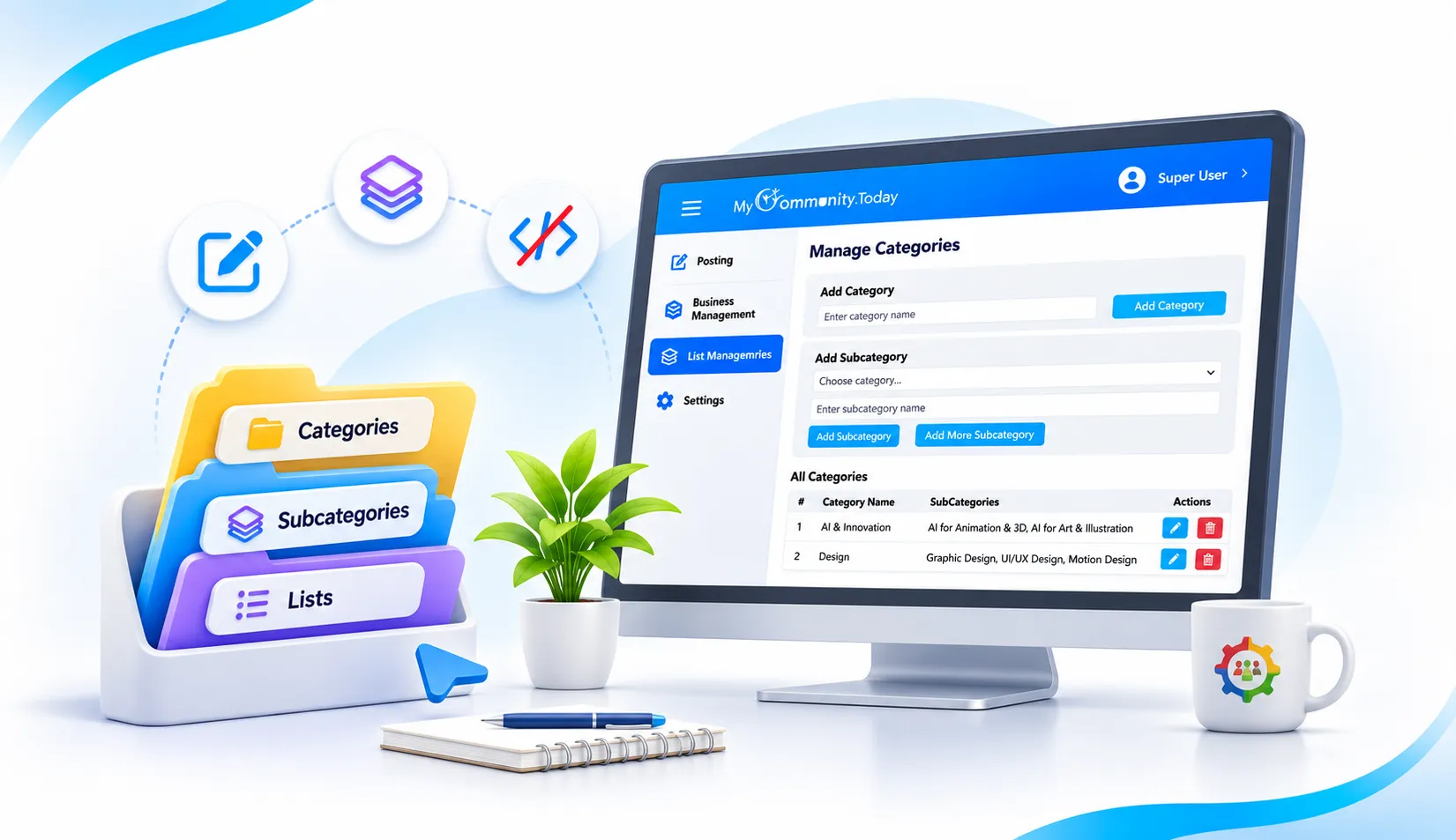
Structured
Categories and subcategories organised in a clear hierarchy
Quick
Add one or many subcategories in a single flow
Editable
Edit or delete any category in one click
Scalable
Browse large lists with clean, paged tables
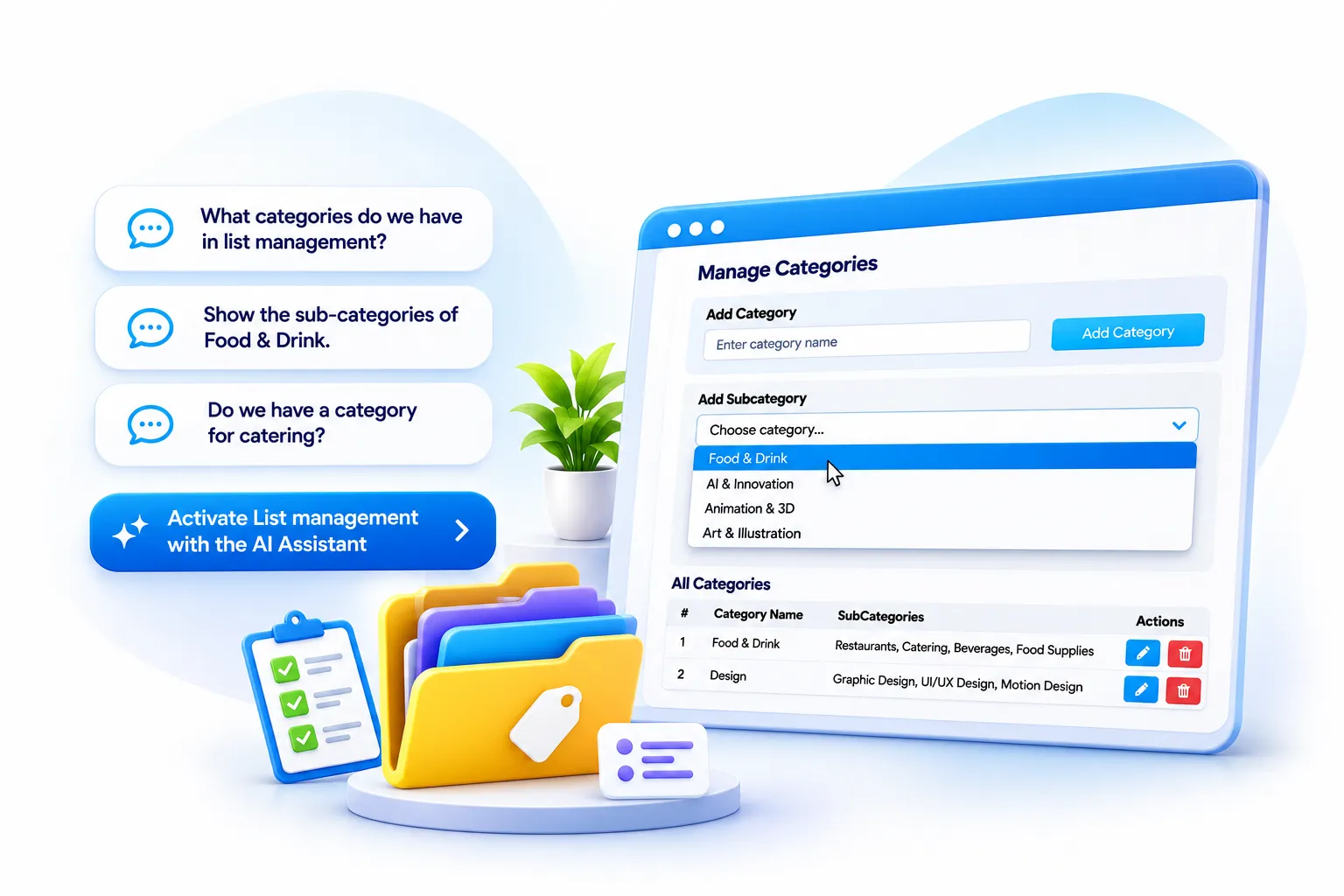
See how your lists are organised.
Ask which categories and sub-categories your business uses. The Assistant shows them, so you know where everything belongs.
From one question to a clear picture
The Assistant works as you, with your permissions. Here it only reads. It never changes, sends, posts or publishes anything.
Managing Categories by Hand Costs You Clarity
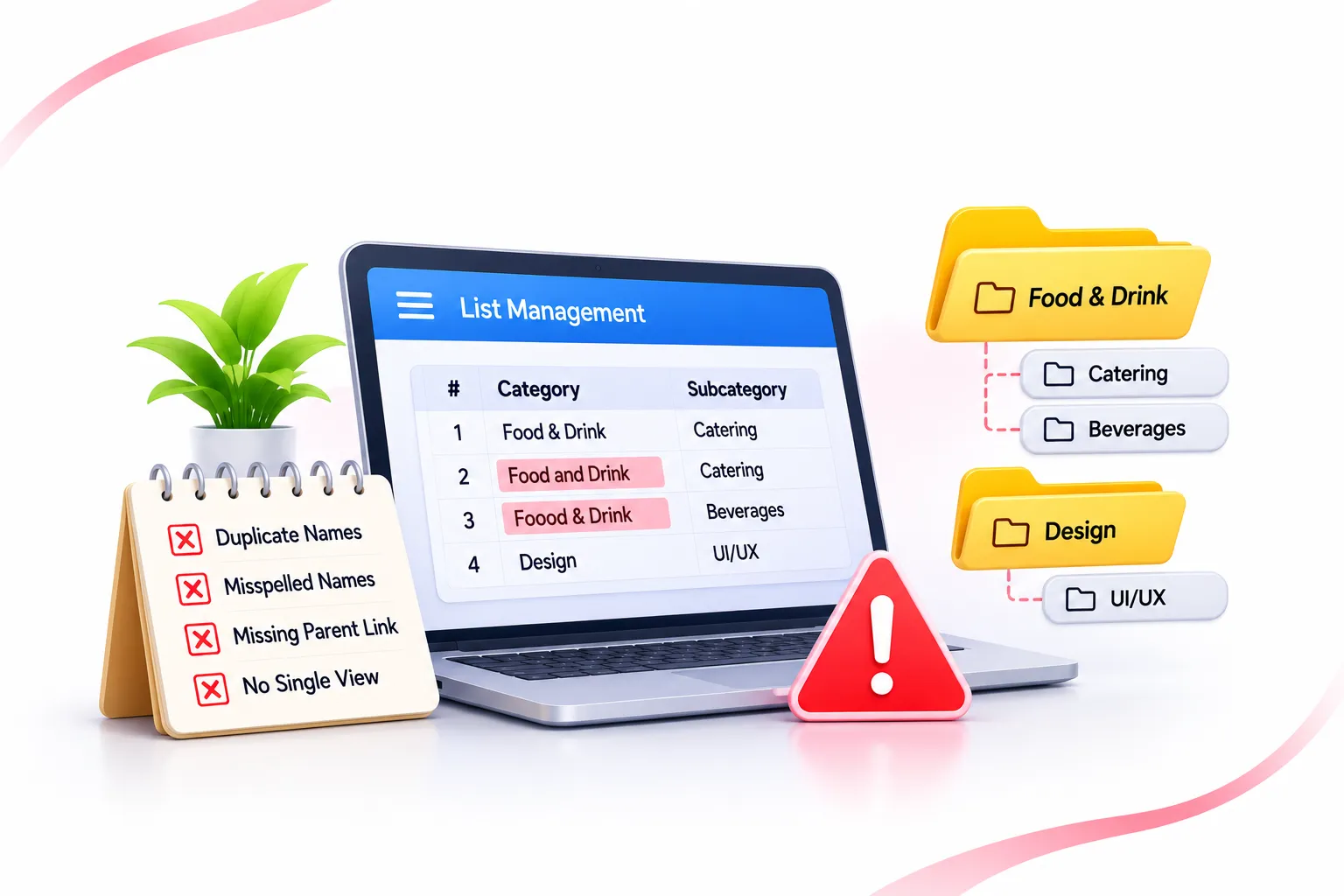
Category names kept in spreadsheets and notes quickly turn inconsistent. Duplicates, typos and missing parents make lists hard to search, and your team loses time fixing the structure instead of using it.
- Duplicate and misspelled category names
- Subcategories added one by one, with no parent link
- No single view of all categories and subcategories
- Slow, risky edits with no clear actions
One Place. Every Category & Subcategory.
Our list management tool brings categories, subcategories and actions together in one simple screen, so every team works from the same structure. Add, edit and organise in seconds.
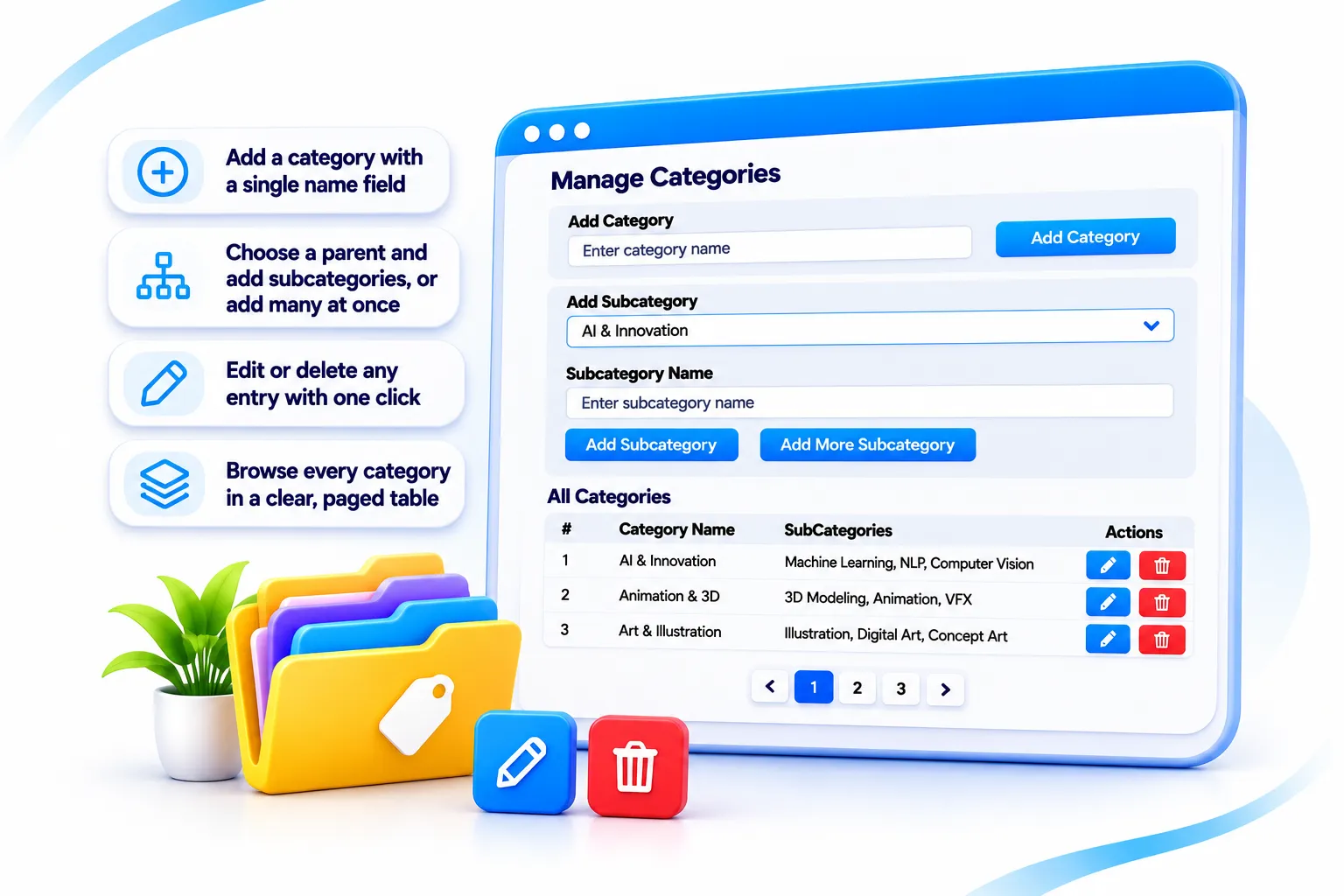
- Add a category with a single name field
- Choose a parent and add subcategories, or add many at once
- Edit or delete any entry with one click
- Browse every category in a clear, paged table
Watch How the List Management Tools Work
Take a quick walkthrough of the tools and see how categories, subcategories, edits and tables work together in one screen.
Everything You Need to Manage Your Lists
Powerful tools that work together, so you spend less time on admin and more time building a clean structure.
Add Categories
Create a new category by typing a name and clicking add.
Add Subcategories
Pick a parent category, name the subcategory and save it instantly.
Add More at Once
Use Add More Subcategory to build several subcategories in one go.
Edit & Delete
Update names or remove entries with clear Edit and Delete actions.
All Categories Table
See every category and its subcategories in one organised table.
Easy Pagination
Move through long lists page by page without losing your place.
From First Category to Organised Lists
Create a Category
Type a name and add it to your list in one click.
Add Subcategories
Choose the parent and add one or many subcategories.
Edit & Organise
Rename, update or delete entries whenever things change.
Review & Grow
Check the full table and keep expanding your structure.
Clear Structure. Confident Decisions.
See every category, subcategory and action in one clear screen, then manage it in a click.