Posting Administration – Run Every Post Smarter
Create, Approve & Schedule Posts in One Place
Add, edit and publish the questions your customers ask most – all from one simple dashboard. Save time on repeat enquiries and give customers instant answers about your business.
- Approval workflows
- Role-based access
- No coding needed
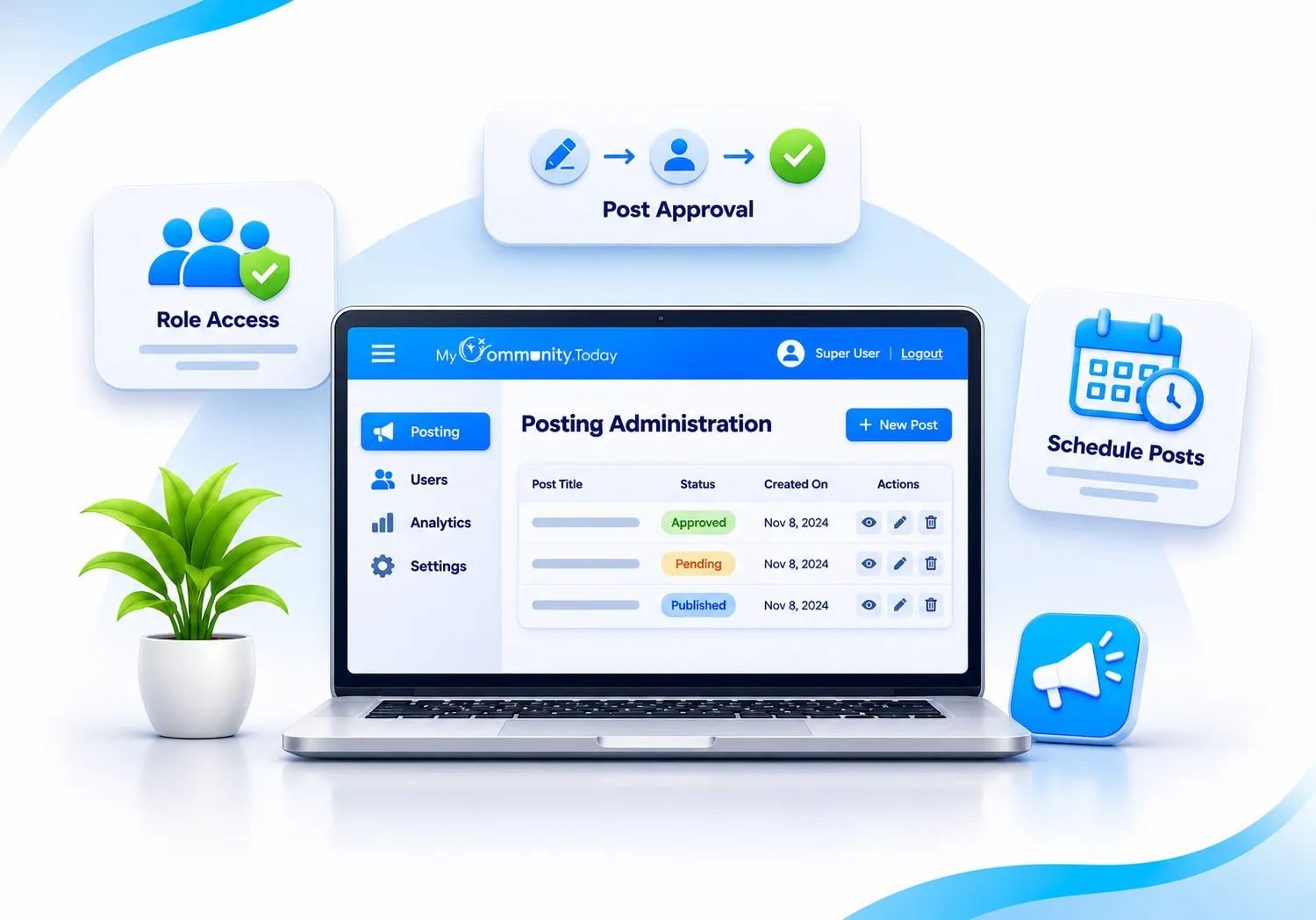
Scheduled
Manage your own business FAQs
Role-based
Go live on your business page
Moderated
Manage FAQs for other businesses
One view
Update answers any time
Review the posting queue in minutes.
Ask what's waiting for review. The Assistant summarises each post, flags anything that breaks your rules, and approves or rejects on your word.

Managing Posts by Hand Costs You Reach
Running posts, approvals and users across spreadsheets and separate inboxes leads to missed schedules, duplicate content and off-brand posts. Without one clear view, growing teams lose time and engagement every week.
- Off-brand posts going live unreviewed
- Manual scheduling and missed posting slots
- Users and permissions scattered across tools
- No clear view of reach, engagement or top posters
One Platform. Every Part of Your Posting.
Our posting administration tool brings posts, approvals, users, schedules and reports together, so every team member works from the same real-time workspace. Save hours, reduce errors and keep your community engaged.
- Role-based access across users, teams and channels
- Automated approval rules and scheduled publishing
- Post tracking from draft to published
- Smart reports on reach, engagement and top posters
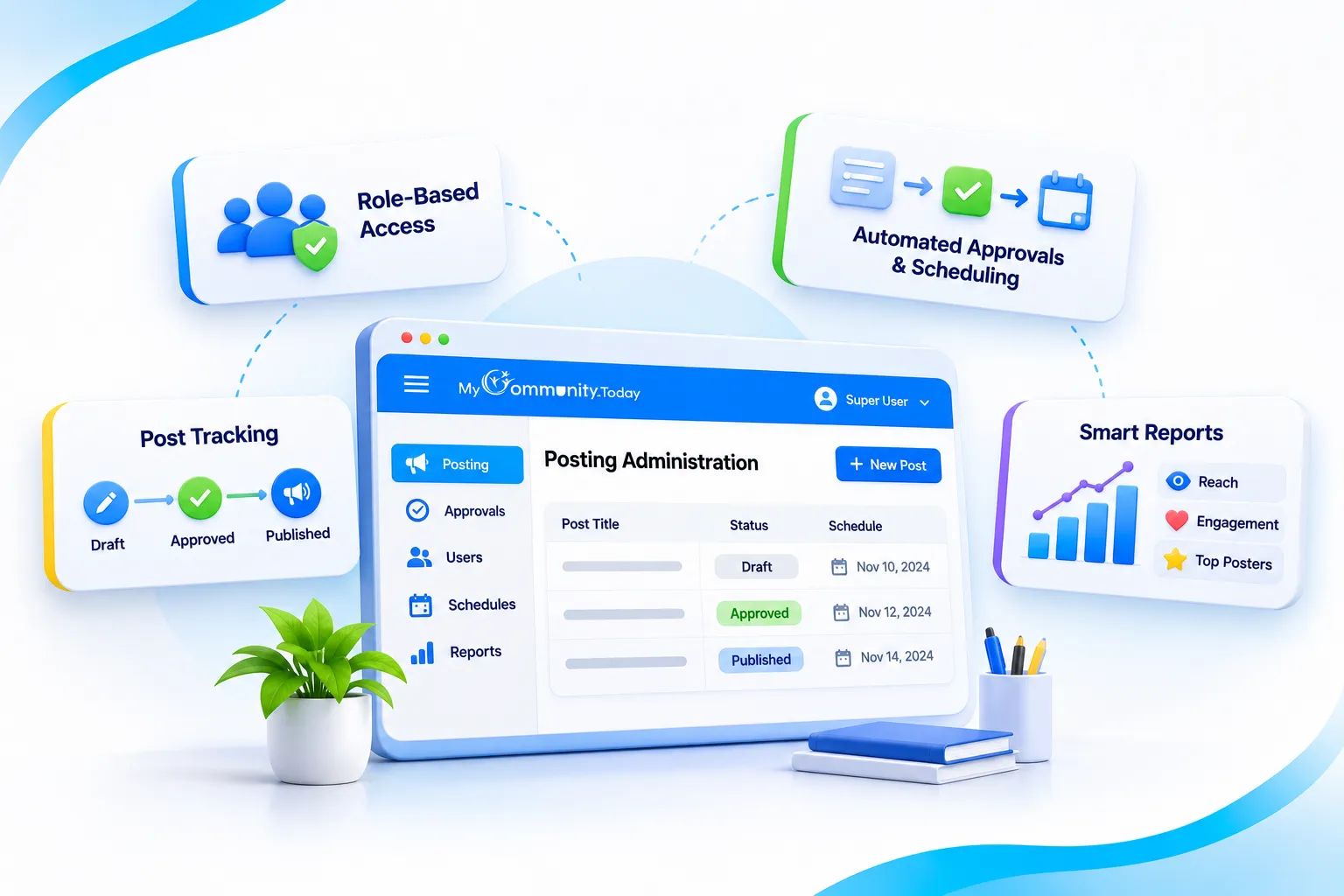
Watch How the Posting Administration Tools Work
Take a quick walkthrough of the tools and see how posts, users, approvals and reports work together in one dashboard.
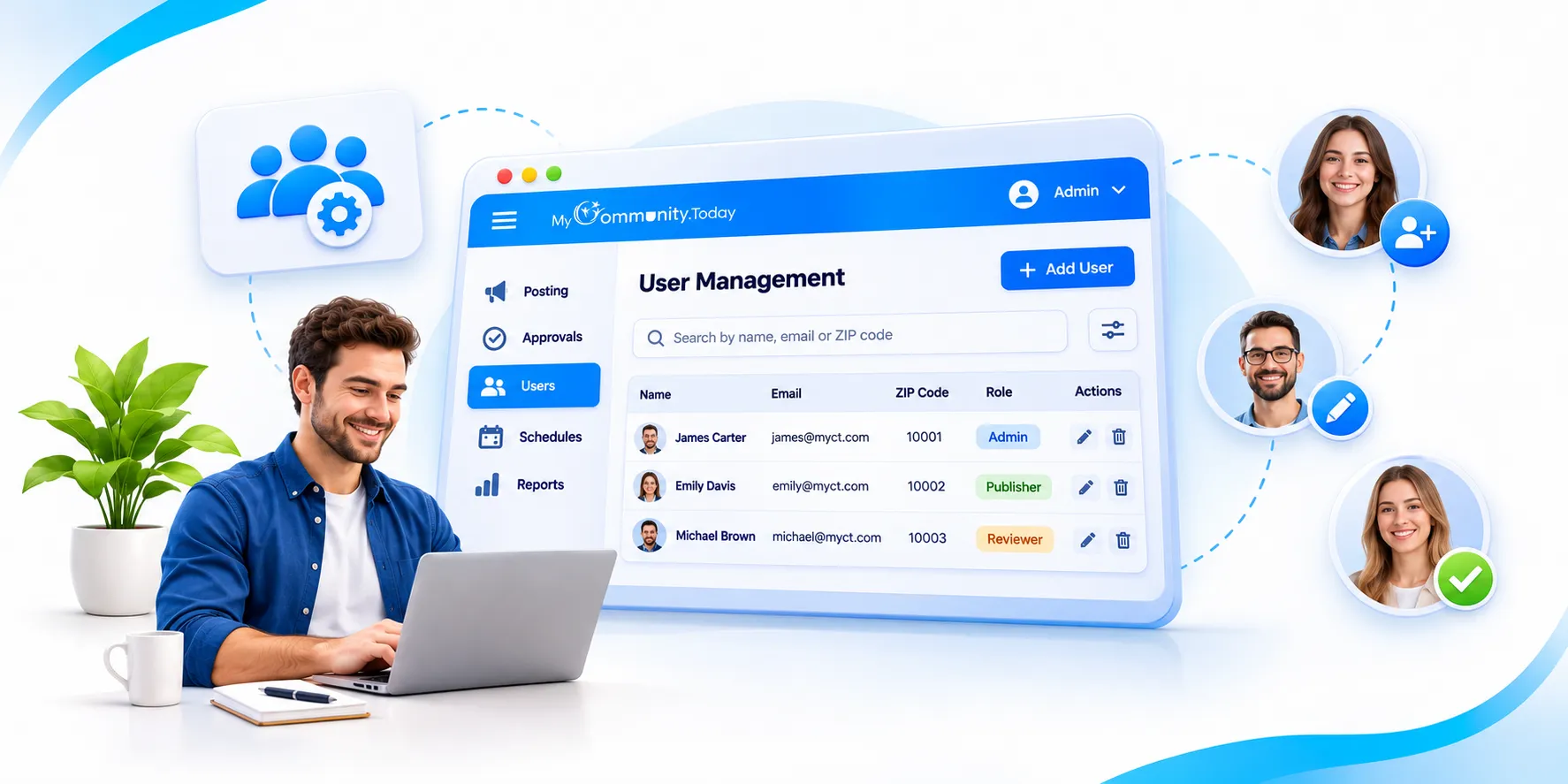
Add and Manage Users from One Screen
Open the Users tab to add new posters or manage existing ones, then search by name, email or ZIP code and edit in one click.
Everything You Need to Run Your Posting
Powerful tools that work together, so you spend less time on admin and more time engaging your community.
Post Composer & Scheduling
Create posts once, schedule them for the best time and publish across your channels automatically.
Approval Workflow
Send every post through a clear review queue so approvers can approve, reject or request changes.
Roles & Permissions
Decide who can draft, approve or publish, and which channels each person can post to.
User Management
Add, search and edit posters in seconds, filtered by name, email or ZIP code.
Content Moderation
Flag, filter and review content with automatic rules that keep every post on brand.
Reports & Analytics
See reach, engagement and top posters on dashboards you can act on.
From First Post to Community Engagement
Add Your Users
Invite posters, assign roles and set the channels each person can publish to.
Create & Submit
Posters draft content and submit it to one organised approval queue.
Review & Publish
Approve, schedule and publish posts automatically at the right time.
Analyse & Grow
Use live reports to see what performs and back your best posters.
Clear Numbers. Confident Decisions.
Track posts, approvals and engagement in one live dashboard, then act on what you see.