








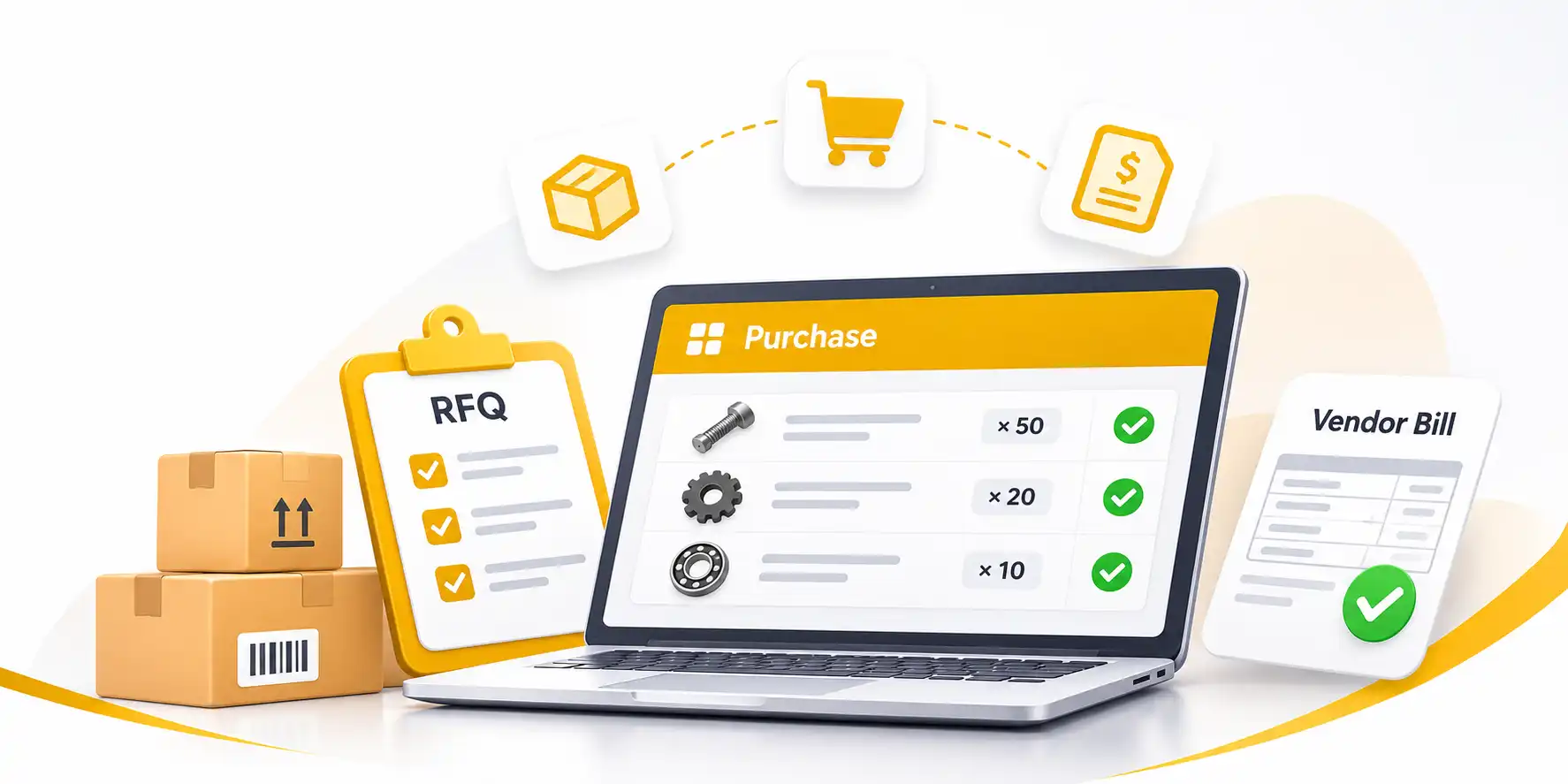
Purchase – Order Smarter, Pay Right
Request quotes, place orders and check every vendor bill against what you received. All in one platform.
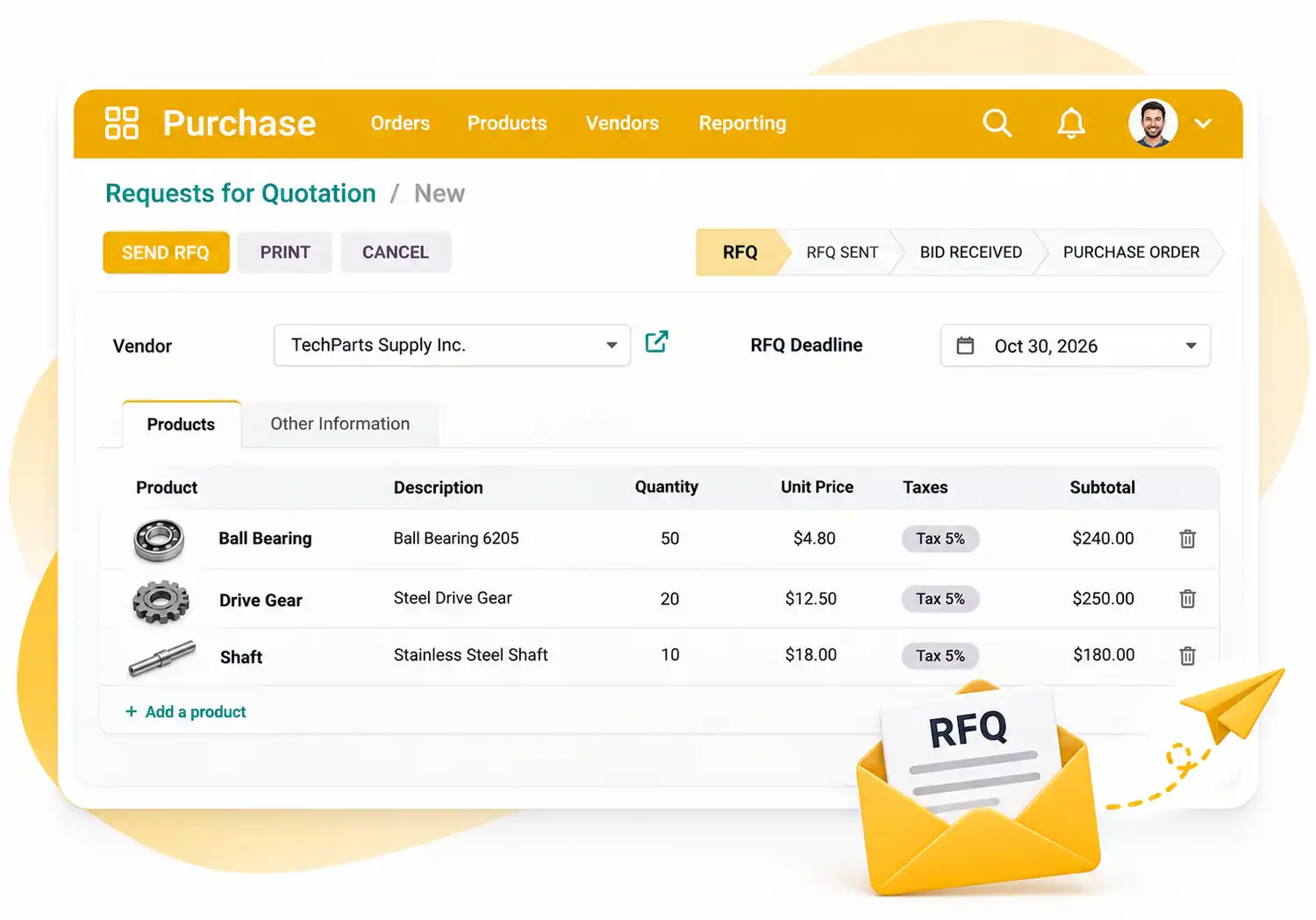
Send RFQs to your vendors
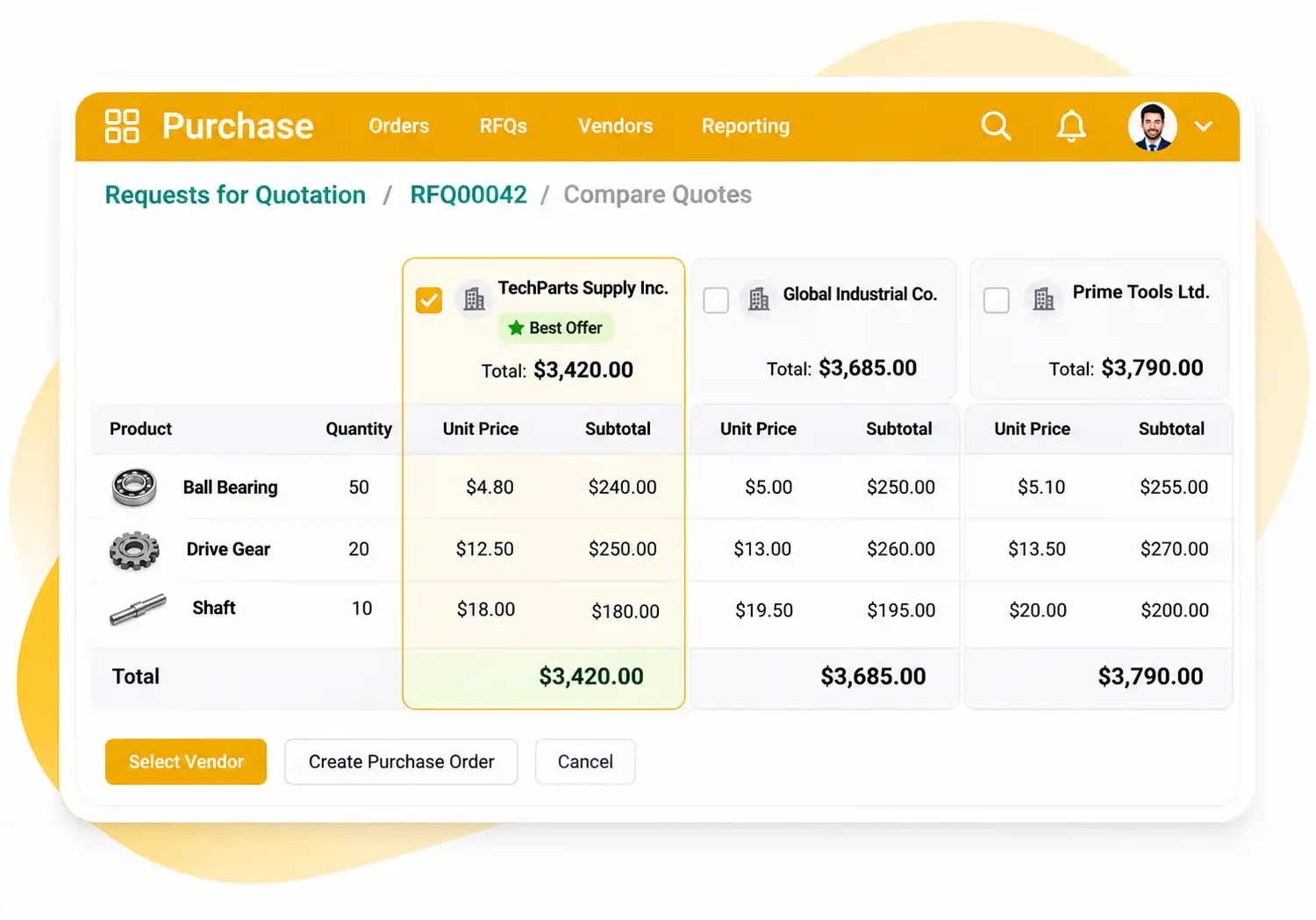
Compare quotes side by side
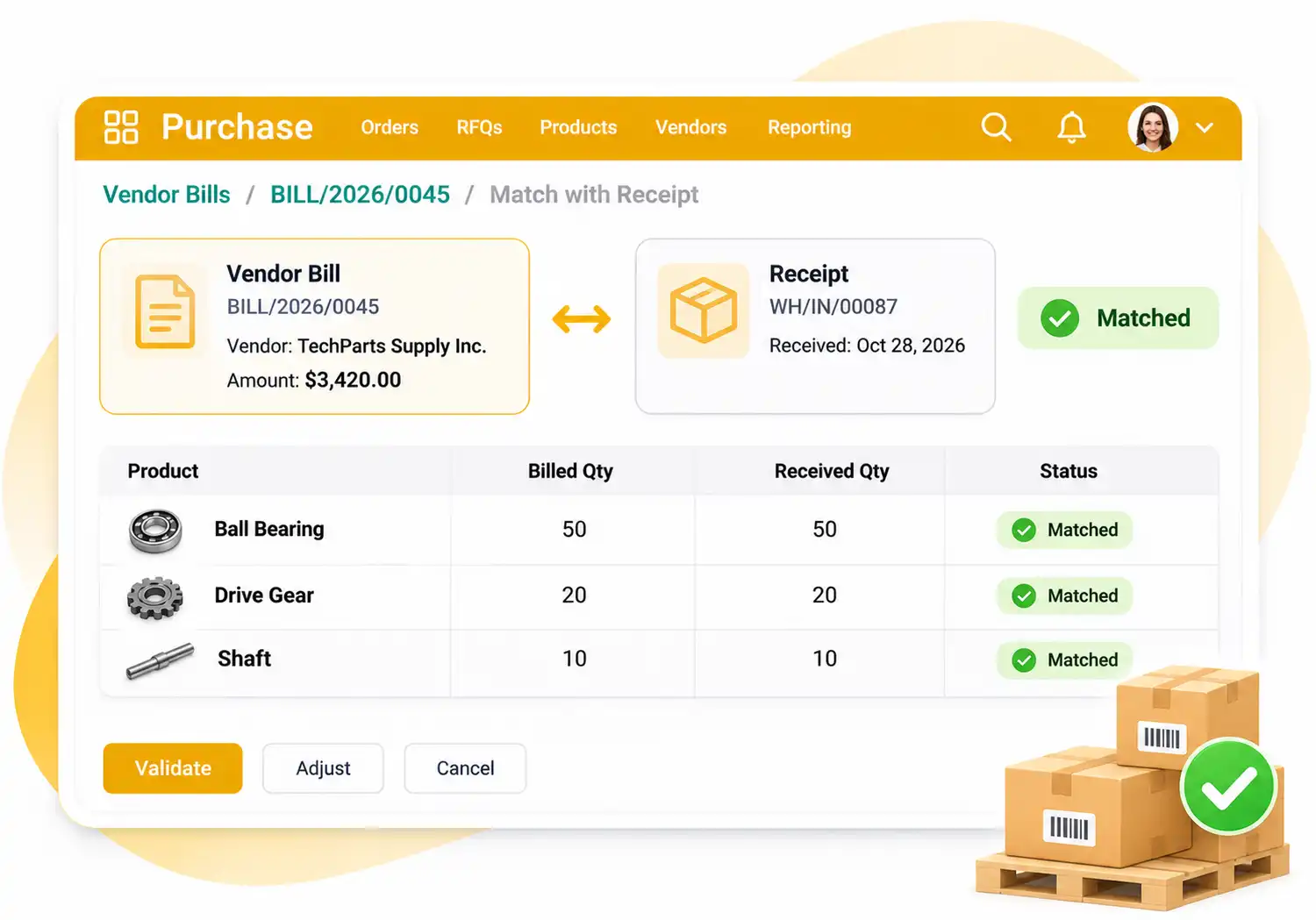
Match bills to what you received
Purchasing · AI Assistant included
Reorder in one sentence.
Name the supplier and what you need. The Assistant drafts the purchase request at the supplier's price, and changes, cancels or confirms it on your word.
Just ask. Tap one to try it:
Your call. Nothing is ordered from a supplier until you approve.
AI Assistant
PurchasingFrom one sentence to a supplier request
1
Say itType what you need, the way you’d say it to a colleague.
2
See itThe Assistant shows exactly what will change, before anything is saved.
3
Approve itOne click and it’s done. Changed your mind? Undo.
The Assistant works as you, with your permissions. It never orders from a supplier, sends an email, pays or publishes without your approval.
One Place for Every Purchase
More than purchase orders
Purchase is the hub for your procurement. Request quotes, confirm orders, track receipts and control vendor bills from the same record.
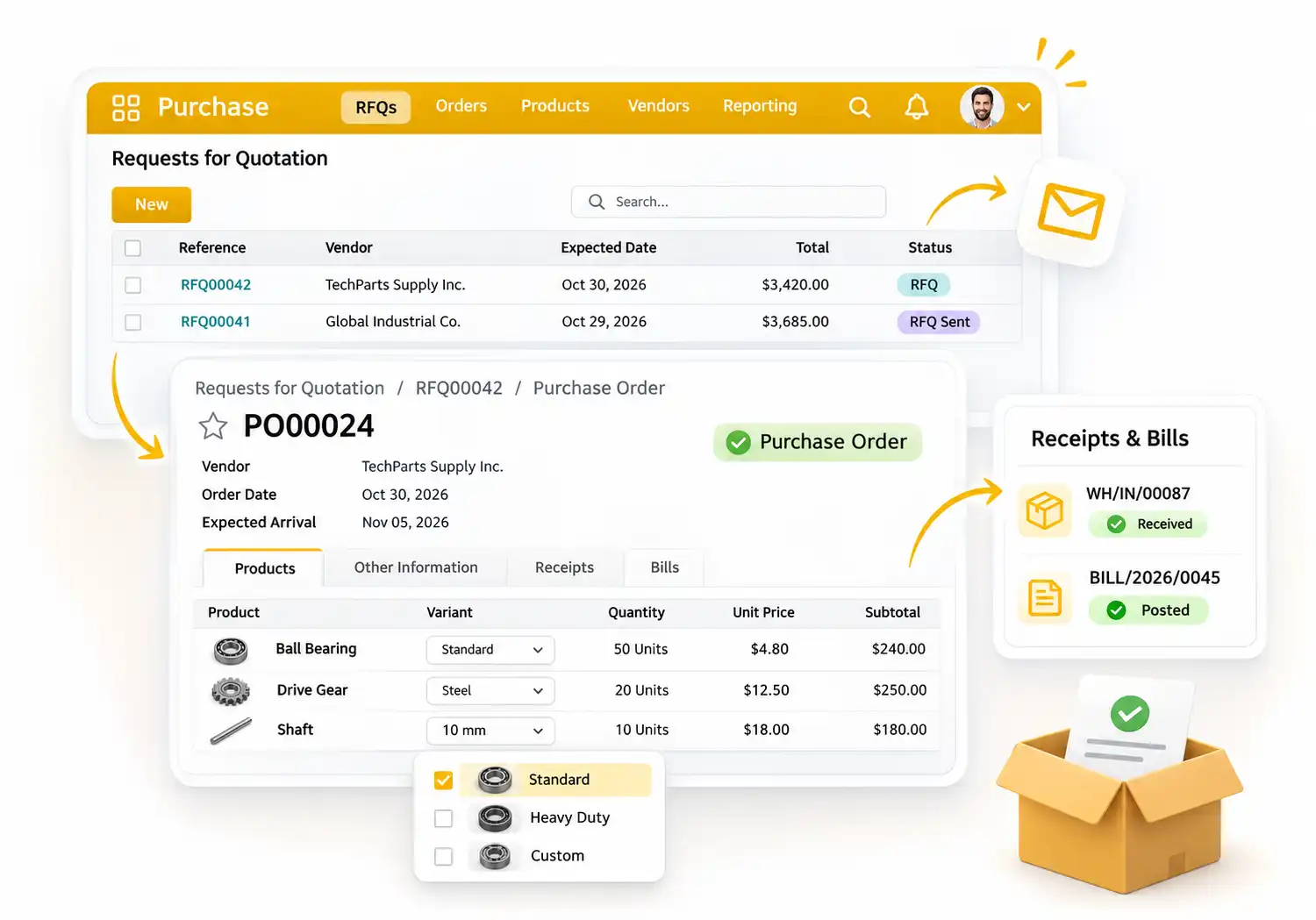
RFQs and purchase orders
From request to order in a few clicks
- Create an RFQ and send it to your vendor by email
- Confirm it as a purchase order
- Add product variants from a grid
- Follow receipts and bills from the same order
Reordering rules
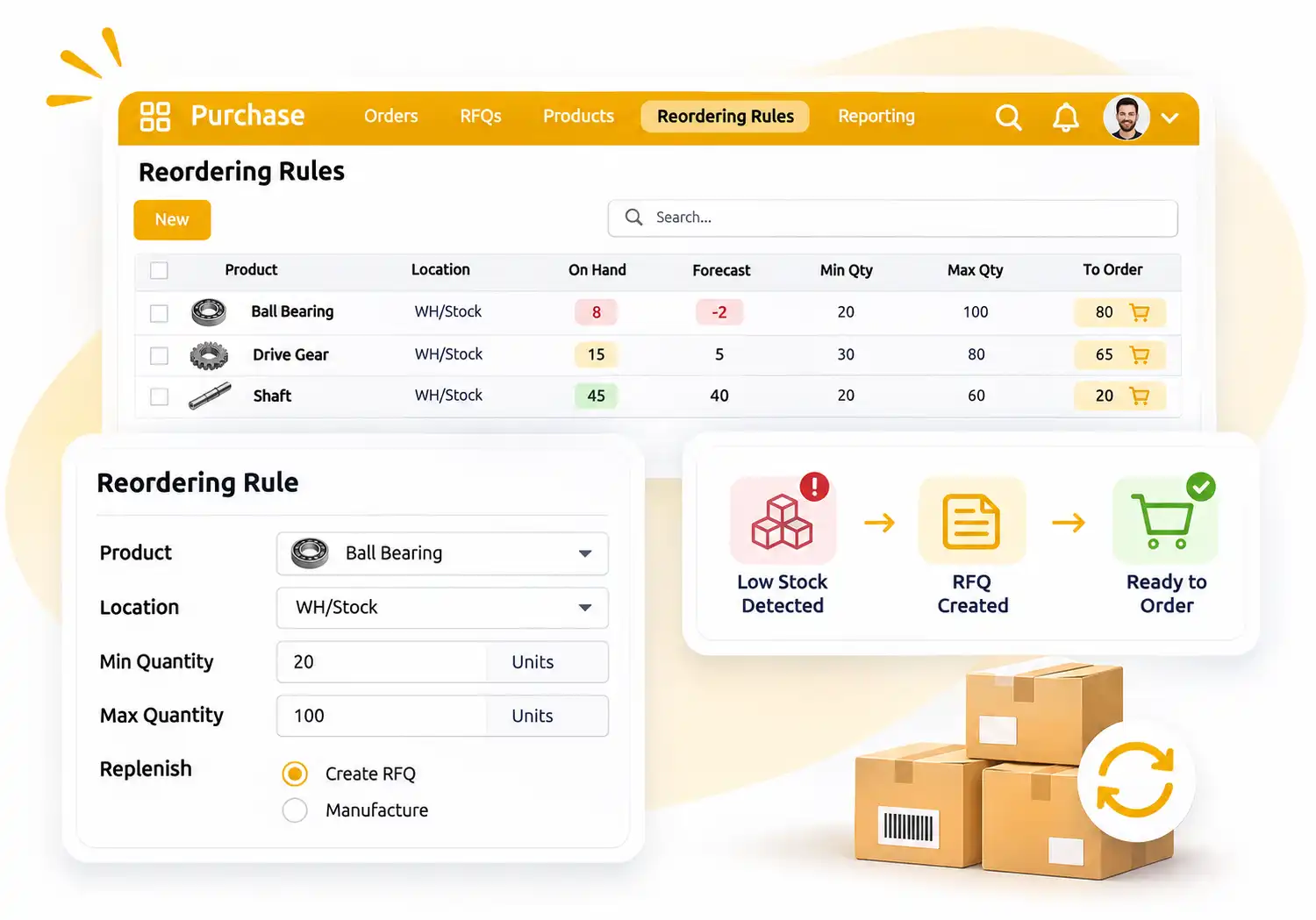
Let low stock create the RFQ
Never run out of what you sell
Set custom reordering rules and replenishment methods, and RFQs are created for you when stock drops. Forecasts based on confirmed orders show what you will need.
Purchase agreements
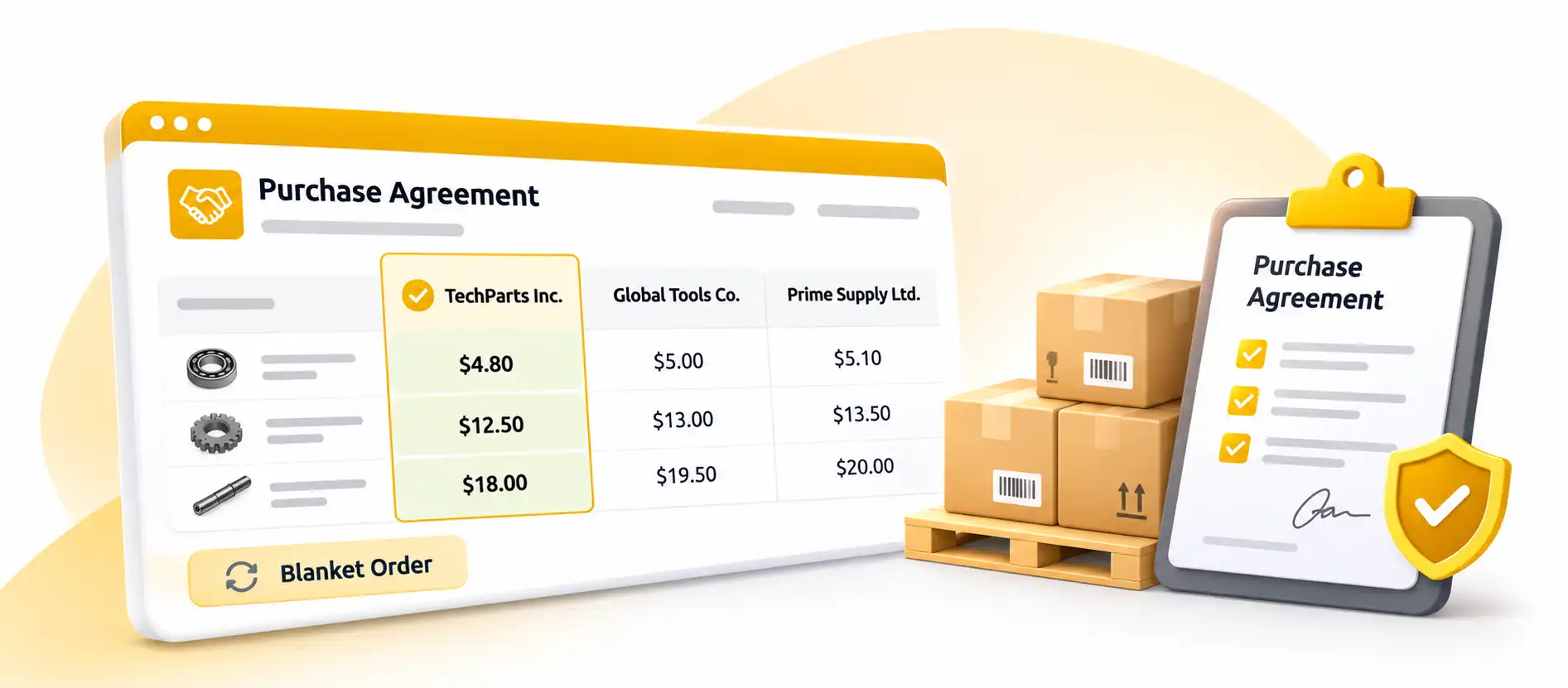
Secure the best price
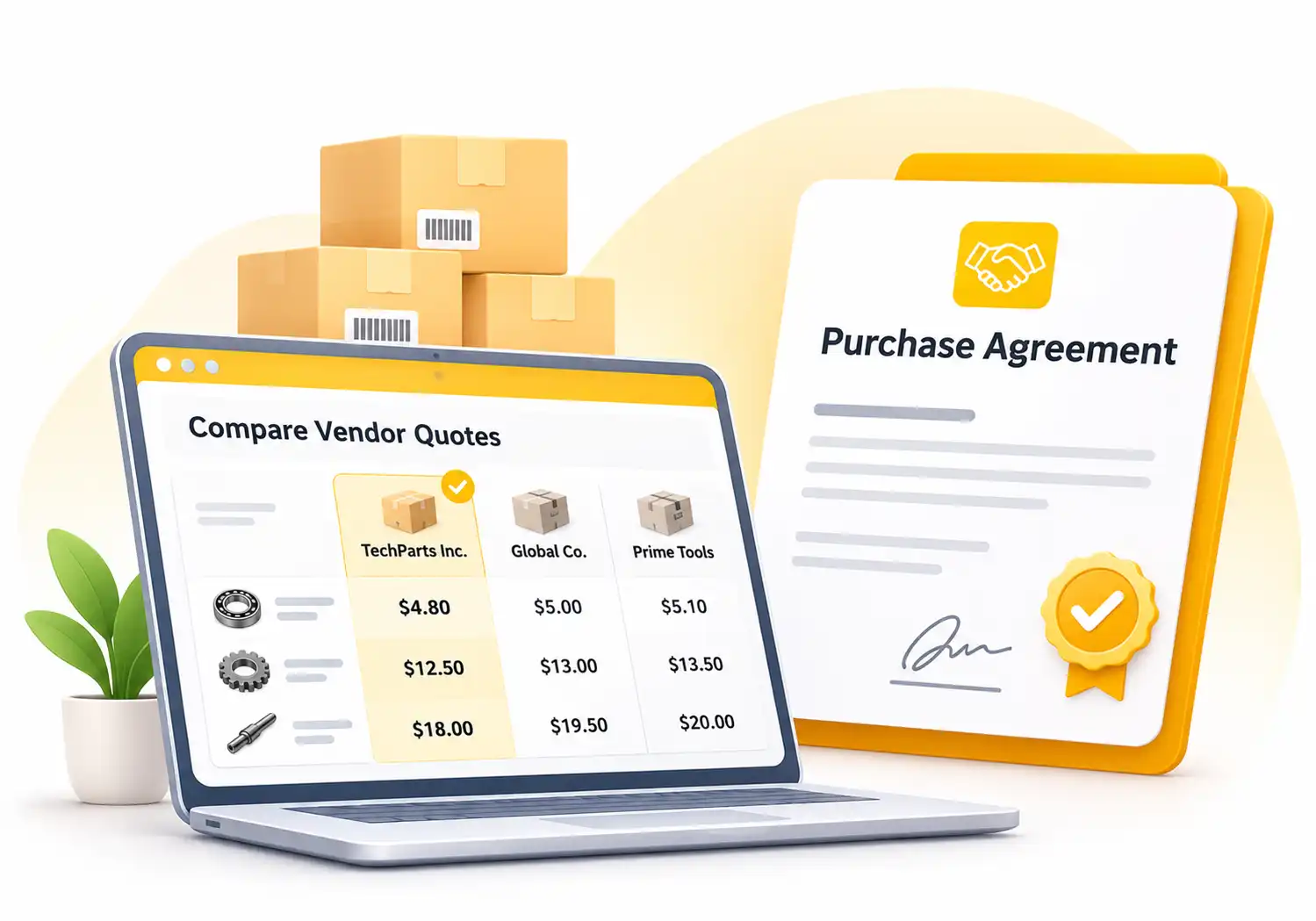
Compare vendor quotes line by line, or lock in recurring orders with a blanket order.
01
Ask for alternatives
Send alternative RFQs to several vendors.
02
Compare product lines
See each vendor’s price for every line.
03
Use a blanket order
Streamline recurring orders with agreed terms.
Control Your Vendor Bills
Pay the right amount, every time.
3-way matching
Compare the order, the vendor bill and the receipt.
Single or split bills
Create a bill at any time, in one piece or split.
Ordered or received
Pay on ordered or on received quantities.
From First Request to Paid Bill in Four Steps
No setup headaches. Create an RFQ and your purchasing flow builds itself.
01
Request
Create an RFQ and send it to your vendor.
02
Order
Confirm the quote as a purchase order.
03
Receive
Check the goods against the order.
04
Pay
Match the vendor bill and pay it.
Benefits of Working with MYCT | Purchase Services
- Automated purchase orders
- Supplier database management
- Integration with inventory and finance
- Orders, receipts and bills matched in one place
- Setup help and long-term support
Our Approach to Purchase Setup
We start with how you buy today: your vendors, products and approval habits. Then we configure your RFQs, reordering rules and bill control, and show your team how to use them, so your first month runs smoothly.
Highlights of Our Purchase App
Everything your purchasing team needs, built into one platform.
RFQs and orders
Send quotes and confirm purchase orders.
Automated RFQs
Reordering rules create RFQs for you.
Purchase agreements
Alternative RFQs and blanket orders.
Vendor bills
Create single or split bills at any time.
3-way matching
Compare order, bill and receipt.
Product variants
Add variants from a grid.
Forecasts
See availability from confirmed orders.
Integrations
Works with Inventory and Accounting.
Built for Every Kind of Team
Start with your vendors, then change anything.
Procurement Teams
Keep every order moving
Finance Teams
Match bills before paying
Warehouse Teams
Warehouse Teams
Small Businesses
Reorder without the spreadsheets
Purchase Questions, Answered
Yes. Create an RFQ, send it to your vendor by email and confirm it as a purchase order once they agree.
Yes. Set reordering rules on your products and RFQs are created automatically.
Yes. Use alternative RFQs and purchase agreements to compare product lines and keep the best price.
Yes. 3-way matching compares the purchase order, the receipt and the vendor bill before you pay.
Yes. We configure your purchasing flow and support your team after launch.