








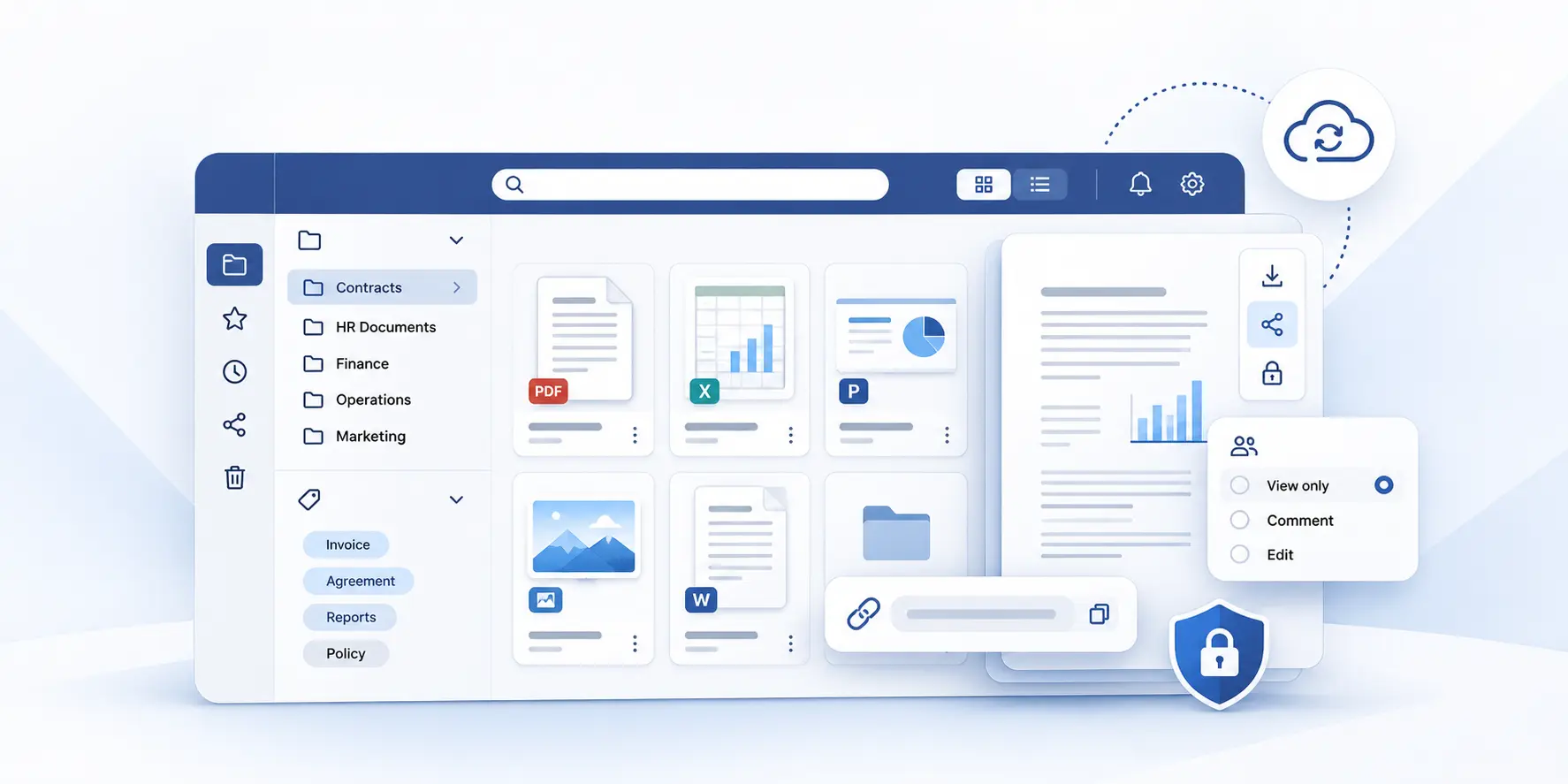
Documents – Organize, Share, Protect
Keep every business file in one searchable place, share it safely and control who can open, edit or download it.
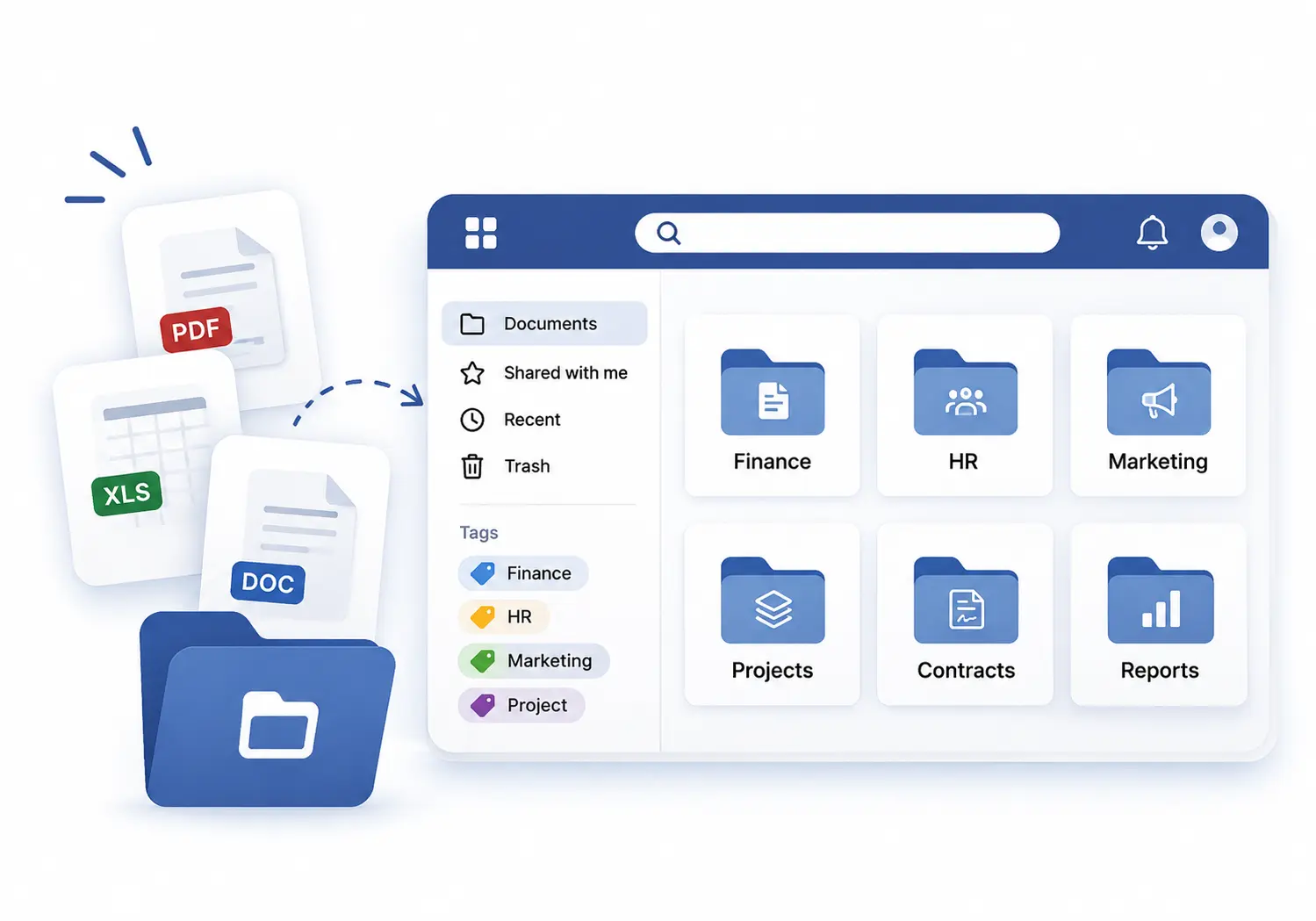
Organize files in folders with tags
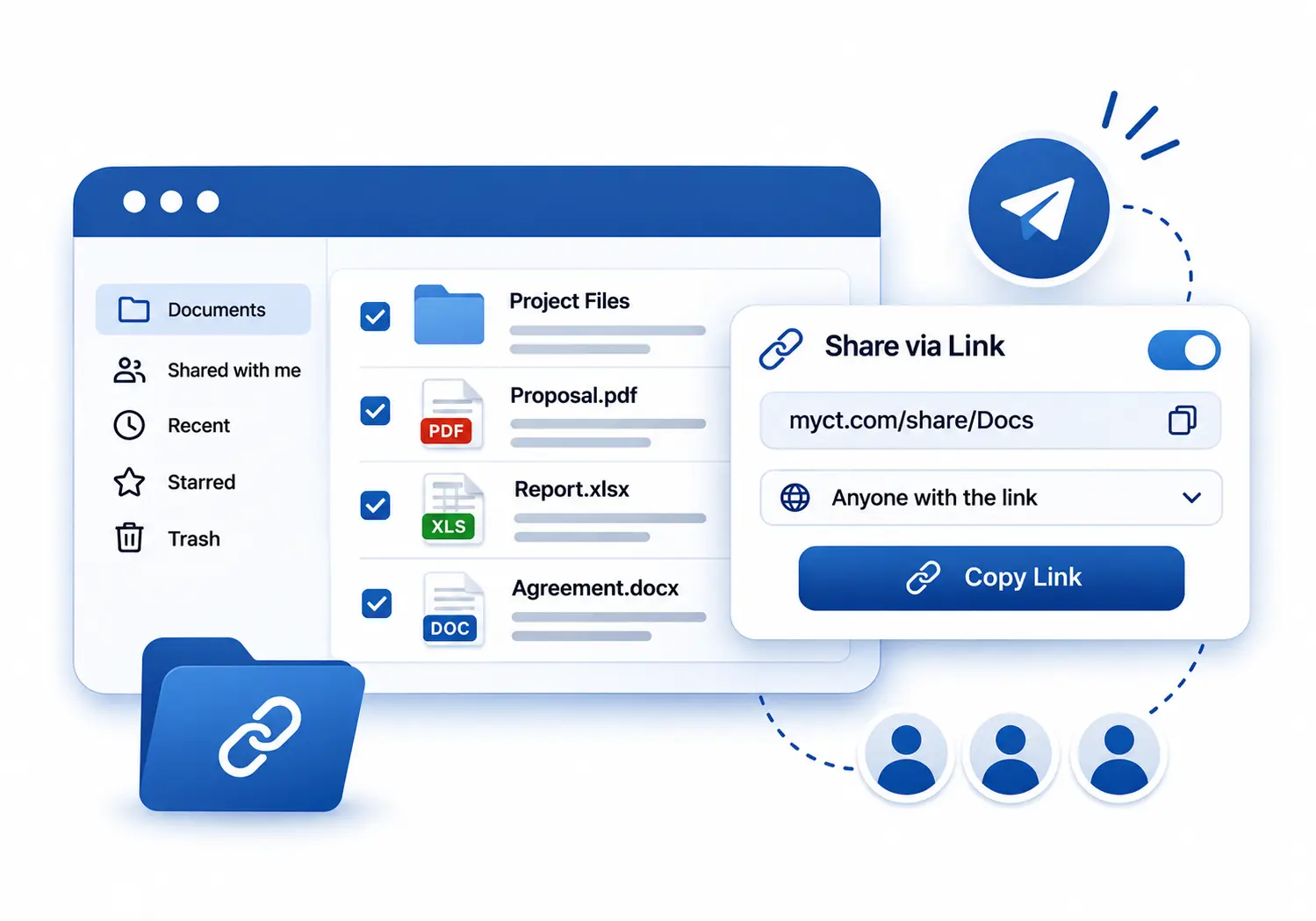
Share folders and documents with a link
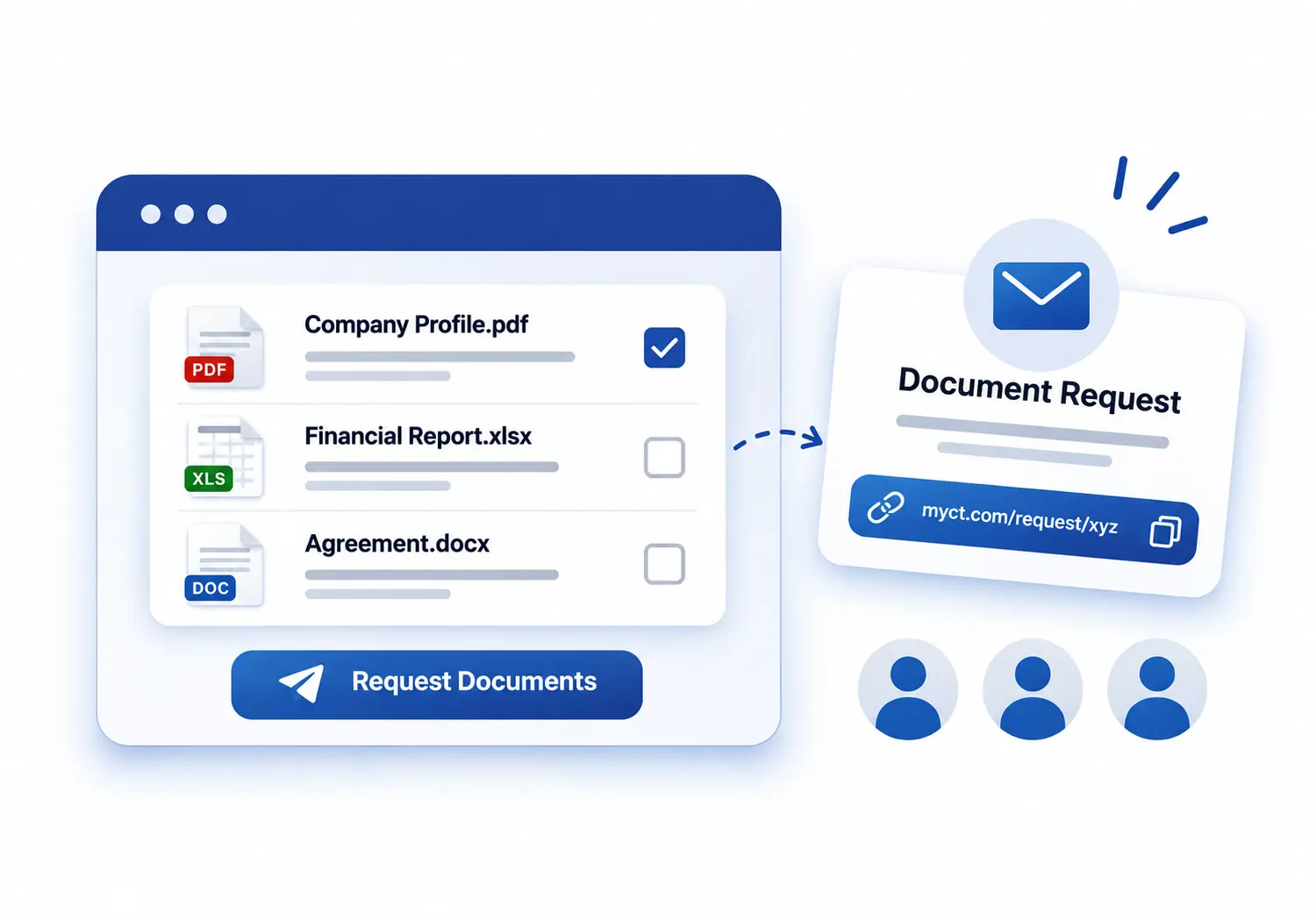
Request the documents you are missing
AI Assistant included
Find any file, and keep the folders tidy.
Ask where a file is or what’s in a folder. The Assistant tags documents and moves them where they belong.
Just ask. Tap one to try it:
Always your call. It only tags and moves. Uploading, sharing and deleting stay in your hands.
AI Assistant
DocumentsFrom one sentence to a tidy folder
1
Say itType what you need, the way you’d say it to a colleague.
2
See itThe Assistant shows exactly what will change, before anything is saved.
3
Approve itOne click and it’s done. Changed your mind? Undo.
The Assistant works as you, with your permissions. It never sends an email, posts, pays or publishes without your approval.
One Home for Every Business File
More than shared storage
Documents gathers your files in folders, tags them for easy search and shares them with the right people, inside or outside your company.
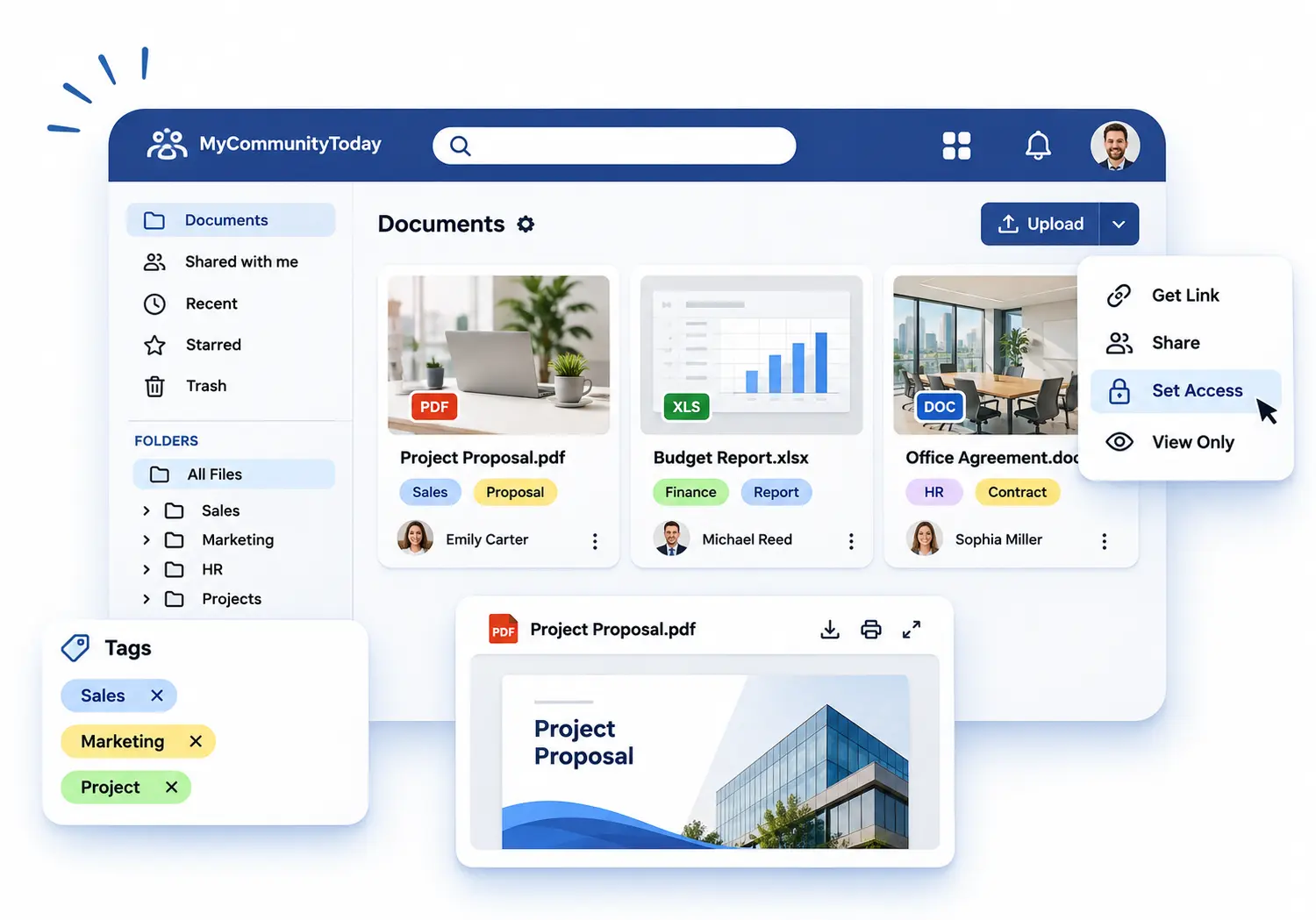
Folders and tags
Find any file in seconds
- Organize files in a hierarchy of folders
- Add several tags to each document
- Set access rights for each folder
- Preview files online without downloading
Why Scattered Files Slow Everyone Down
When files live in many places, time and security both suffer. Here is what changes with one central library.
Without a central library
- Files spread across several platforms
- Lost or duplicated documents
- Security exposure from weak storage
- Gaps in compliance and access control
With MYCT Documents
- Centralized document storage
- Secure sharing with permission settings
- Tools that make collaboration easier
- Features that support compliance
From Upload to Shared in Four Steps
Every file follows the same simple path.
STEP 1
Upload
Add files directly or email them to a dedicated address.
STEP 2
Organize
Place files in folders and add tags. Rules can do it for you.
STEP 3
Share
Send a link to a folder or documents, with an optional end date.
STEP 4
Track
Review activity logs and file history.
Sharing and requests
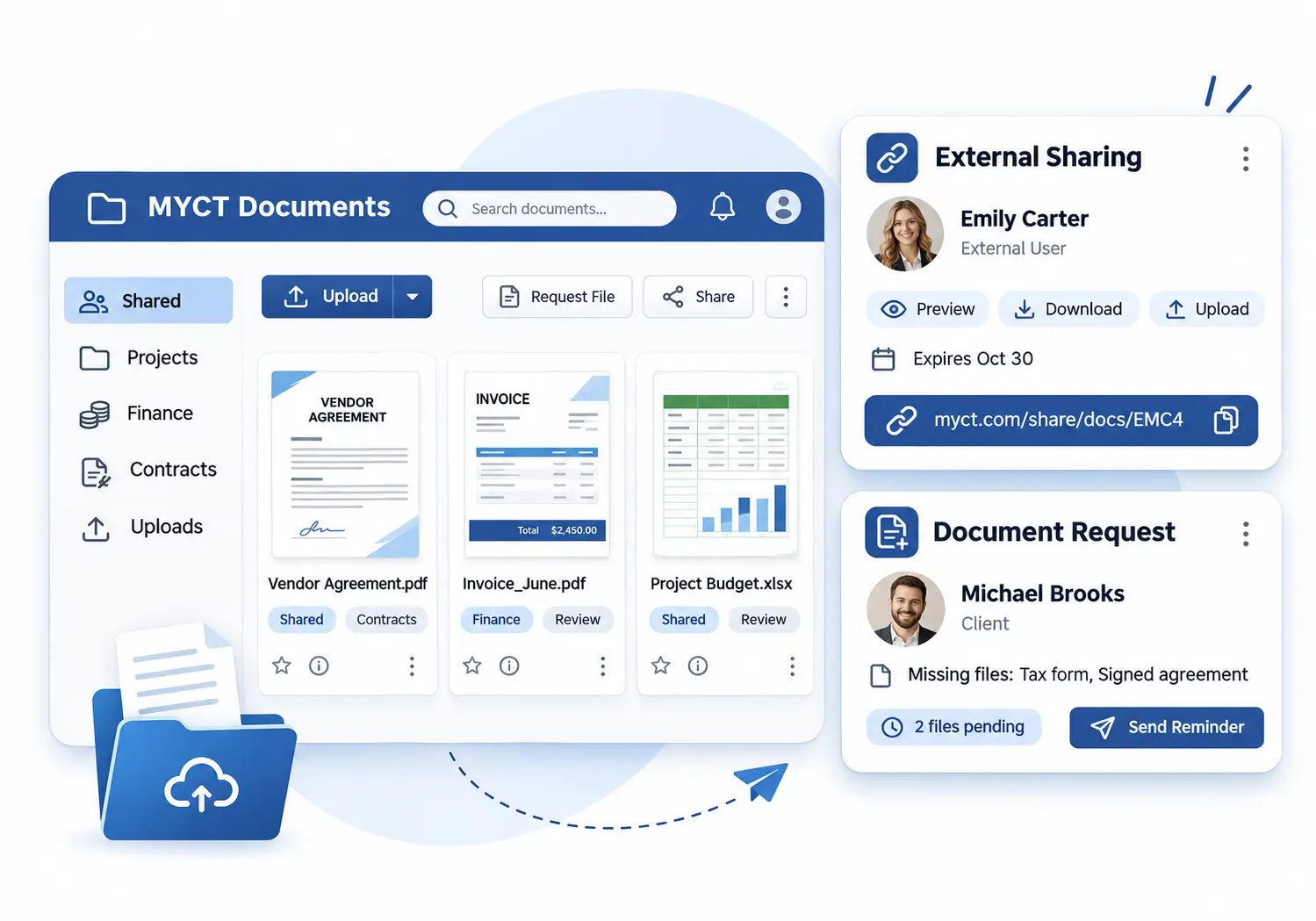
Share safely, ask for what is missing
External users get a simple portal
Share a folder so customers and vendors can preview, download and upload files, or share a list of documents with a validity date. Create document requests to remind people to upload what is missing.
Control Who Sees What
Keep sensitive files protected without slowing your team down.
Access rules
Set access rights for each folder.
Activity logs
Keep an audit trail of file activity.
Lock and unlock
Warn others that a file is being edited.
Automation and integrations
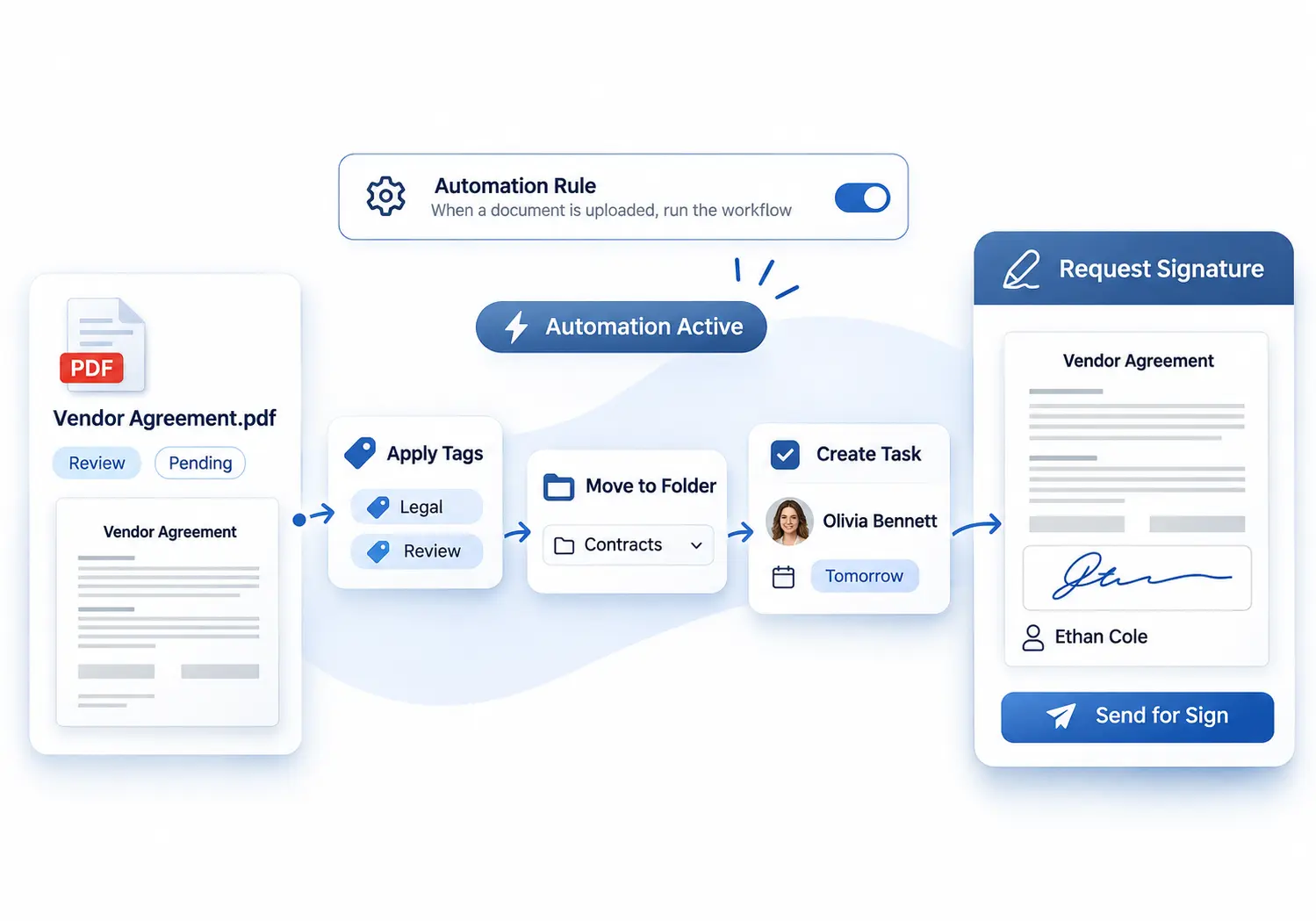
Let rules do the filing
Actions, approvals and signatures
Automate actions for each folder, such as tagging, moving or creating tasks from a document.
- Rules that set tags and folders automatically
- Approval steps built from tags
- Signatures through the Sign app
- Tasks created from a document
Highlights of Our Documents App
Everything a team needs to store and share files, built into one platform.
Central library
Every document in one cloud library.
Folders and tags
Structure files your way.
Email upload
Send files to a dedicated address.
Share links
Share folders or document lists.
Document requests
Track missing files and send reminders.
Access rules
Rights set per folder.
Activity logs
Audit trail for every file.
Spreadsheets
Create or open spreadsheets.
Built for Every Kind of Team
Whatever your team files, set the structure once and keep it tidy.
Finance teams
Bills and receipts in order
HR teams
Contracts and records, protected
Sales teams
Quotes and customer files
Everyone
Collaborate on shared files
Benefits of Working with MYCT | Documents Services
- Every file in one place
- Secure sharing with permissions
- Faster search with folders and tags
- Audit-ready activity logs
- Setup help and long-term support
Our Approach to Documents Setup
We start with how your files are stored today: your folders, teams and sharing habits. Then we set up folders, tags, access rights and rules, so your team can find and share files from day one.
Documents Questions, Answered
Folders hold your files in a hierarchy, and tags let you label a document in several ways.
Yes. Share a folder or a list of documents, with an optional validity date.
Yes. Access rights are set for each folder.
Create a document request and track it like any other document.
Yes. We set up your folders, tags and access rights, and support your team after launch.