








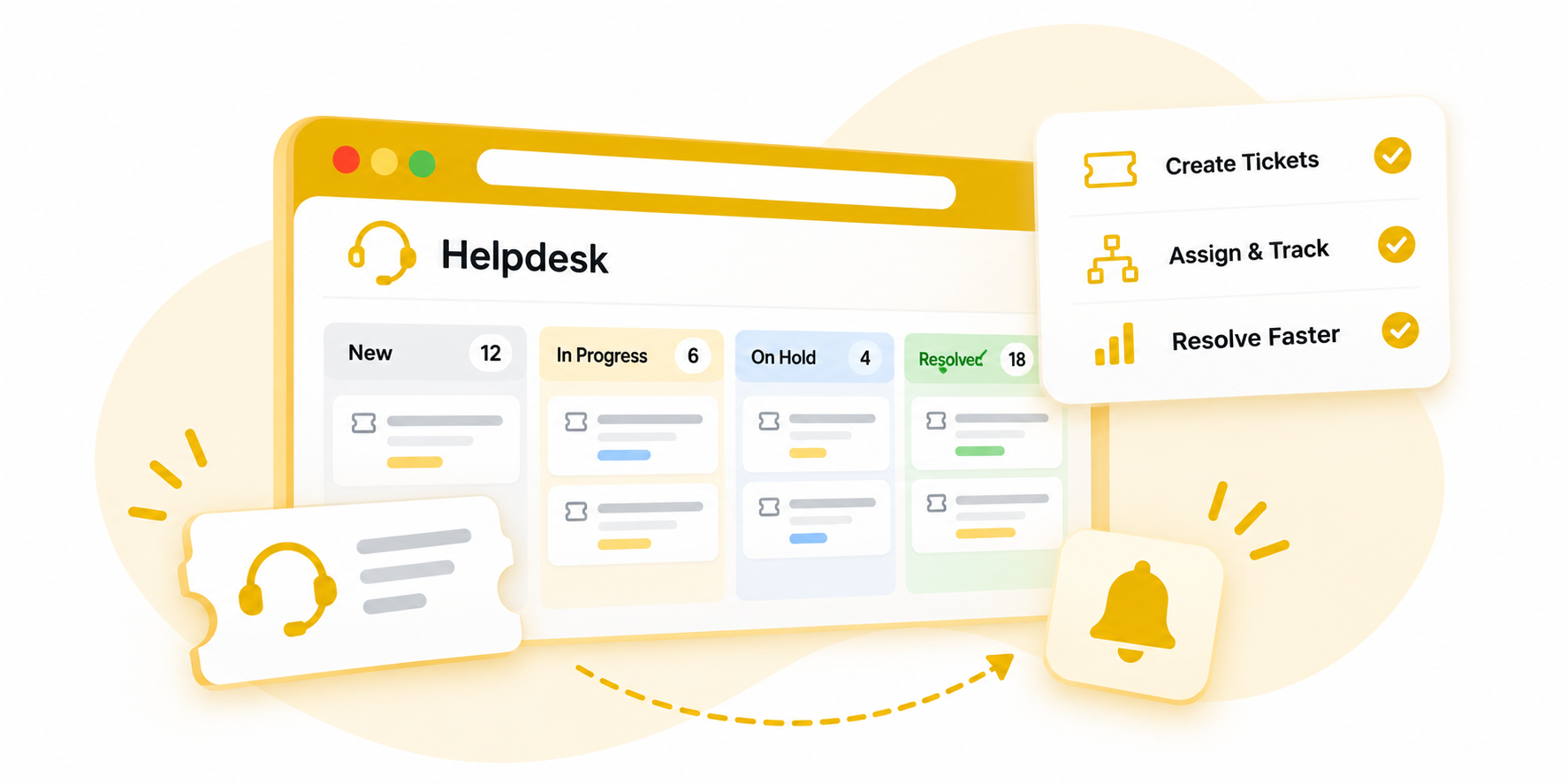
Helpdesk – Resolve Tickets Fast
Support made simple and effective. Give your team one ticketing platform so they can support your customers faster.

Create tickets from email, form and chat
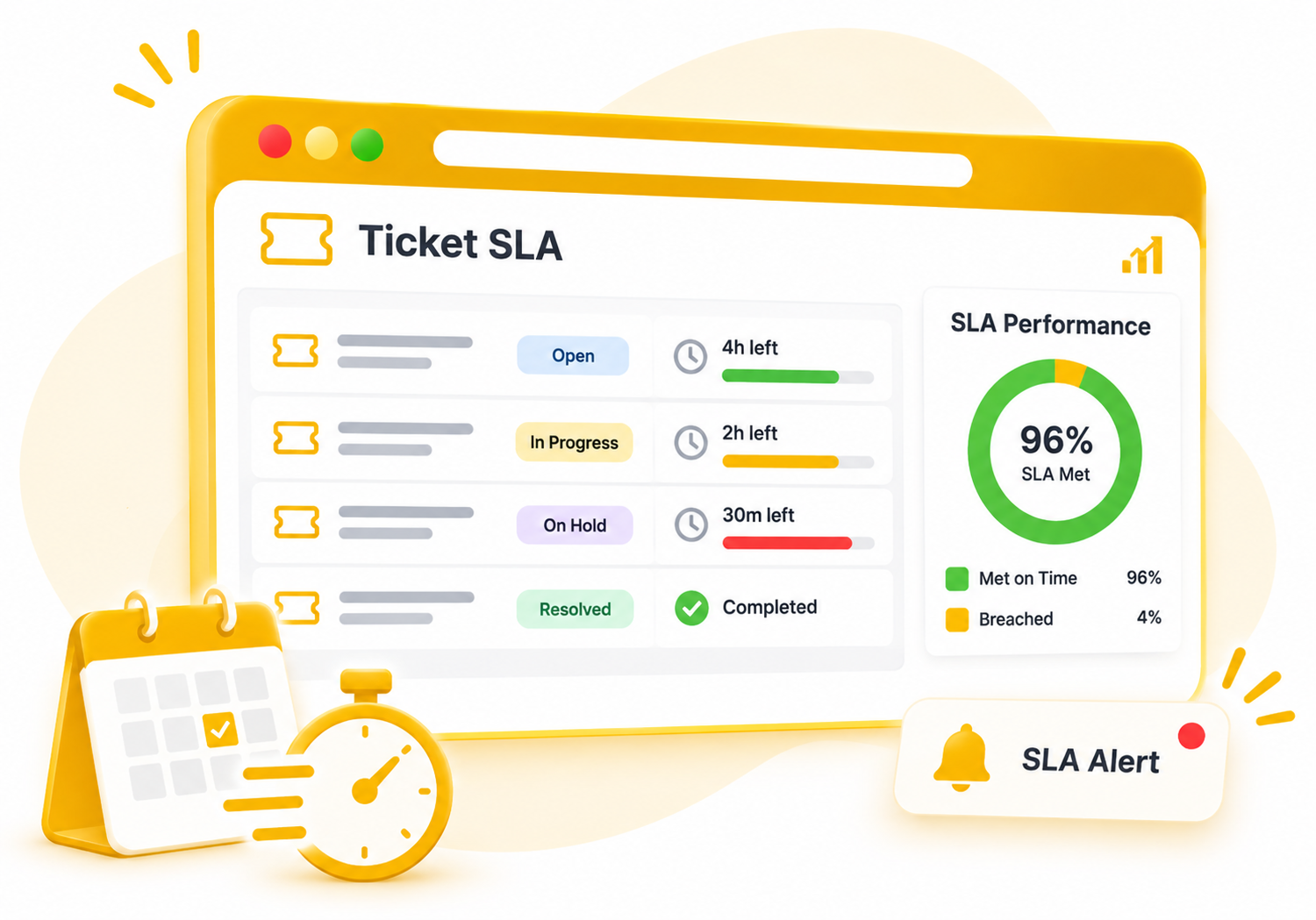
Track every ticket against its SLA
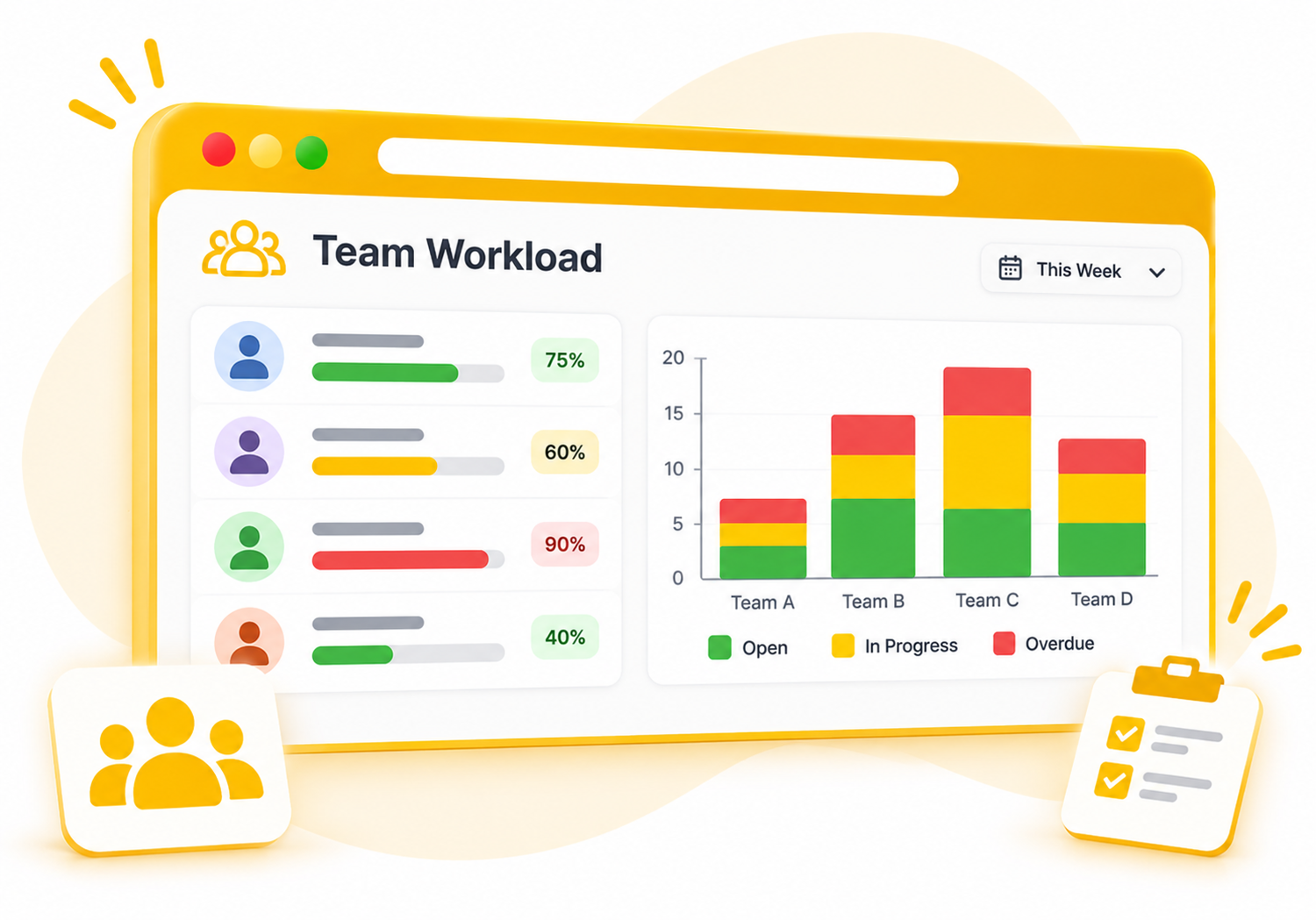
See your team’s workload at a glance
AI Assistant included
Turn every complaint into a ticket, and a reply.
Describe the problem. The Assistant opens the ticket, sets the priority and owner, drafts your reply and moves the ticket to solved.
Just ask. Tap one to try it:
Your call: replies to customers are sent only after you approve them.
AI Assistant
HelpdeskFrom one sentence to a solved ticket
1
Say it
Helen says her chair's armrest is loose; open a ticket.
2
See it
Ticket
NormalHelen Ashworth · Loose armrest
3
Approve it
Approve
Your Support Team Deserves an Upgrade
Built for tickets, tuned for customers
Helpdesk is the ticketing platform that supports your team, so they can support your customers. Organize tickets in a kanban view, check each one against your SLA rules and see your team’s workload at a glance.
Multi-channel support
Meet customers where they are
Multi-channel, out of the box
- Email: new incoming emails create tickets automatically
- Website form: qualify queries with a customizable form
- Live chat: engage website visitors instantly
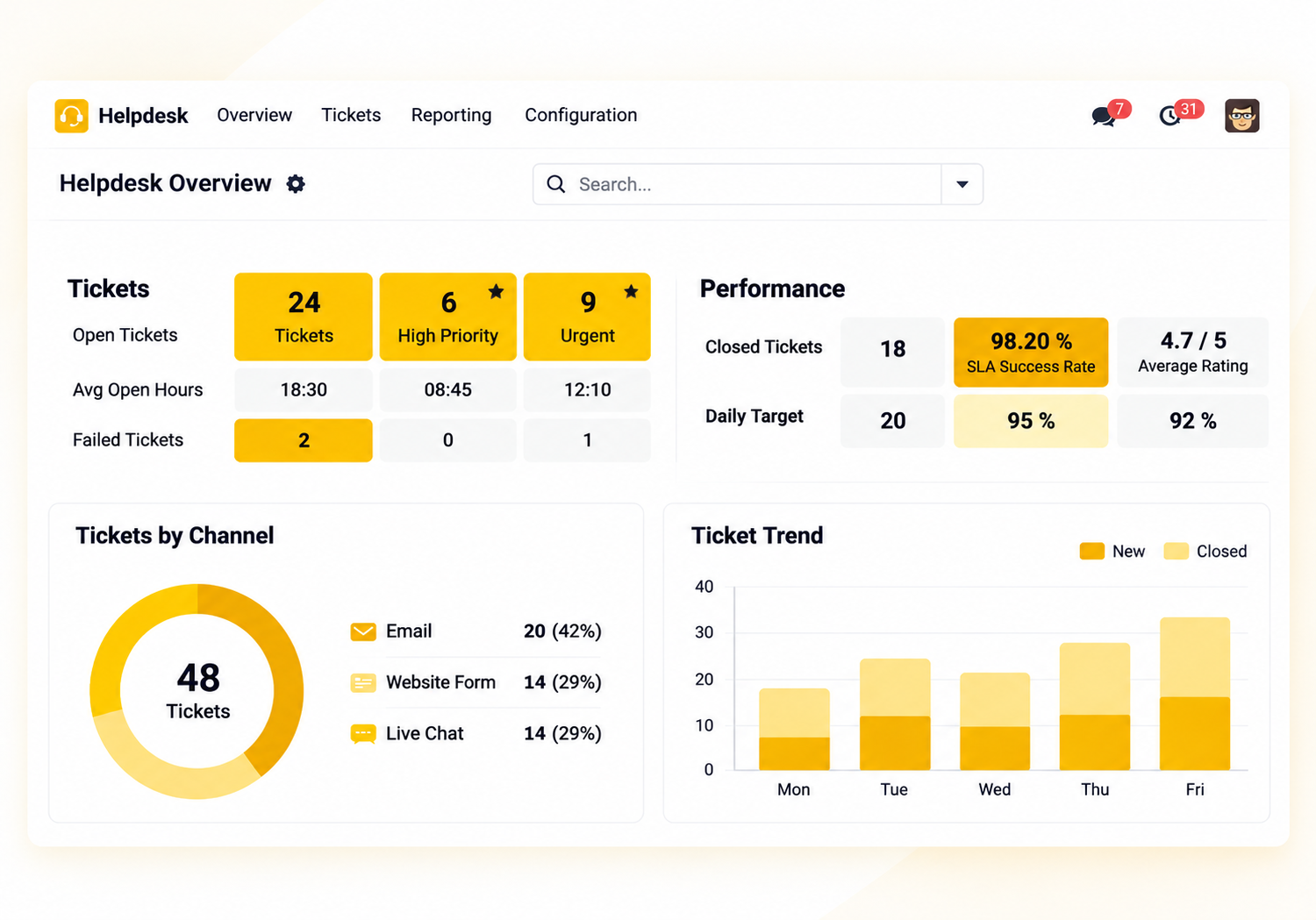
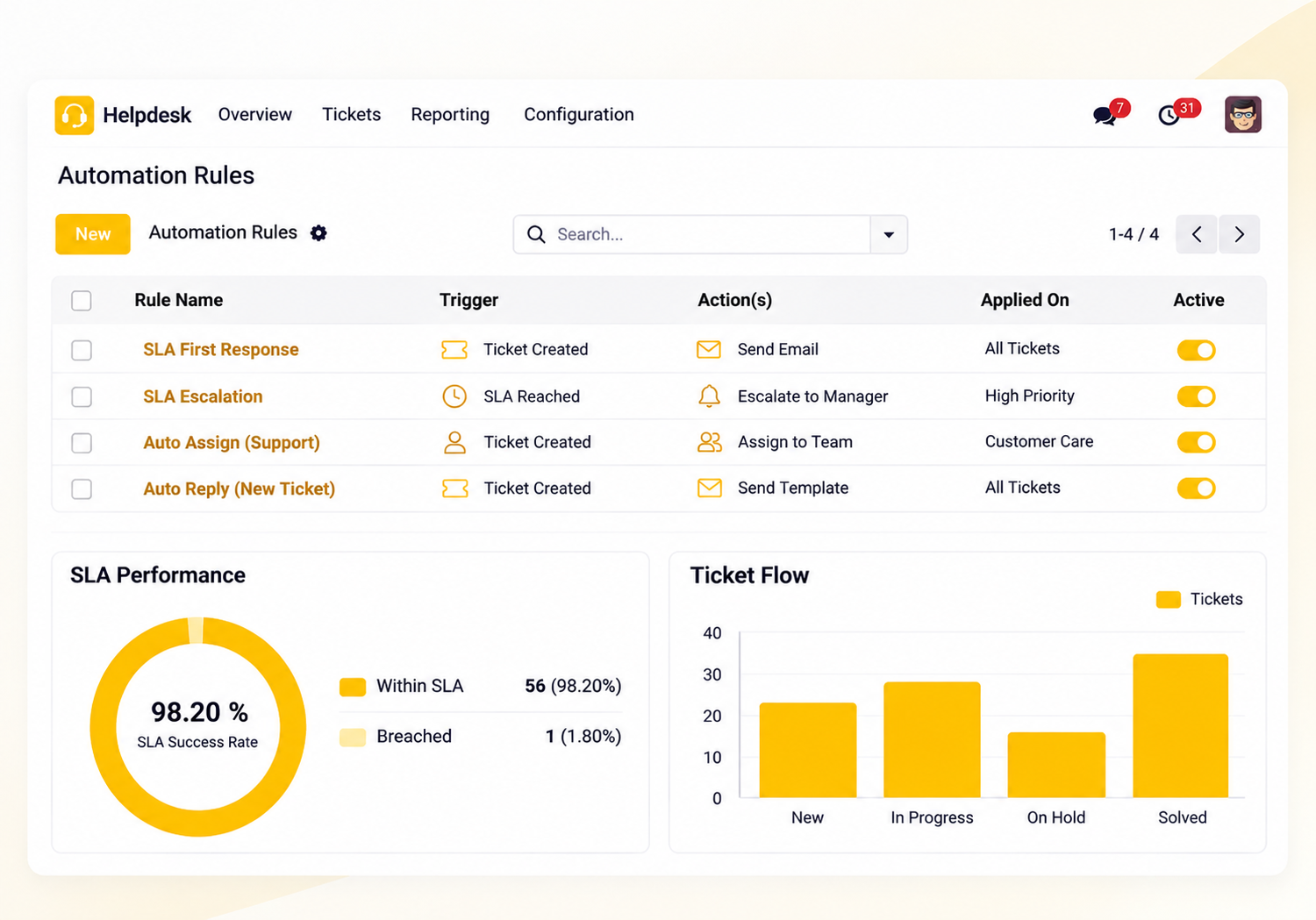
SLAs and automation
Let the rules do the repetitive work
- Create SLA rules and let the system act automatically
- Automate emails or actions at different ticket stages
- Define dynamic email templates for common replies
- Escalate tickets to your manager in one click
- Invite experts into a live discussion
- Use canned responses in live chat
Self-service
Let customers help themselves
Knowledge base and ticket closing
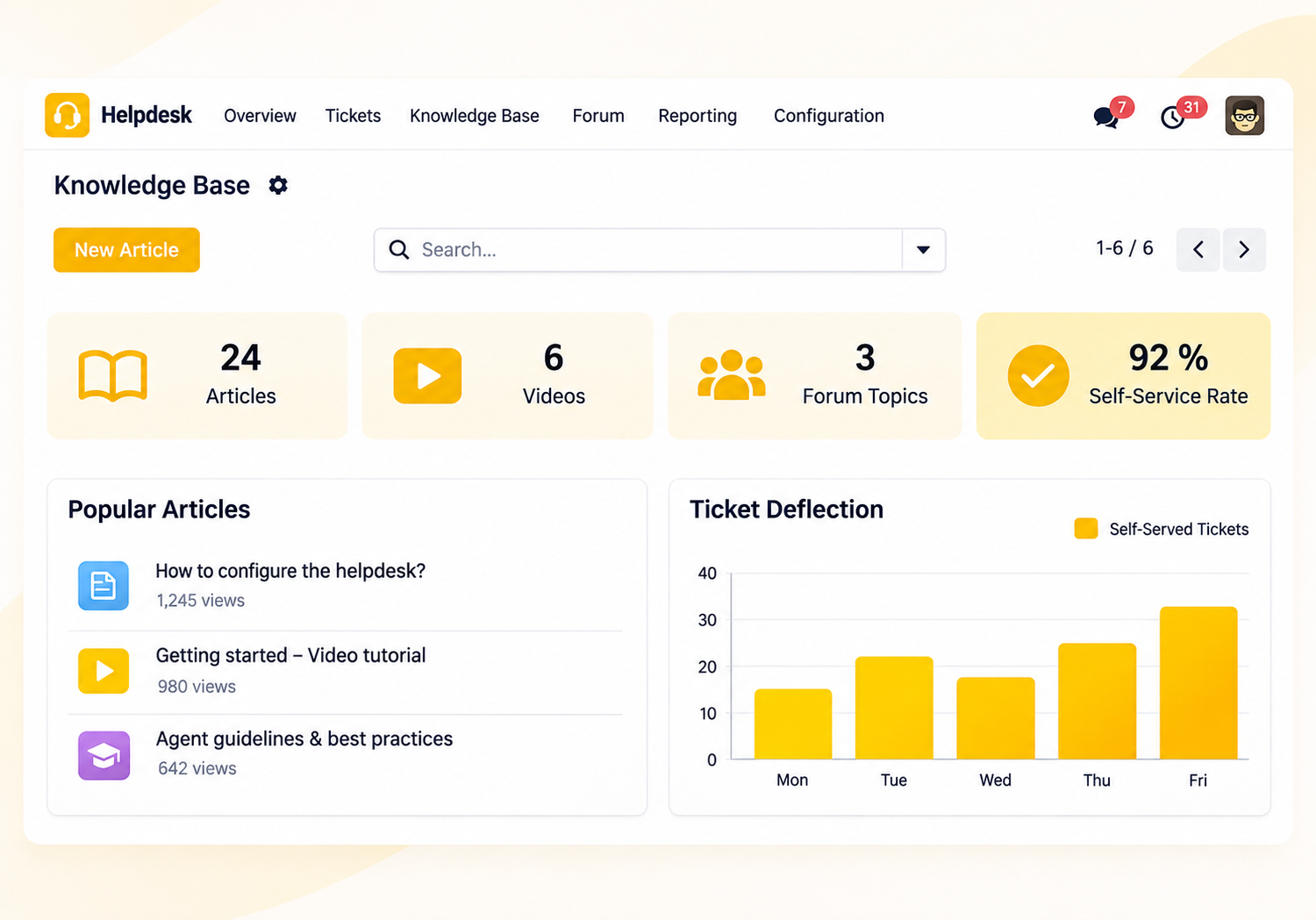
Link your FAQ, training videos and presentations directly on a ticket, and build a community around your product with the forum. Customers can also close their own tickets, which leaves your team more time for what truly needs their attention.
From Slow Replies to Solved Tickets
Slow ticket resolution frustrates customers and reduces loyalty. Here is how Helpdesk changes that.
The Challenges
- Long response times
- Poor ticket tracking
- Miscommunication
- Lack of analytics
Our Solution
- Centralized ticket system
- Multi-channel support
- SLA monitoring
- Performance tracking
From First Ticket to Solved in Four Steps
No complicated setup. Tickets arrive, get organized and get solved.
01
Capture
Tickets arrive by email, website form or live chat.
02
Organize
Sort tickets in the kanban view and track each against its SLA.
03
Resolve
Reply with templates and canned responses, or escalate to a manager.
04
Improve
Review ticket analysis and your team’s workload.
Highlights of Our Helpdesk App
Everything a support team needs, built into one platform.
Kanban tickets
Organize tickets your way in a kanban view.
Email tickets
New incoming emails create tickets automatically.
Website form
Qualify customer queries with a customizable form.
Live chat
Engage website visitors instantly.
SLA rules
Set SLA rules and check ticket status at a glance.
Automation
Automate emails or actions at ticket stages.
Support contracts
Sell, renew and upsell support with tracked time.
Knowledge base
Link FAQs, videos and presentations on a ticket.
Built for Every Kind of Team
Start with your support flow, then change anything.
Support Agents
Work every ticket from one queue
Team Leaders
See workload at a glance
Customers
Get answers and close tickets
Support Contracts
Sell and track support time
Benefits of Working with MYCT | Helpdesk Services
- Centralized ticket system
- Email, chat and website form support
- SLA monitoring and tracking
- Knowledge base setup
- Setup help and long-term support
Our Approach to Helpdesk Setup
We start with how your customers reach you today: email, website or chat. Then we configure your ticket stages and SLA rules, connect your channels and show your support team how to work tickets, so your first month runs smoothly.
Helpdesk Questions, Answered
Yes. New incoming emails create tickets automatically.
Yes. Use a customizable website form to qualify queries, or the live chat plugin to engage visitors instantly.
Yes. Create SLA rules, let the system act automatically and check each ticket’s status against them.
Yes. Customers can close their tickets themselves, which leaves your team more time for what needs attention.
Yes. We configure your ticket stages, SLA rules and channels, and support your team after launch.