








Check-In – Welcome Visitors, Know Who Is On Site
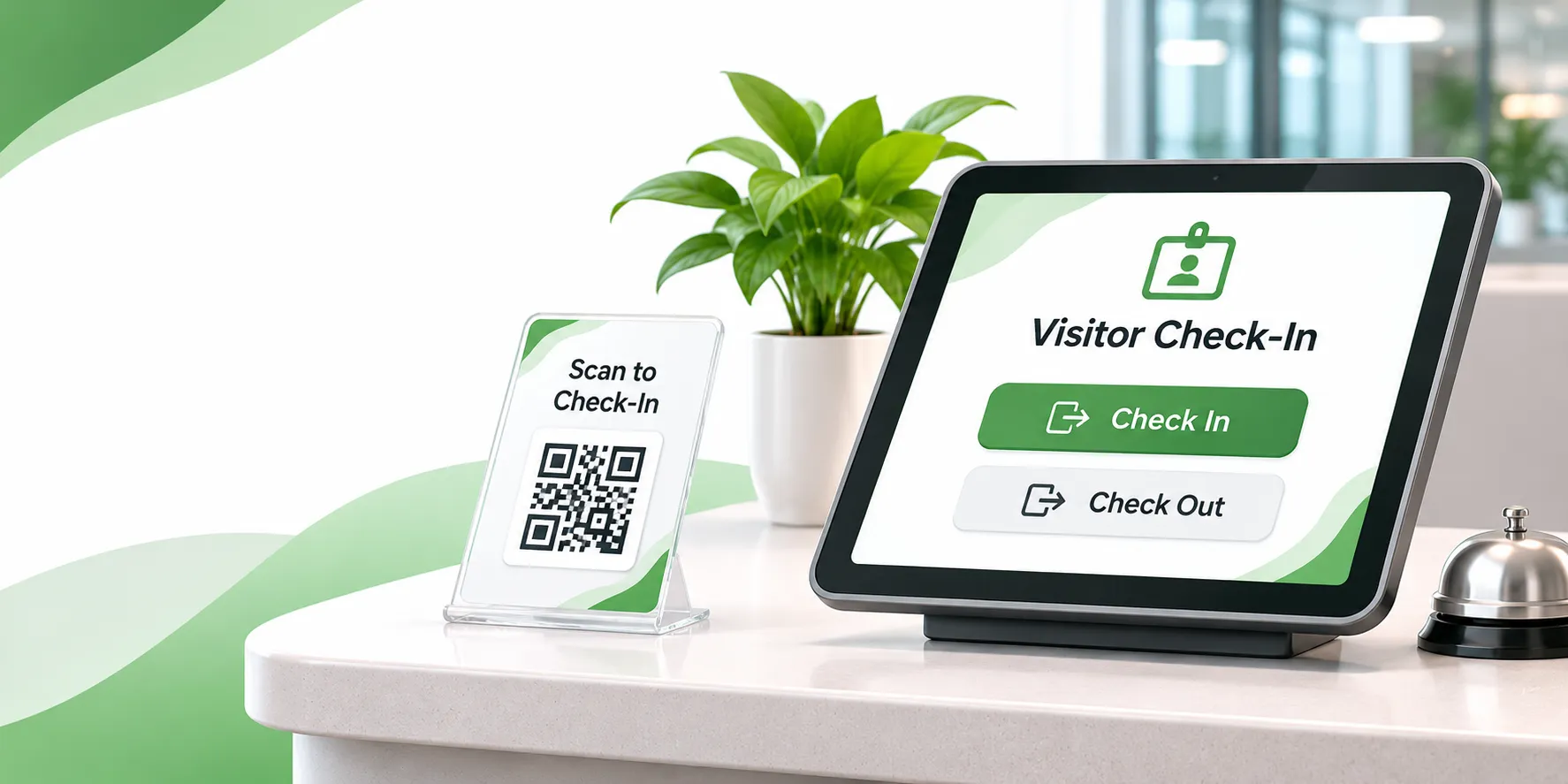
Visitors check in on a tablet at reception. You see who arrived, who they came to see, and when they came in and went out.
Check-In · AI Assistant included
Ready for your visitors before they arrive.
Pre-register expected visitors with their host, see who's in today, and record who has left.
Just ask. Tap one to try it:
Your call: you see each visitor entry before it's saved.
AI Assistant
Check-InIn now:
From one sentence to a ready front desk
1
Say itType what you need, the way you’d say it to a colleague.
2
See itThe Assistant shows exactly what will change, before anything is saved.
3
Approve itOne click and it’s done. Changed your mind? Undo.
The Assistant works as you, with your permissions. It never sends an email, posts, pays or publishes without your approval.
01
Arrive
The visitor walks up to the tablet at reception.
02
Check in
They enter their name, company and who they are here to see.
03
Meet
Their host is known, and the time they came in is recorded.
04
Leave
The time they went out is recorded, so you know who is still on site.
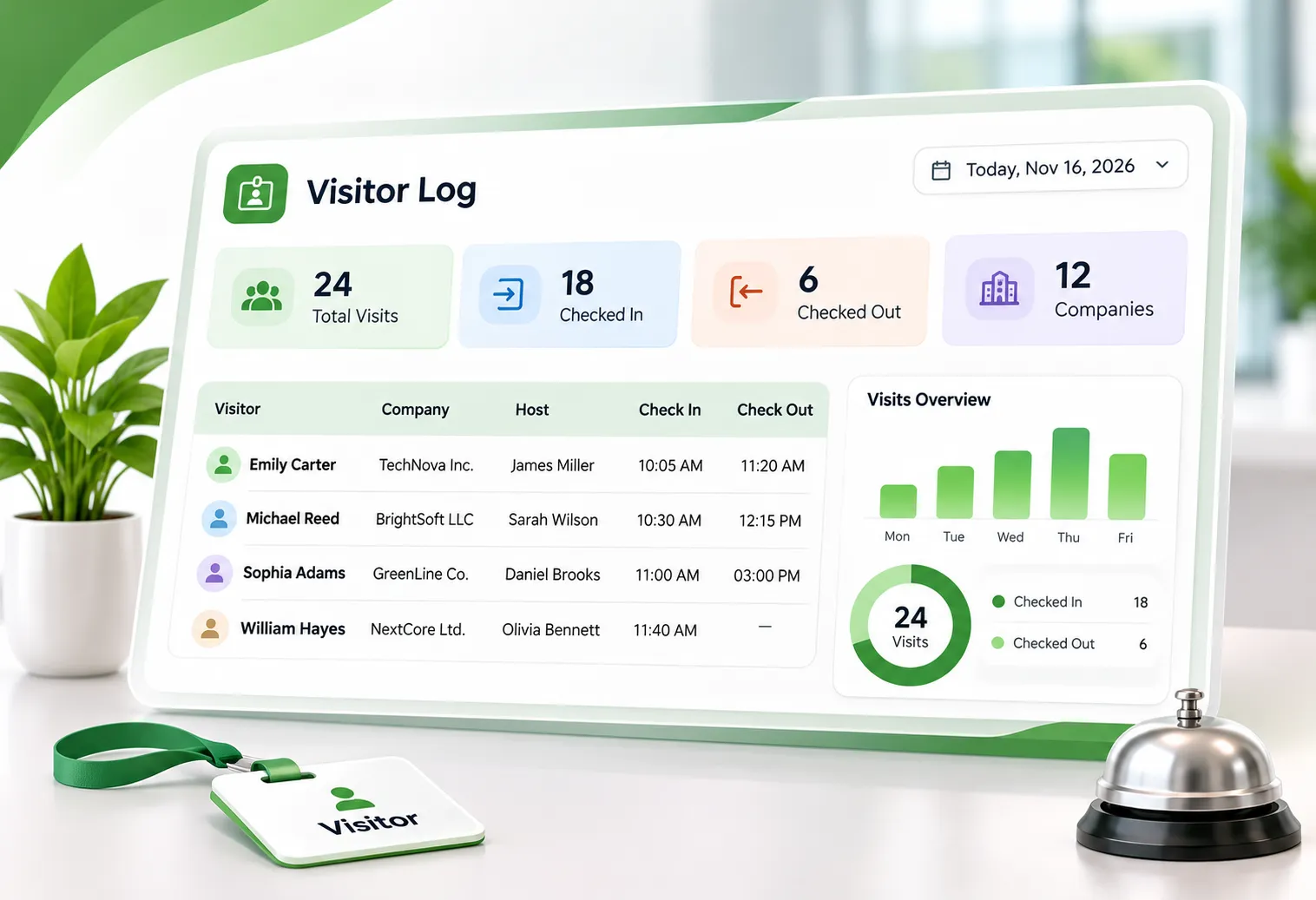
Your visitor log, always up to date
Every visit with the visitor, company, host, date, and in and out times – on one clear screen.
Tablet check-in
A friendly welcome at the front door
Visitors check in on a tablet at your reception station. No paper sign-in book, and nobody has to chase a handwritten page.
Hosts
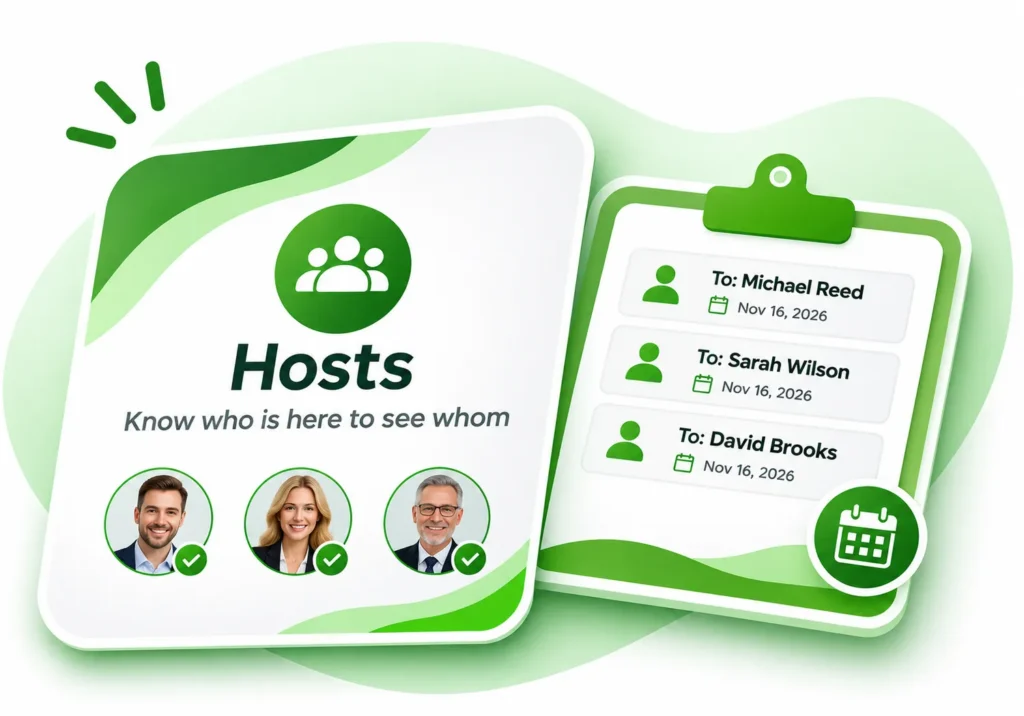
Know who is here to see whom
Each visit names the host, so the right person knows who has arrived and you can look back at every visit a host received.
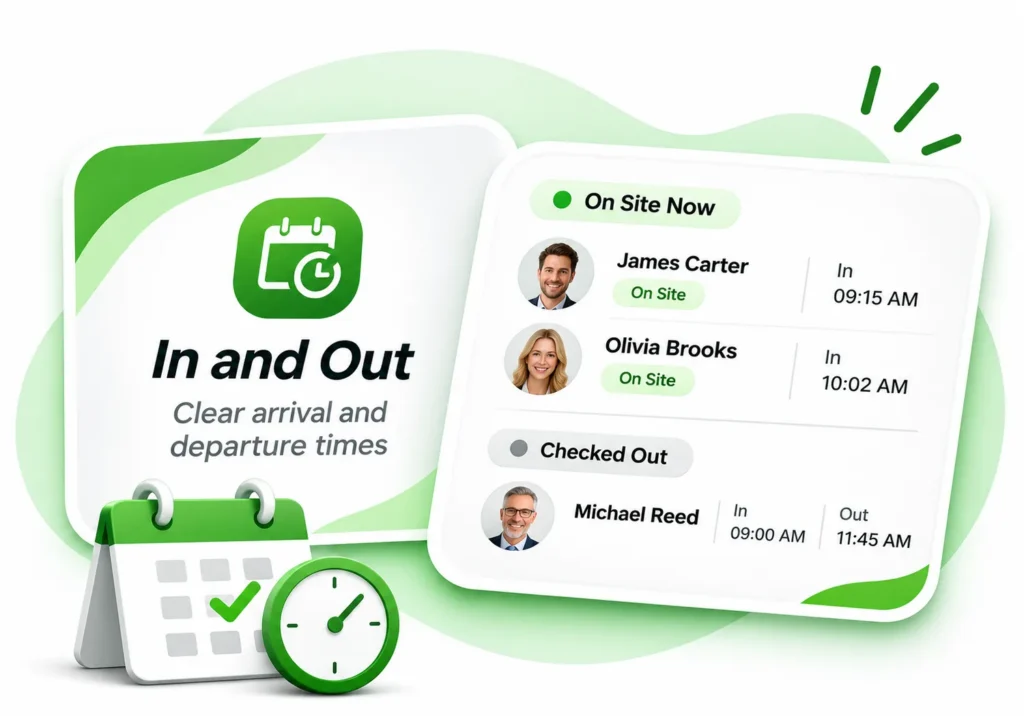
In and out
Clear arrival and departure times
Every visit records when someone came in and when they left. “On site now” always shows who is still in the building.
Benefits of Working with MYCT | Check-In
- Visitor check-in on a tablet
- Live count of visitors on site now
- Visitor, company and host on every visit
- In and out times for each visit
- Weekly visitor total at a glance
- AI Assistant for quick answers
Our Approach to Check-In Setup
Check-In is switched on per customer. We look at how visitors arrive at your site today, set up the tablet station at your reception, and connect it to the same staff you already use so every visitor has the right host.
Highlights of Check-In
Everything about visitors, in one place.
Tablet check-in
Visitors check themselves in at reception.
Company
See which company each visitor represents.
Host
Know who each visitor came to see.
Date
Every visit is filed under its day.
In and out times
Arrival and departure for every visit.
On site now
A live count of who is still here.
Stations
Shows the station, such as Kiln Lane reception.
AI Assistant
Ask a question and get the answer in place.
Built for Every Kind of Team
See the visitor view that matters to your role.
Reception
Welcome visitors and see who has arrived.
Hosts & Staff
Know who is here to see you.
Facilities & Safety
Know who is on site right now.
Operations
Review deliveries, sales reps and inspections.
Check-In Questions, Answered
On a tablet at your reception station, such as Kiln Lane reception.
Yes. “On site now” shows the visitors who have checked in and not yet gone out.
The visitor, company, host, date, and the time they came in and went out.
Yes. Check-In is switched on per customer – ask us and we will turn it on for you.