








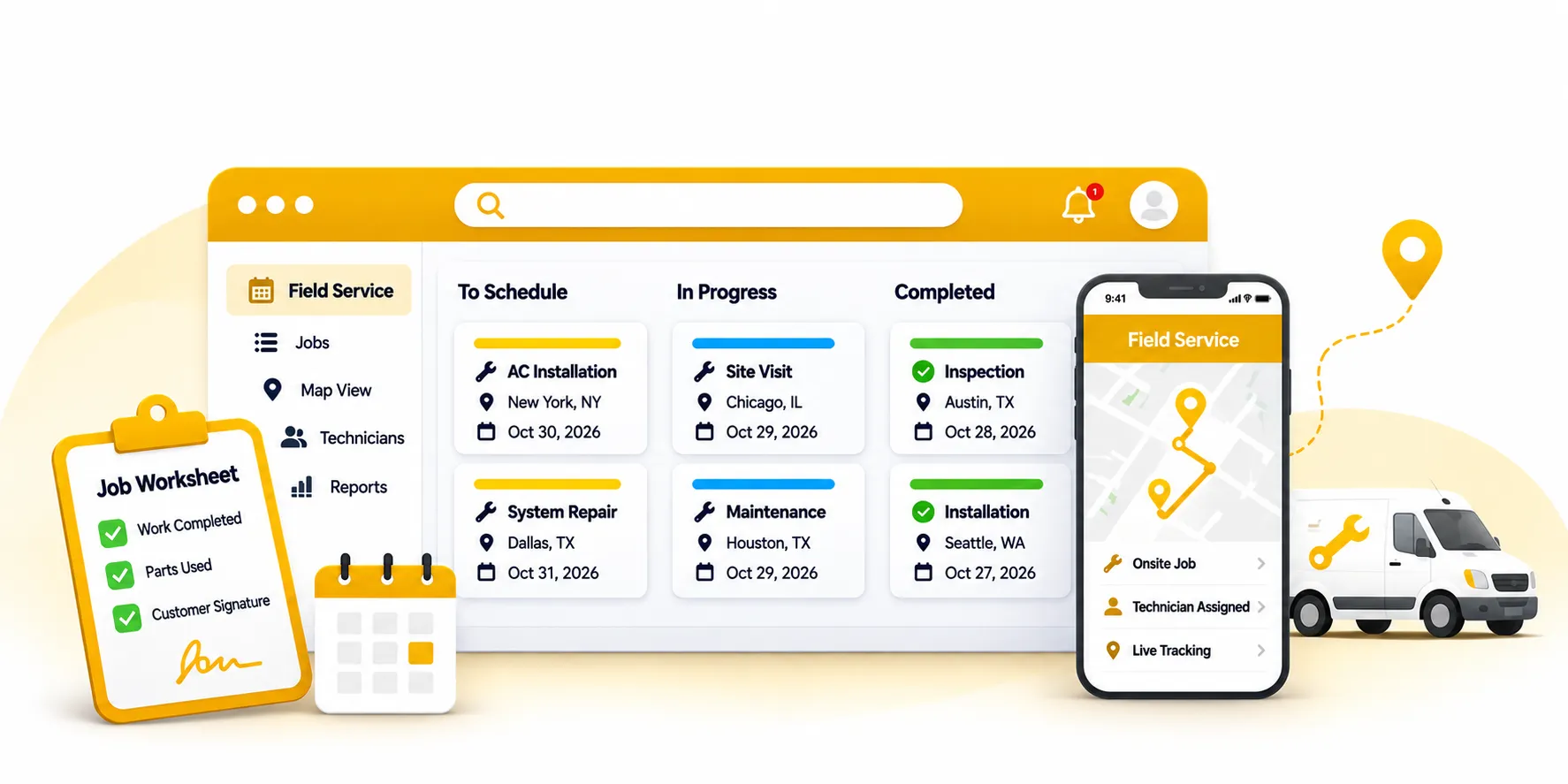
Field Service – Schedule Onsite Jobs with Ease
Plan, dispatch and track every onsite job in real time, from the first booking to the signed worksheet and the invoice.
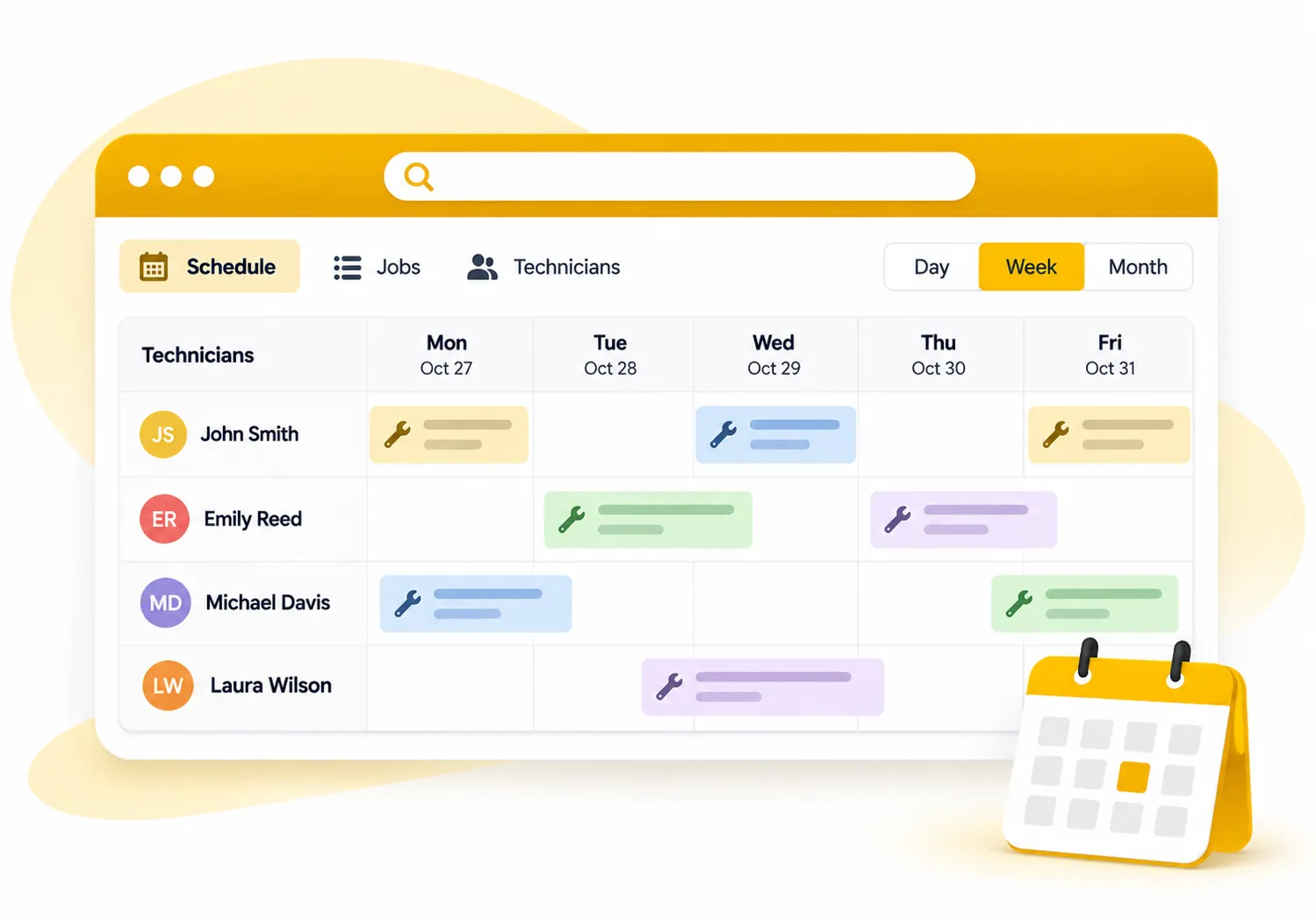
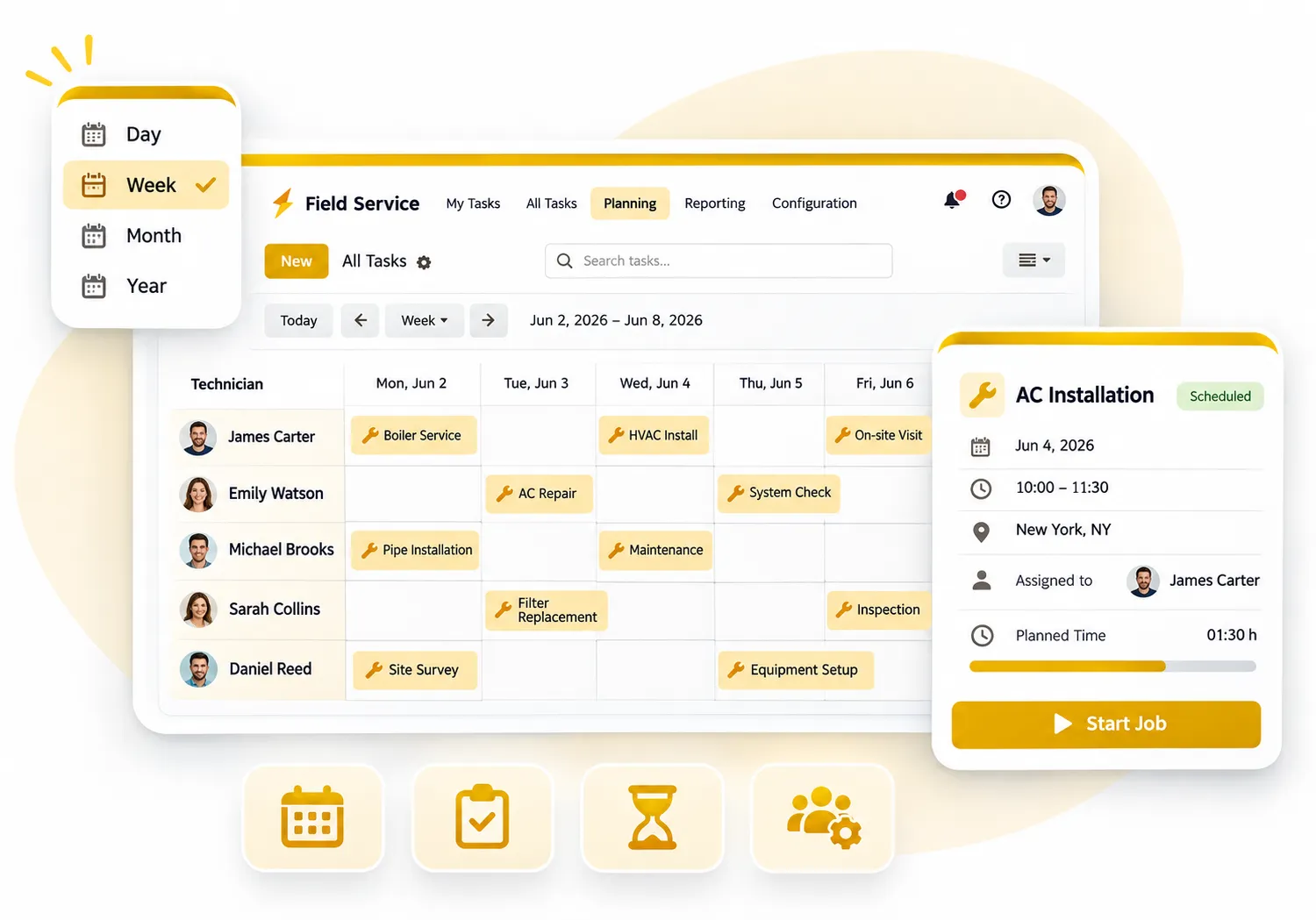
Plan jobs by technician and day
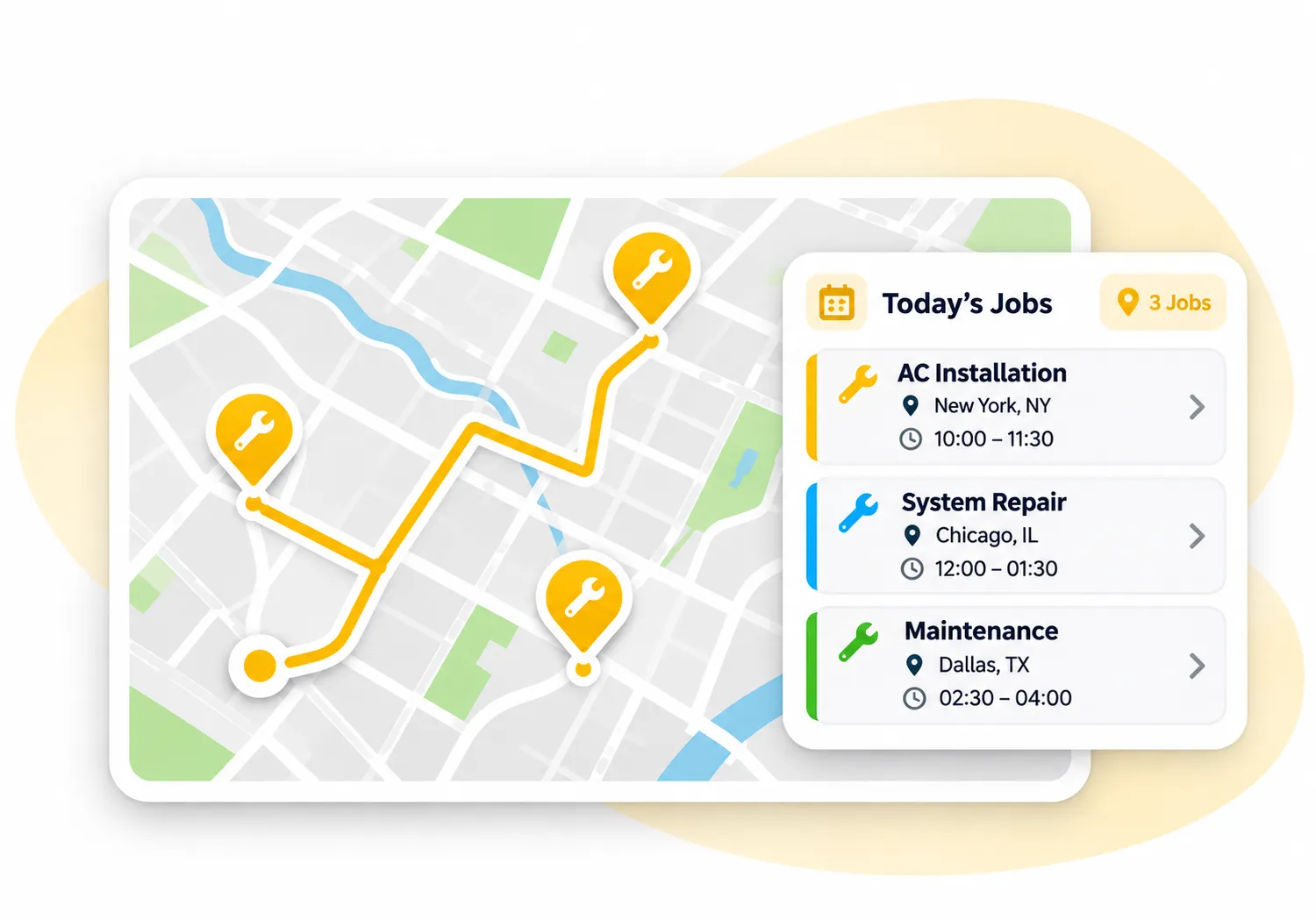
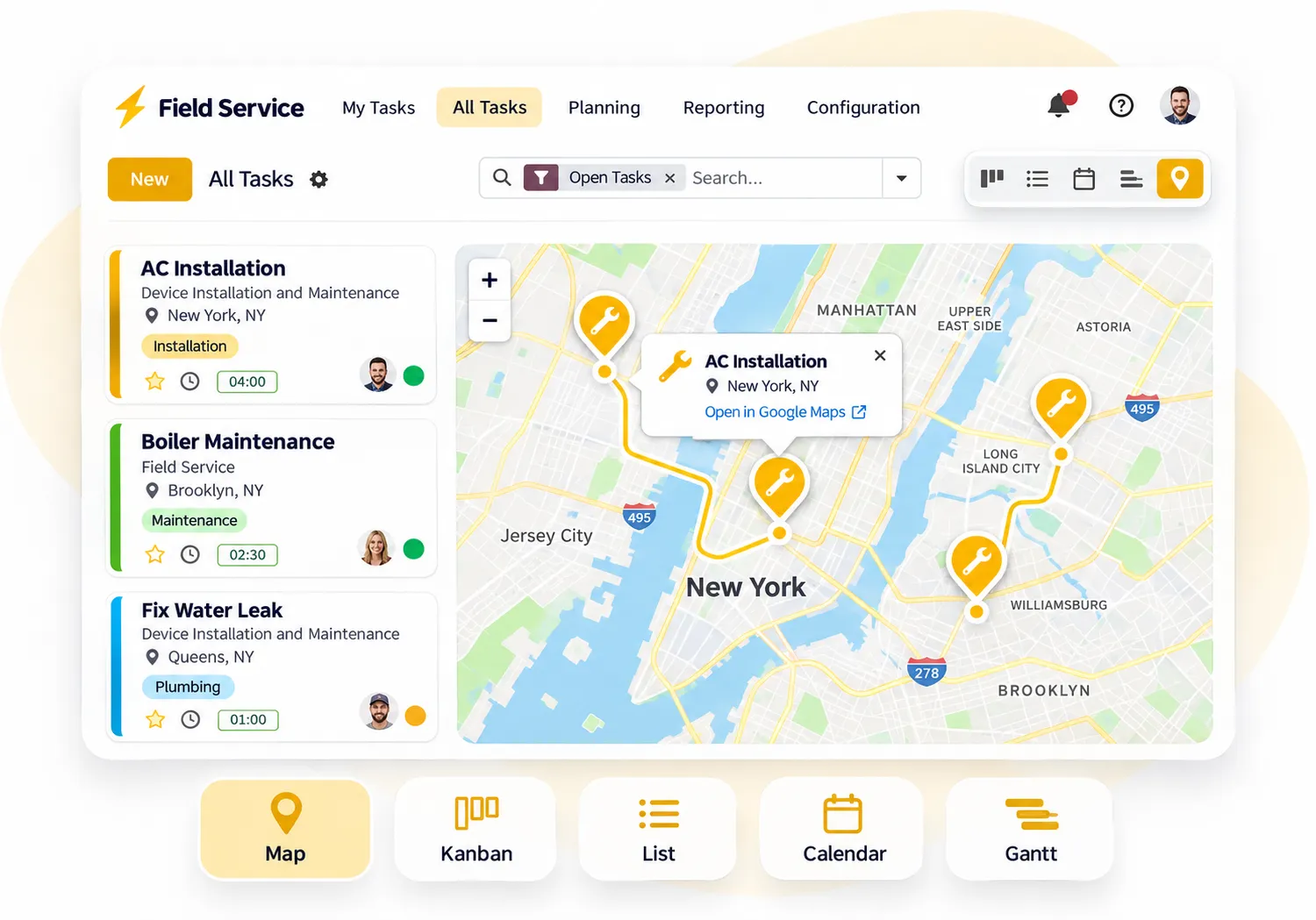
See every job on a map
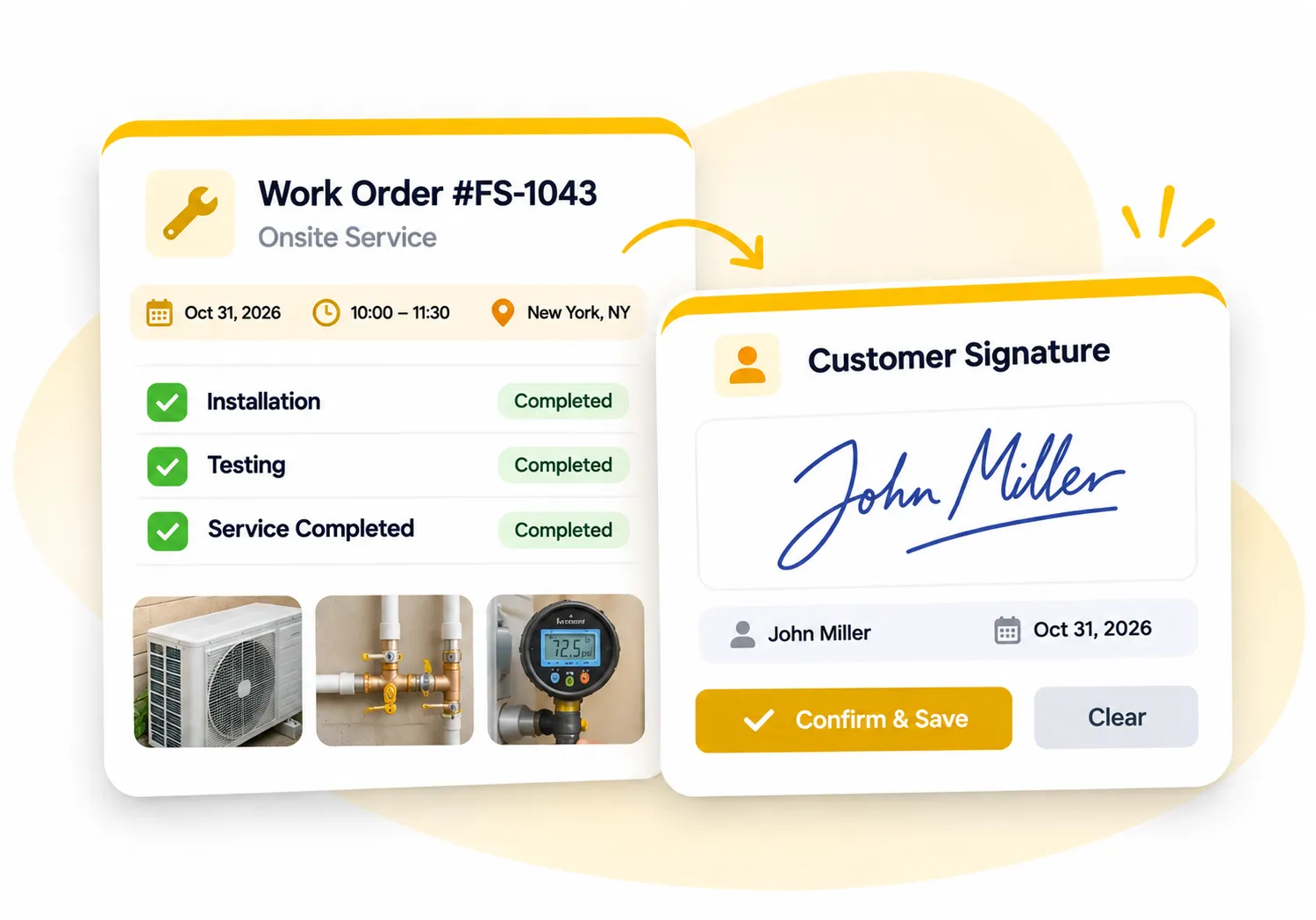
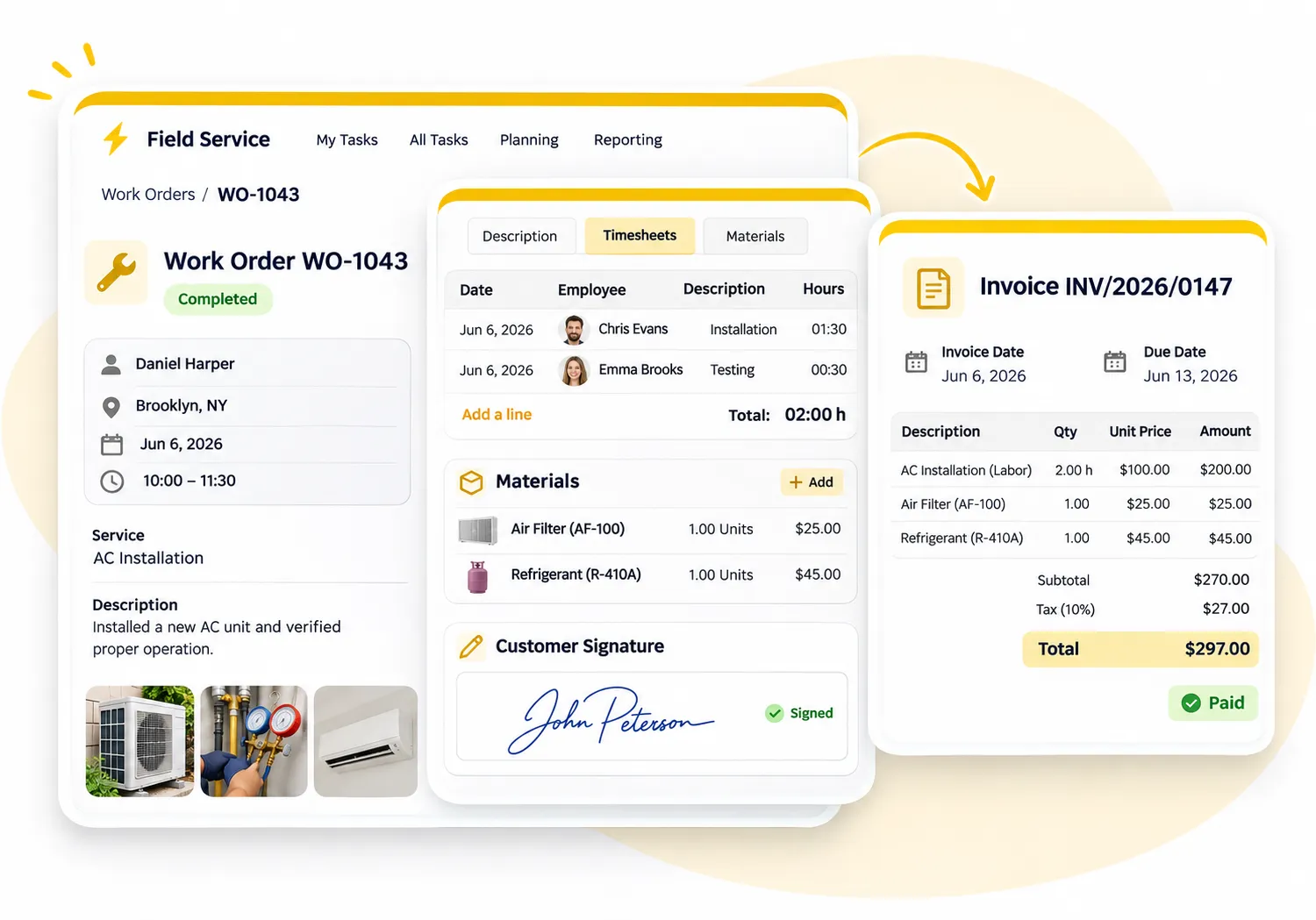
Record the work and collect a signature
Field Service · AI Assistant included
Send the right person to the right address.
Say who's going where and when. The Assistant books the visit at the customer's address in local time, and avoids overlaps.
Just ask. Tap one to try it:
Your call. It won't double-book a technician.
AI Assistant
Field ServiceFrom one sentence to a booked visit
1
Say itType what you need, the way you’d say it to a colleague.
2
See itThe Assistant shows exactly what will change, before anything is saved.
3
Approve itOne click and it’s done. Changed your mind? Undo.
The Assistant works as you, with your permissions. It never double-books a technician, sends an email, pays or publishes without your approval.
Every Onsite Job, One Platform
More than a job list
Field Service connects scheduling, technicians, worksheets and invoicing, so the office and the field always see the same job.
Planning and scheduling
Put the right technician on the right job
- Plan work by technician, project or worksheet template
- Switch between day, week, month and year views
- See waiting jobs in a To Schedule view
- Assign tasks and track the time spent
Why Field Work Falls Behind
When the office and the field are not in sync, jobs slip. Here is what changes when scheduling and tracking run in one place.
Without field service software
- Missed appointments
- Weak job tracking
- Poor communication
- Inefficient scheduling
With MYCT Field Service
- Smart scheduling
- GPS-enabled job tracking
- Job progress updates
- Customer notifications
From Booked Job to Paid Invoice in Four Steps
Every job follows the same clear path.
STEP 1
Schedule
Plan the job and assign a technician.
STEP 2
Go onsite
Technicians open the task and record their time.
STEP 3
Complete
Fill the worksheet, log materials and collect a signature.
STEP 4
Invoice
Completed tasks move to To Invoice, ready to bill.
Map and job tracking
See every job where it happens
Map, list, calendar and Kanban views
View tasks on a map and open the site in Google Maps. Browse jobs as Kanban cards, lists, calendars or Gantt charts, and save your favorite filters.
Finish the Job, Then Get Paid
Everything the technician needs on site, and everything billing needs after.
Worksheets
Customizable templates record work details and time.
Customer signature
Collect the client’s signature on the job.
Materials and stock
Products used on a job update stock automatically.
Time, materials and invoicing
Bill exactly what was done
From worksheet to invoice
Generate service invoices from the work recorded, including duration and equipment used.
- Time-and-material invoicing
- Products and materials tracked per job
- Customer signature attached to the invoice
- Task Analysis reports on planned days and progress
Highlights of Our Field Service App
Everything a field team needs, built into one platform.
Smart scheduling
Plan work by technician and day.
Map view
See tasks plotted by location.
Technician app
Technicians work from their phone.
Route optimization
Plan efficient routes between jobs.
Worksheets
Record work details and time.
Job history logs
A record of every visit and job.
Customer notifications
Keep customers informed on progress.
Customer feedback
Collect feedback after the job.
Built for Every Kind of Field Business
Whatever you fix, install or maintain, keep every job on track.
Installers
Plan jobs and materials
Maintenance crews
Log every visit
Repair services
Track jobs to completion
Dispatchers
See every job at a glance
Benefits of Working with MYCT | Field Service
- Fewer missed appointments
- Real-time job tracking
- Worksheets and signatures on site
- Invoices built from recorded work
- Setup help and long-term support
Our Approach to Field Service Setup
We start with how you run jobs today: your technicians, job types and paperwork. Then we configure projects, stages and worksheet templates, set up time-and-material invoicing and train your team, so dispatch and billing run from the first job.
Field Service Questions, Answered
It lists tasks that are waiting to be planned.
Yes. Worksheets capture work details and time, and the customer can sign on the job.
Yes. Completed tasks appear in To Invoice, and invoices can include duration and equipment used.
Yes. The map view plots tasks by location, and you can open a site in Google Maps.
Yes. We configure your projects, stages and worksheets, and support your team after launch.