








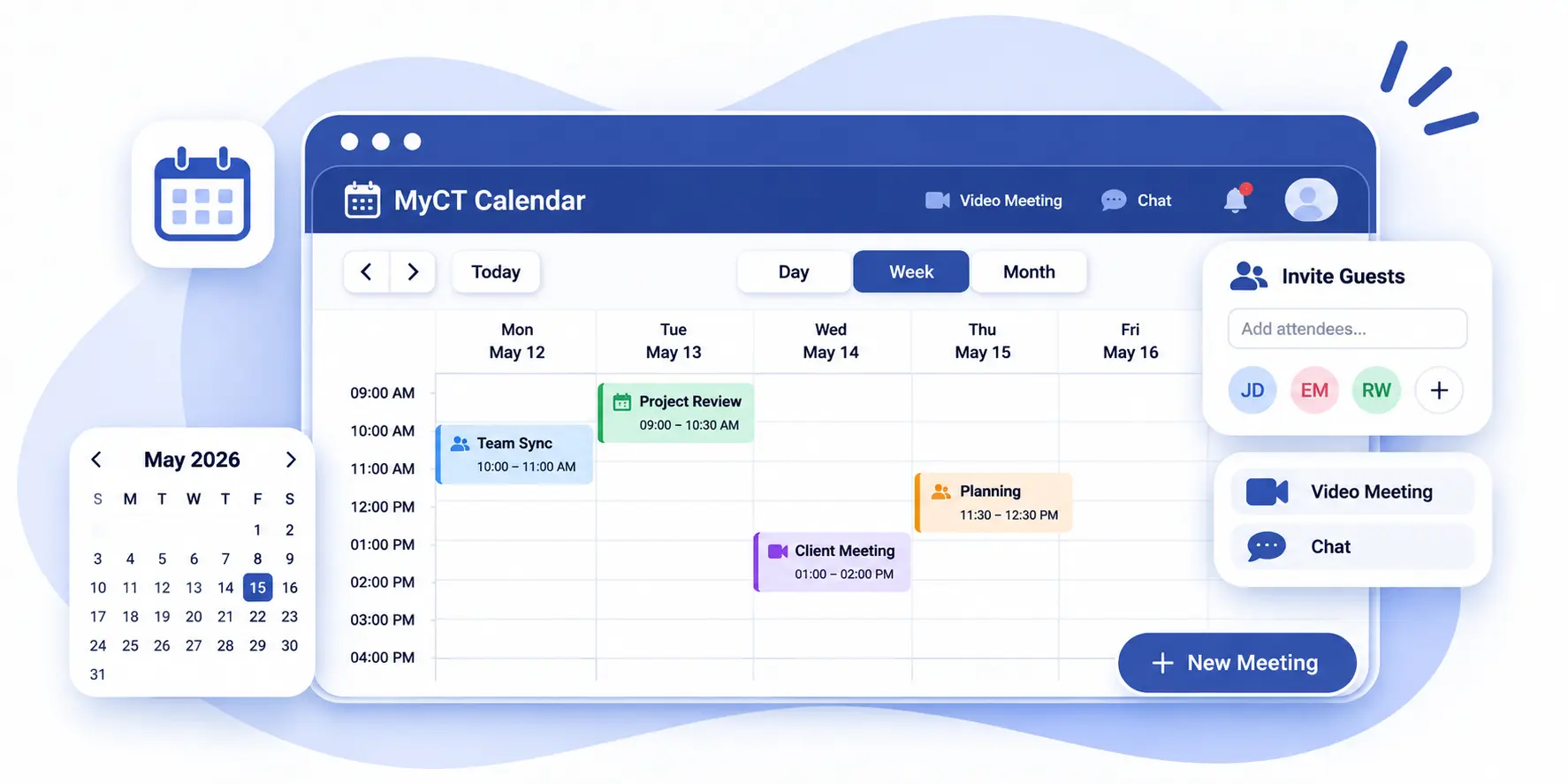
Calendar – From Plan to Meeting in One View
Plan meetings by day and hour, invite guests and keep every calendar in one place, with chat and video meetings right beside it.
AI Assistant included
Book the meeting. Skip the clicking.
Say who, when and how long. The Assistant puts it in the calendar in your time zone, and moves or cancels meetings the same way.
Just ask. Tap one to try it:
Always your call. Invitations go out only as a separate step you approve.
AI Assistant
CalendarFrom one sentence to a calendar event
1
Say itType what you need, the way you’d say it to a colleague.
2
See itThe Assistant shows exactly what will change, before anything is saved.
3
Approve itOne click and it’s done. Changed your mind? Undo.
The Assistant works as you, with your permissions. It never sends an email, posts, pays or publishes without your approval.
From Booking to Meeting in Four Steps
One calendar for planning. Every meeting follows the same path.
01
Pick the Day
Open the calendar and choose the day or week you want to plan.
02
Add the Meeting
Click New or a time slot and give the meeting a subject.
03
Invite Guests
Use Meet with to add guests and see their calendars.
04
Meet and Follow Up
Start a video meeting or carry on in chat and channels.
Plan and Talk in the Same Place
The calendar sits beside your chats, channels, video meetings and notifications.
Week view
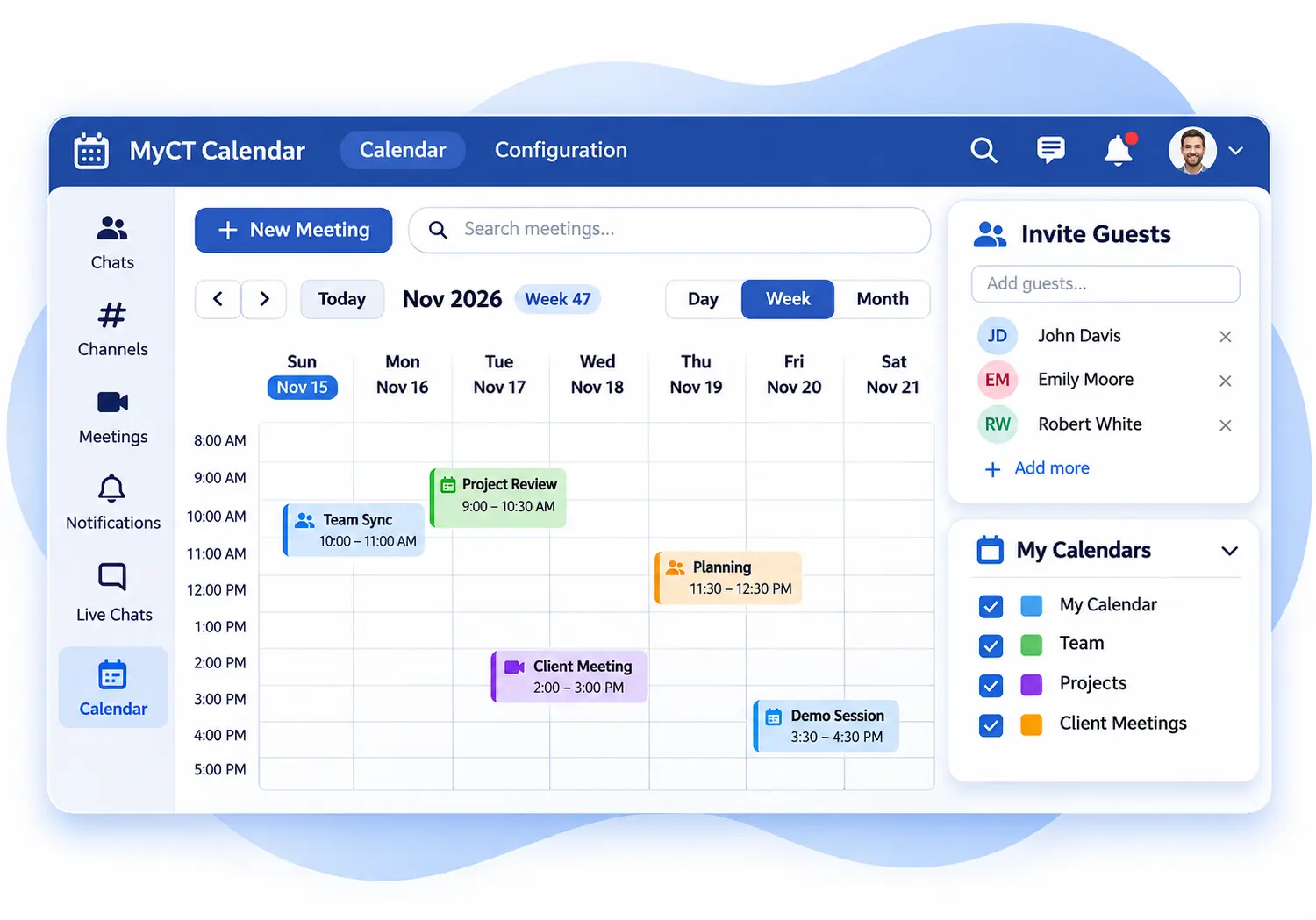
See Your Whole Week at a Glance
A weekly grid shows every meeting by day and hour. Jump to the current day with Today, or to any date from the mini calendar.
- Week grid with hours
- Today button and month navigation
- Mini calendar always in view
- Search meetings by name
Guests
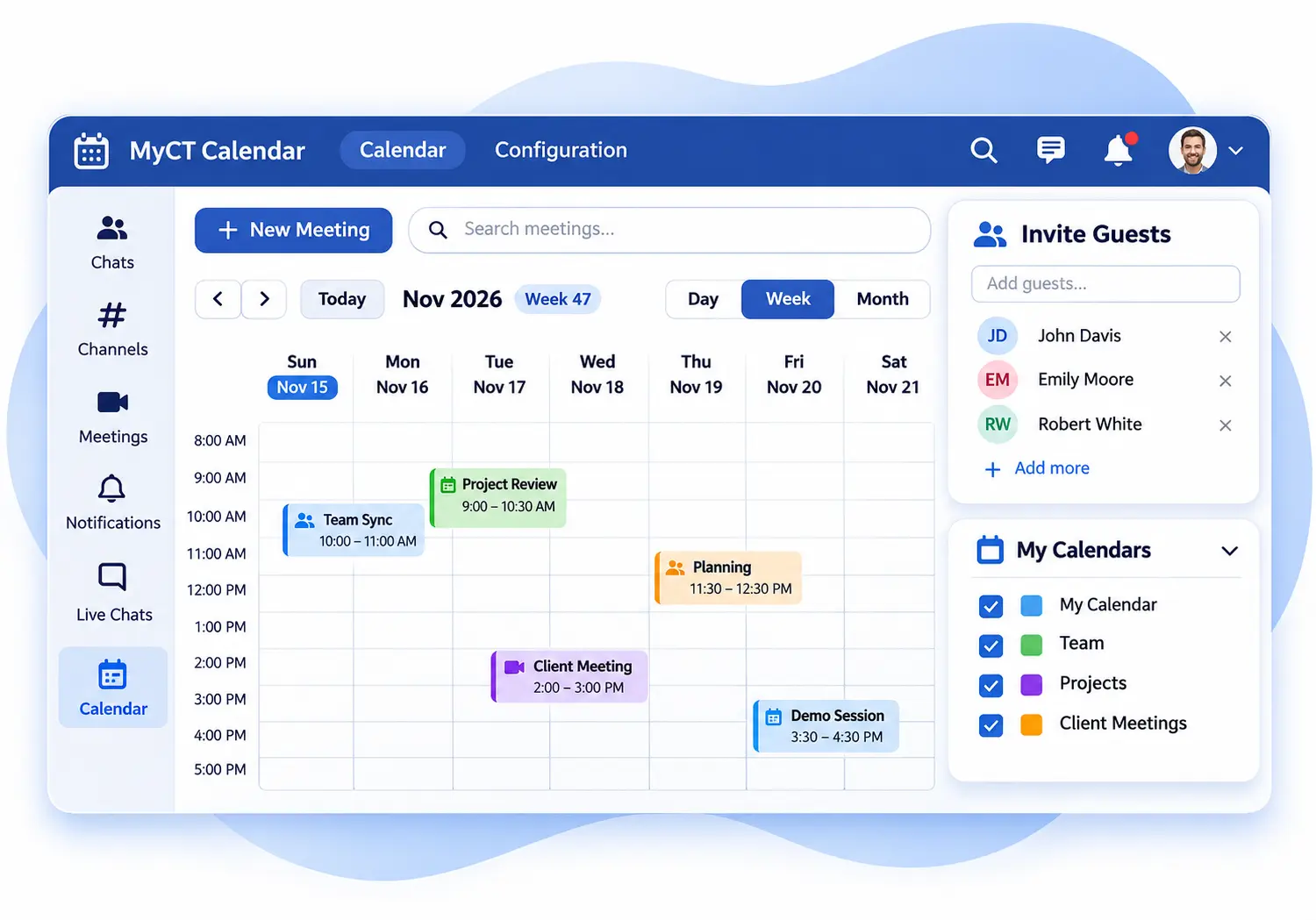
Invite Guests and Check Calendars
Use Meet with to add the people you want to see. My Calendars lets you show or hide calendars and activities in the same view.
- Add guests with Meet with
- Show or hide each calendar
- Everyone works from the shared calendar
List view
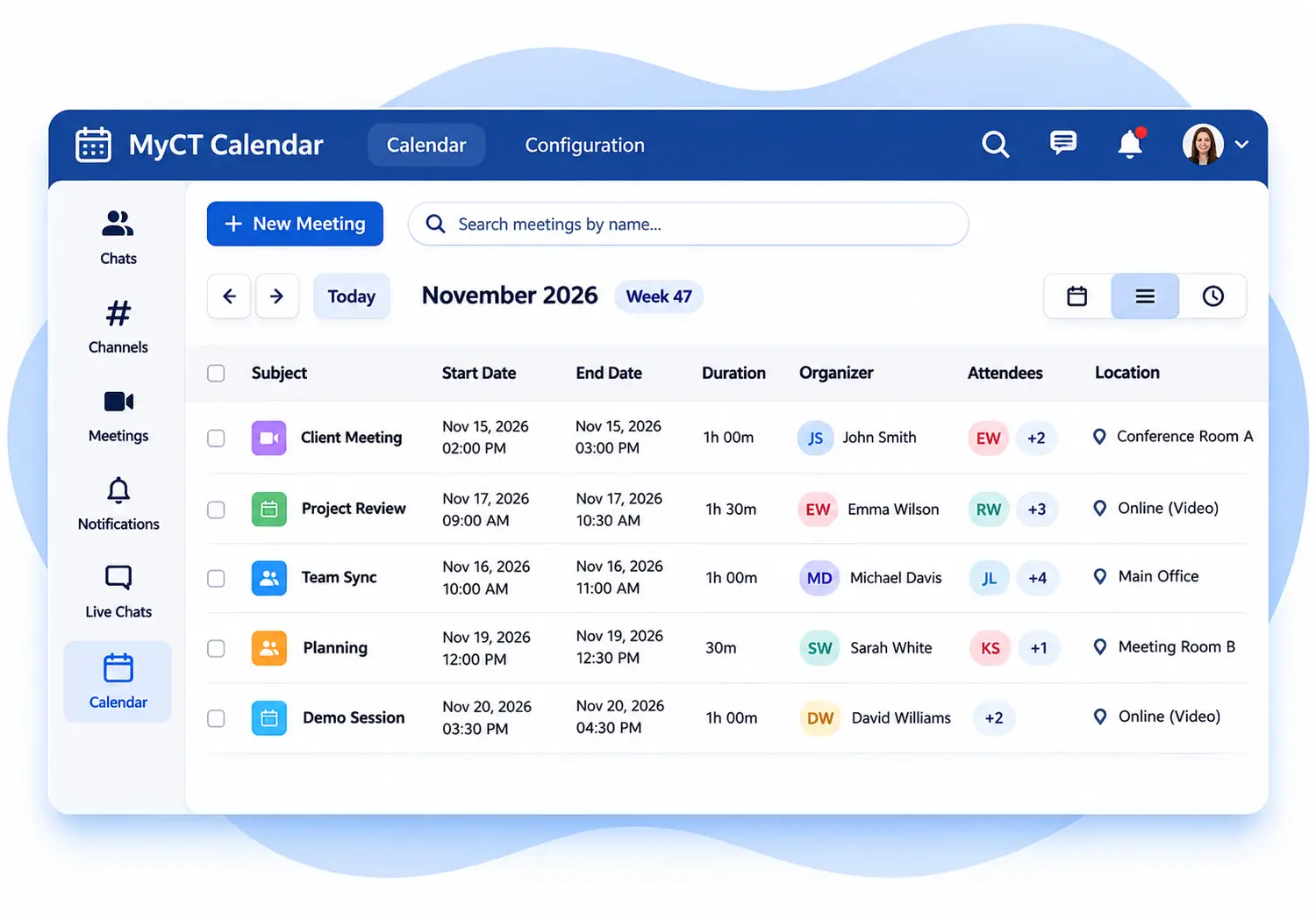
Switch to a List When You Need Detail
List view puts every meeting in a table, so you can review the details at a glance.
- Subject, start and end date, duration
- Organizer and attendees
- Location for each meeting
Views for Every Way of Planning
Switch the view from the toolbar. Start from what suits your team.
Calendar View
See your week laid out by day and hour.
List View
Review meetings by subject, dates, duration, organizer, attendees and location.
Activity View
Switch to the activity view from the same toolbar.
Mini Calendar
Jump to any date from the month on the right.
Benefits of Working with MYCT | Calendar Services
- All meetings in one shared calendar
- Guests and calendars visible while you plan
- Chat, channels and video meetings beside it
- Search and list view to find any meeting
- Setup help and long-term support
Our Approach to Calendar Setup
We start with how your team meets today. Then we set up your calendars, guests and channels and help your team get going.
Highlights of Our Calendar App
Meetings
Create and manage meetings in one shared calendar.
Meet With Guests
Add guests and plan around their calendars.
My Calendars
Turn calendars and activities on or off.
Today Button
Return to the current day in one click.
Search
Find any meeting by typing.
List View
All meetings in a sortable table.
Video Meetings
Start calls with no install needed.
Chat & Channels
Message the team beside your calendar.
Calendar Questions, Answered
Yes. The calendar shows a weekly grid with hours, and the Today button brings you back to the current day.
Yes. Use Meet with to add guests to a meeting.
Yes. Tick or untick the calendars listed under My Calendars.
Yes. List view shows subject, start and end date, duration, organizer, attendees and location.
No. Video conferences run without installing anything.
Yes. Contact us and we will help you get started.