AI Assistant – Ask, Check, Approve

Ask about customers, quotations, orders and deliveries in plain words. The Assistant answers from your own records, and every action waits for your approval.

AI Assistant

One assistant across every app you use.

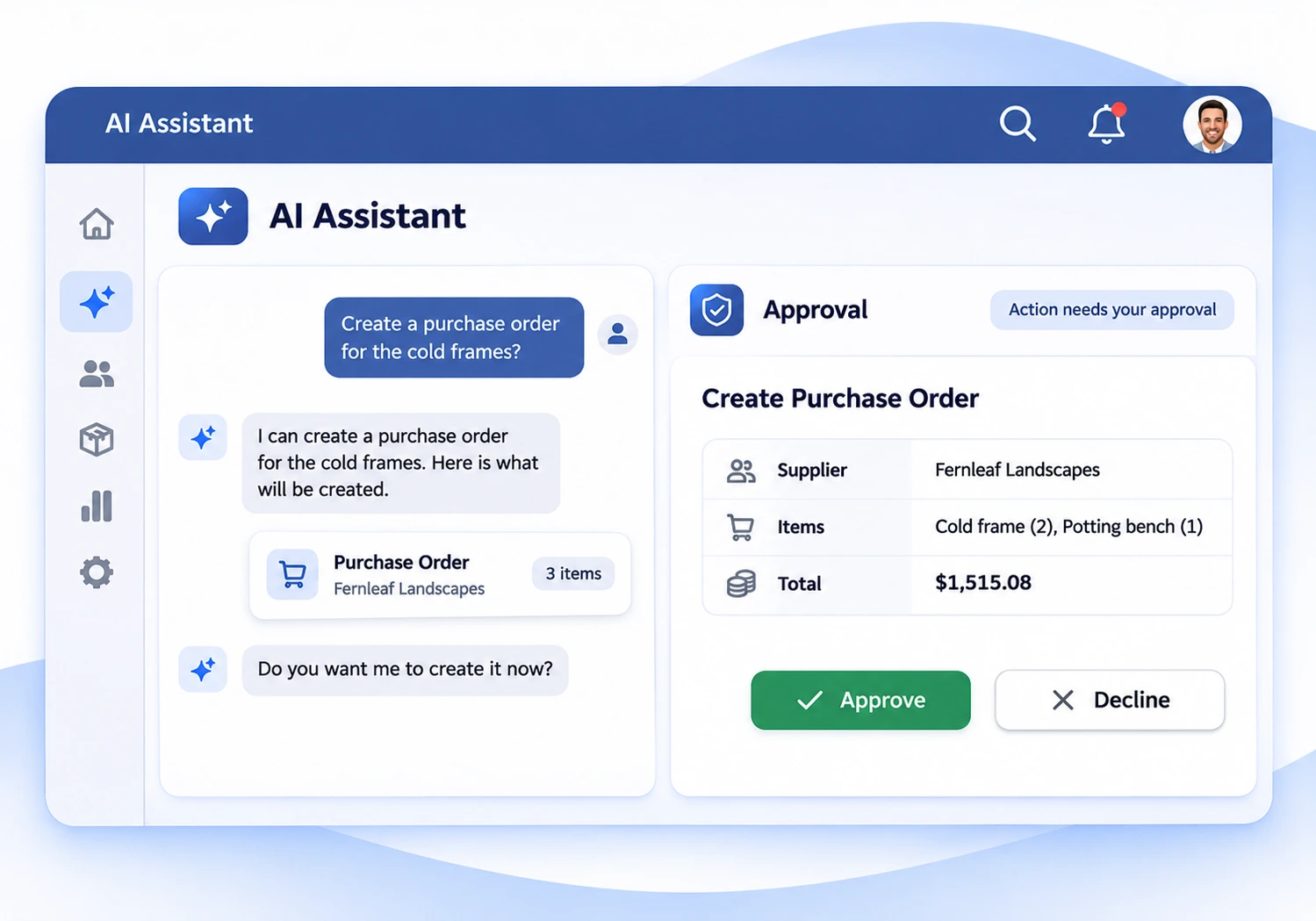
Ask in plain words, from any app. The Assistant does the work in the right app, hands off between apps when a job spans several, and shows you every change before it’s saved.
Just ask. Tap one to try it:
Your call: every change waits for your approval, and anything you approve can be undone.
AI Assistant
Every app
Working in:
QuotesInvoicesContactsEvents

From one sentence to a finished job

1
Say itType what you need, the way you’d say it to a colleague.
2
See itThe Assistant shows exactly what will change, before anything is saved.
3
Approve itOne click and it’s done. Changed your mind? Undo.

From First Question to Clear Answer in Four Steps

No setup headaches. Ask your first question the same day the Assistant is switched on.
01

Ask

Type a question about a customer, quotation, order or delivery.
02

Review

Read the answer, drawn from your own records.
03

Approve

If an action is suggested, check it and approve it yourself.
04

Follow up

Ask the next question and keep working in the same conversation.

Ask about your business, in a real conversation

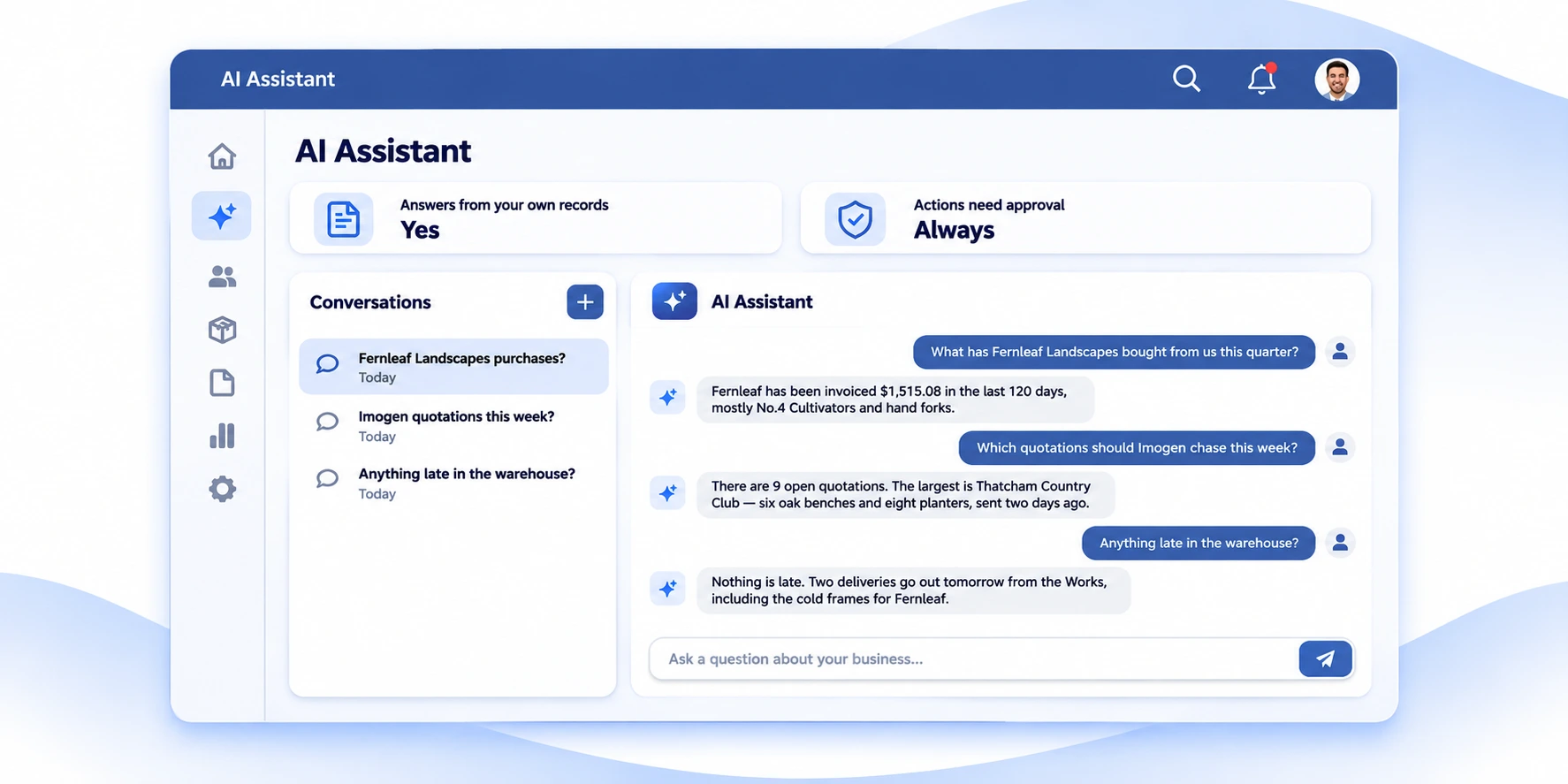
Here is the Assistant at work on our demo data. Short questions, short answers, all taken from the records your team already keeps.
AI Assistant is shown here as a MYCT preview over Barrowfield Group’s demo data — the same customers, staff and products the other apps use. It is switched on per customer; ask us and we will turn it on for you.

What you can ask it

Questions about the people, products and paperwork your business already keeps in MYCT.

Customers

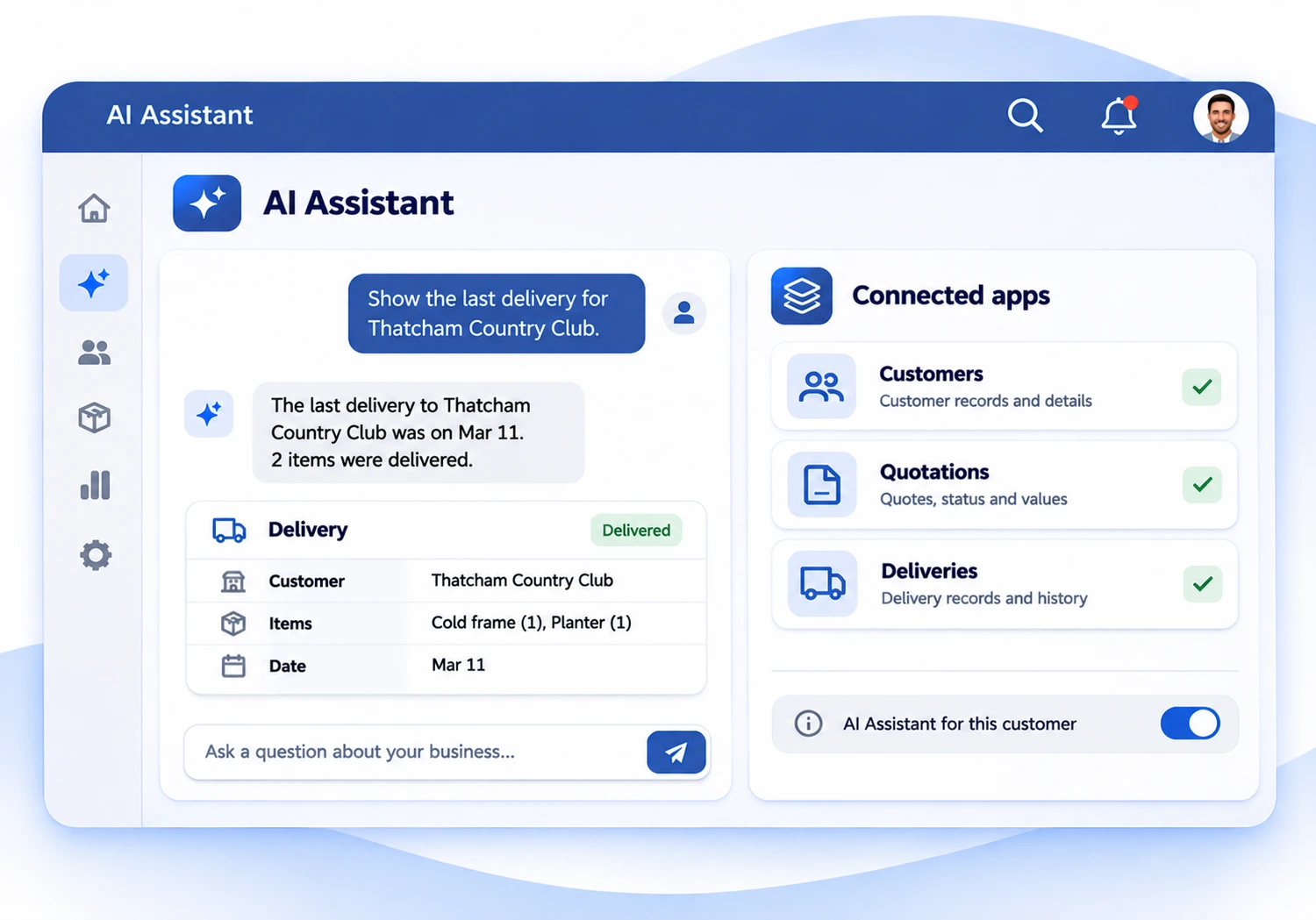
See what a customer has bought, what they have been invoiced and who the contact is.

Quotations

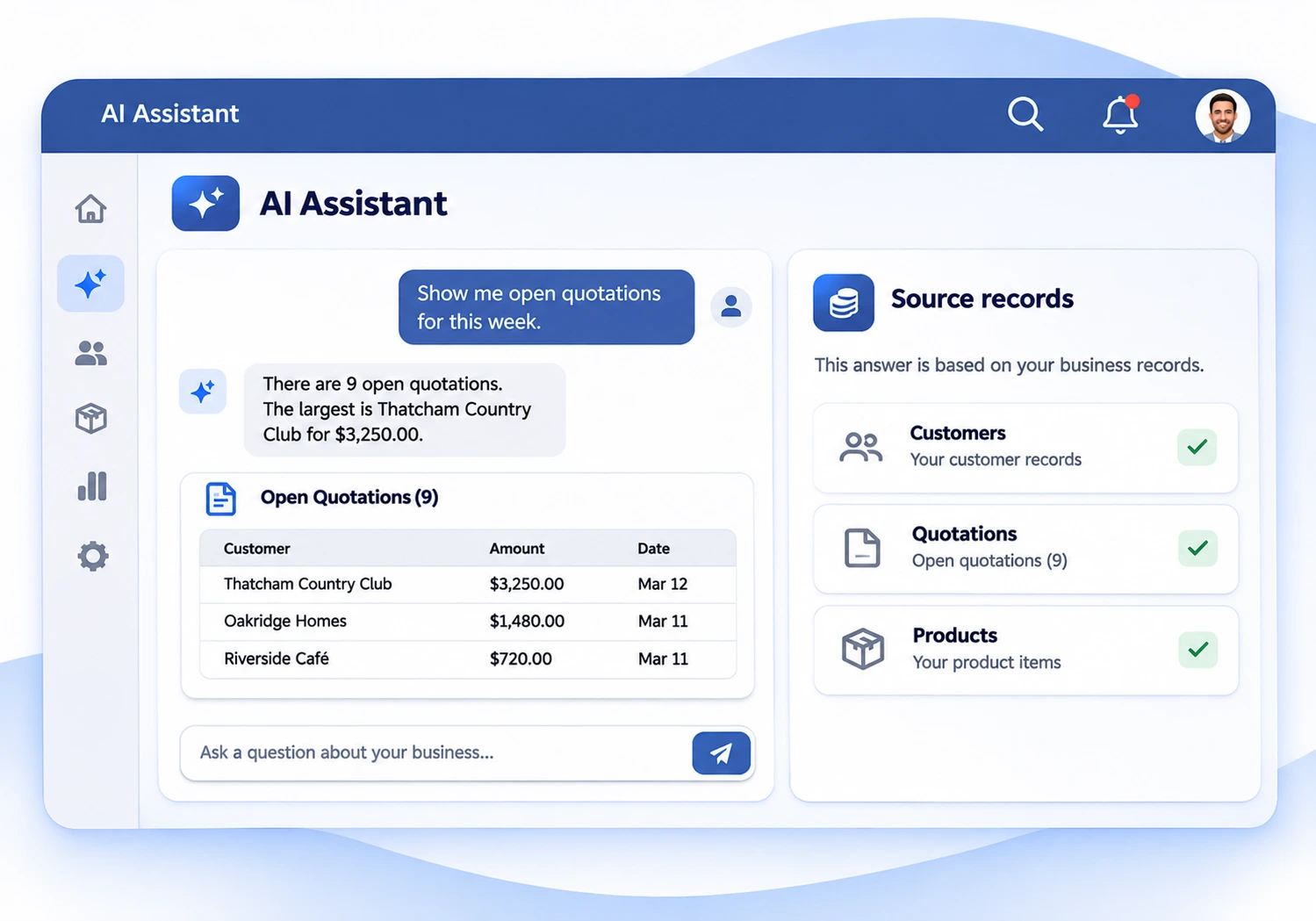
Find the open quotations, the biggest one and which are worth chasing this week.

Orders & deliveries

Check open orders and what goes out tomorrow, and whether anything is late in the warehouse.
ANSWERS

Answers you can trust

Built on your own records

The Assistant replies from the customers, staff and products already in your apps, so the answer matches what your team sees on their screens.
APPROVAL

You stay in control

Nothing changes until you say so

When the Assistant suggests an action, it shows exactly what would change first. You approve it, or you don’t. It never sends, posts, pays or publishes on its own.
CONNECTED

One Assistant across your apps

Same customers, staff and products

The Assistant looks at the same data your other MYCT apps use, so a question about a customer, a quotation or a delivery needs no extra setup. It is switched on per customer.

Benefits of Working with the MYCT AI Assistant

Our Approach to AI Assistant Setup

We start with how your business already works: your customers, quotations, orders and deliveries. Then we switch the Assistant on for your account, check it against your own records, and show your team which questions to try first.

Highlights of Our AI Assistant

Everything you need to ask, check and decide, built into your apps.

Plain-language questions

Ask the way you’d ask a colleague.

Your own records

Answers come from your data.

Approval first

Actions always wait for you.

Undo

Changed your mind? Undo it.

Your permissions

It works as you, nothing more.

Shared data

Same customers, staff and products as your apps.

Quotation follow-up

See which quotes are still open.

Delivery check

Know what is late and what ships next.

Built for Every Kind of Team

Start with one question, then ask anything.

Sales & Quotations

Which quotations to chase this week.

Customer Service

What a customer has bought and who the contact is.

Warehouse & Deliveries

What is late and what goes out tomorrow.

Management

A quick answer across customers, orders and invoices.

AI Assistant Questions, Answered

From your own records: the same customers, staff and products your other MYCT apps use.

No. Anything that changes something needs your approval first, and the Assistant never sends emails, posts, pays or publishes without it.

No. The Assistant works as you, with your permissions.

It is switched on per customer. Ask us and we will turn it on for you.

Let’s Work Together

Success is not just about adopting technology - it’s about leveraging it to create meaningful change. At MyCommunity.Today, we are committed to shaping a more connected, efficient, and innovative future for businesses across all industries. Whether you’re looking to modernize operations, enhance customer experiences, or drive sustainable growth, we are here to help.