








From First Rule to Final Report in Four Steps
Everything you need to apply taxes correctly sits under one Configuration menu. Start with your rules and follow the results in your reports.
Set up your sales and purchase taxes, fiscal positions, journals and payment terms in one place, then follow the results in your invoice reports.
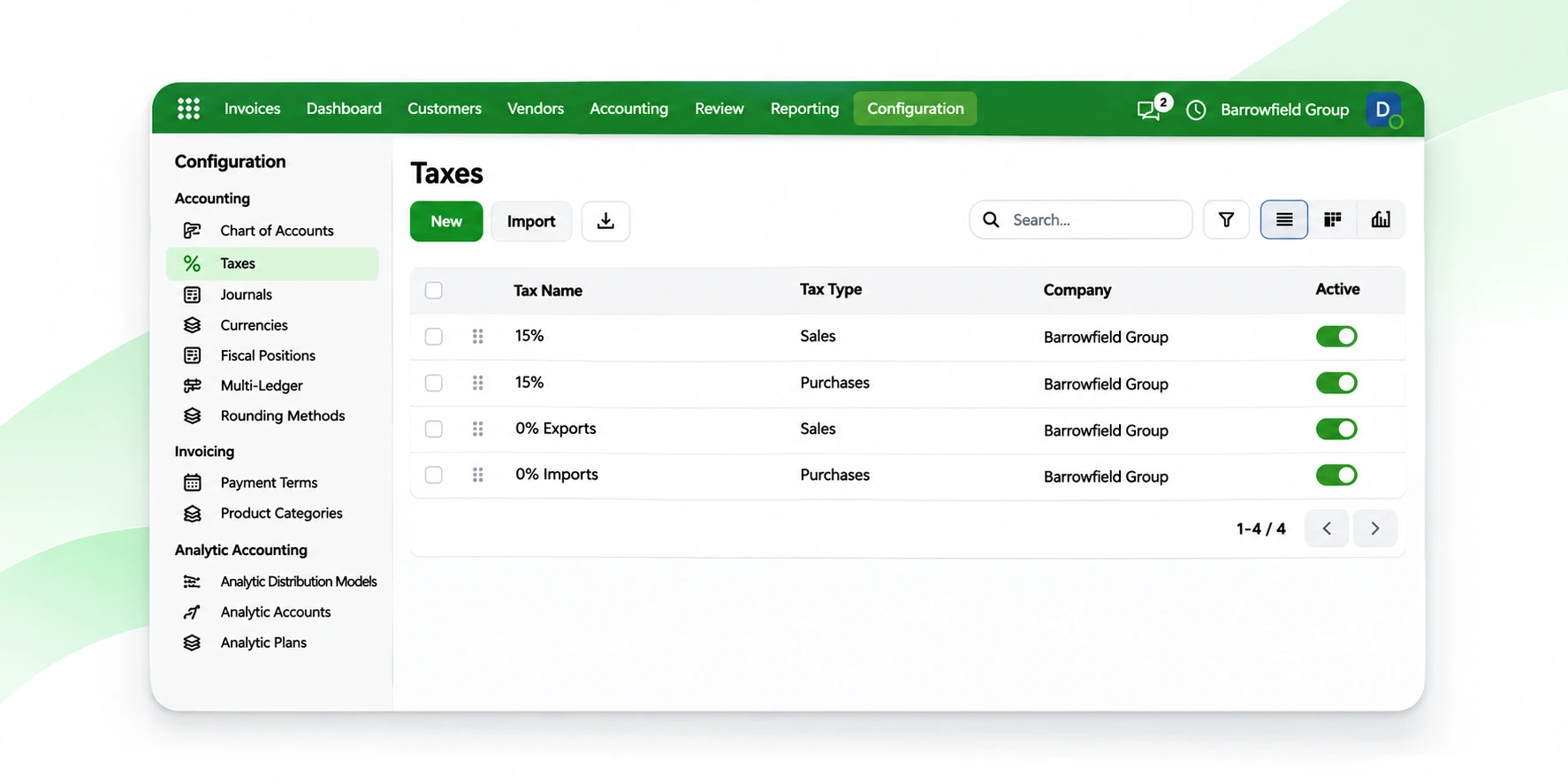
Name the tax and the rate. The Assistant creates sales or purchase taxes, percentage or fixed, and retires the ones you no longer charge.
The Assistant creates or retires taxes only after you approve the preview. A rate that's already been used is never changed.
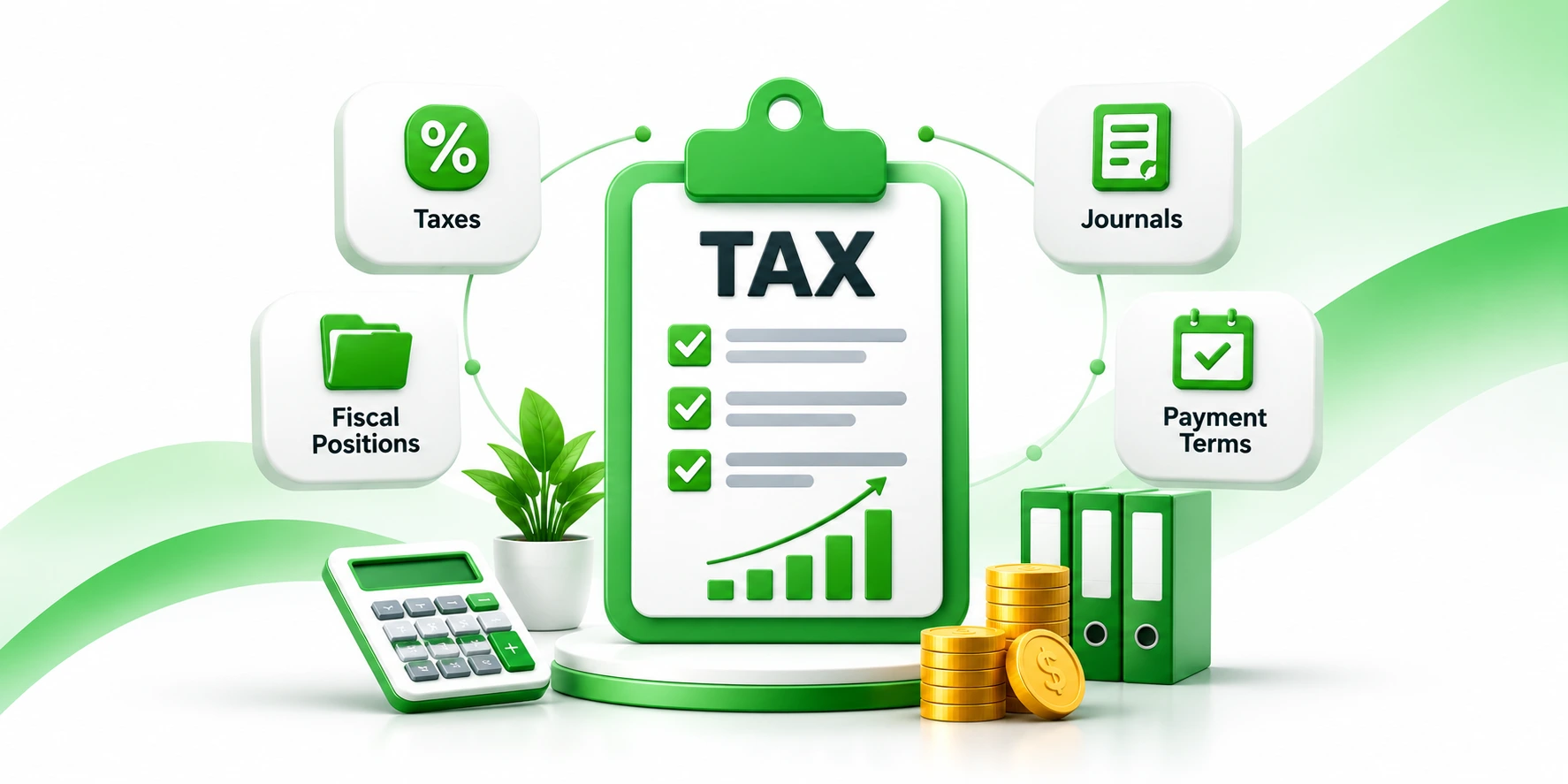
Taxes4Fiscal Positions2Journals10Payment Terms10Analytic
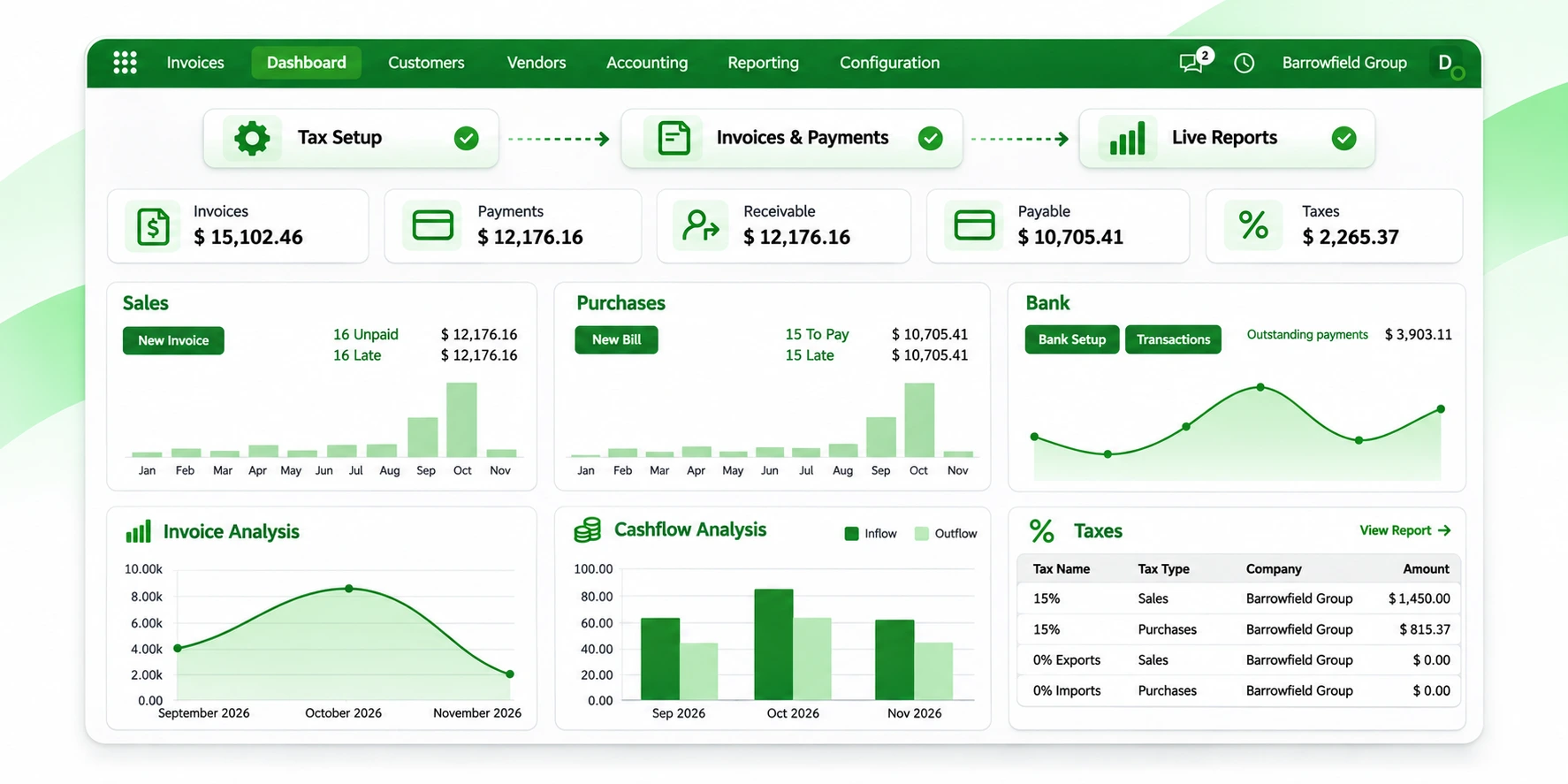
Once your rules are in place, invoices and payments flow into live reports. Figures are demo data.
Sales and purchase rules you can switch on or off.
Apply the right treatment for domestic and foreign trade.
Sales, purchases, bank, cash and point of sale.
Due dates from immediate payment to 90 days.
Connect payment providers to your invoices.
Distribution models, accounts and plans for costs.
Invoice, cashflow and journal item analysis.
Manage currencies and rounding methods.
Yes. Each tax has a type, Sales or Purchases, so a 15% sales tax and a 15% purchase tax can sit side by side.
The demo setup includes 0% Exports and 0% Imports rules, plus a Foreign Trade fiscal position next to Domestic.
Each journal has a type, a sequence prefix such as INV or BILL, and often a default account, so entries are numbered and booked consistently.
Yes. The Assistant shows the entry first and only adds it once you approve. You can undo it afterwards.
Yes. We review how you sell and buy, set up your rules and train your team. Use Contact Us to start.
Success is not just about adopting technology - it’s about leveraging it to create meaningful change. At MyCommunity.Today, we are committed to shaping a more connected, efficient, and innovative future for businesses across all industries. Whether you’re looking to modernize operations, enhance customer experiences, or drive sustainable growth, we are here to help.
© 2026 GoMyCommunity.Com ALL RIGHTS RESERVED.